





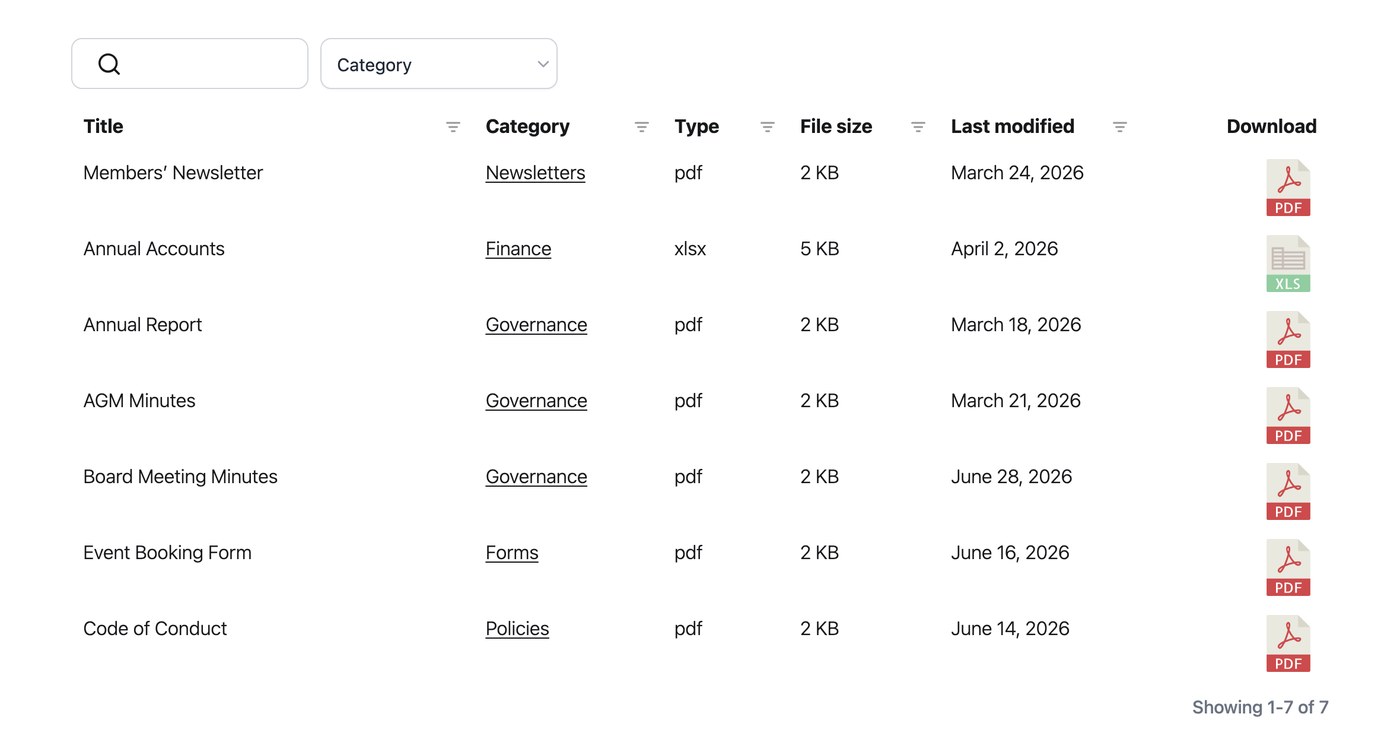
Document Library Pro kan voor elk document in je bibliotheek een datum tonen en laat je bepalen hoe die datums worden opgemaakt. Omdat de datumkolom als datum wordt behandeld in plaats van als platte tekst, sorteert deze de kolom ook correct op datum in plaats van alfabetisch.
Een datumkolom toevoegen
Om datums in je bibliotheek te tonen, voeg je de datumkolom toe aan je tabel of raster op het tabblad Weergave van je instellingen. Zodra de kolom aanwezig is, kunnen bezoekers erop sorteren en verschijnen de datums in de door jou gekozen indeling.
Datumnotatie
Standaard gebruiken datums de indeling die is ingesteld in Instellingen → Algemeen. Je kunt de datumindeling wijzigen naar elke geldige indelingsreeks. Bijvoorbeeld: “F j, Y” toont datums zoals “August 24, 2026”. Je stelt dit in op het tabblad Algemeen van je instellingen, en het geldt voor de datumkolom overal waar deze verschijnt.