Voeg een documentenbibliotheek toe aan Shopify
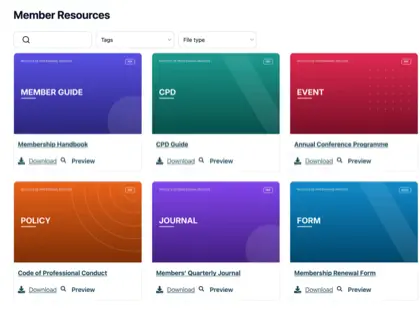
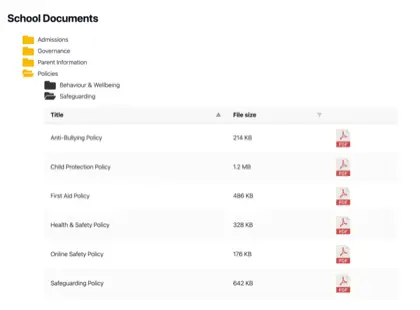
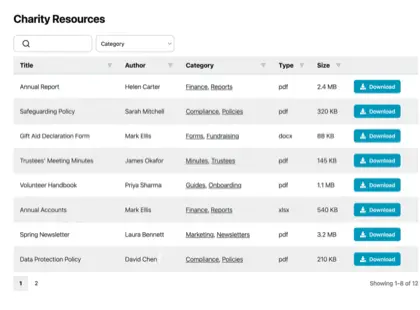
Geef shoppers de documenten die ze nodig hebben om met vertrouwen te kopen. Voeg productspecificaties, handleidingen, maattabellen en certificaten toe aan je Shopify-winkel in een doorzoekbare, filterbare bibliotheek.

Waarom een documentenbibliotheek toevoegen aan uw winkel?
Documenten die de aankoop stimuleren
Winkeliers willen vaak meer dan een productfoto voordat ze kopen. Plaats de documenten die hun vragen beantwoorden binnen één klik - doorzoekbaar, passend bij uw merk en gemakkelijk te downloaden.
Specificatiebladen
Maten, materialen en volledige technische details voor elk product.
Handleidingen en gidsen
Installatie- en handleidingsgidsen die het aantal vragen voorafgaand aan de verkoop verminderen.
Maattabellen
Help shoppers de juiste maat te kiezen en hun artikel te verzorgen.
Certificaten
Houd garanties, veiligheidsbestanden en nalevingsdocumenten actueel.
Hoe het werkt
Een documentenbibliotheek op Shopify, in drie stappen
Installeer de Shopify-documentenbibliotheek-app en die doet het moeilijke werk voor je. Geen insluitcodes, geen themabewerking.
Installeer de app
Voeg Document Library Pro met één klik toe vanuit de Shopify App Store. De app factureert via je Shopify-account en er is een gratis abonnement om mee te beginnen.
Bouw uw bibliotheek
De app opent je Document Library-account, waar je documenten uploadt (of in bulk importeert) en in categorieën sorteert. Je kunt ook een Google Drive- of Dropbox-map synchroniseren, zodat je documenten automatisch worden aangemaakt.
Voeg het toe aan je winkel
Terug in Shopify maakt de app een Documenten-pagina voor je en voegt hij een knop “Documentenbibliotheek invoegen” toe aan je productpagina's. Geen code nodig.
Eén bibliotheek of één per product
Twee manieren om je documenten te tonen op Shopify
Shoppers kunnen zoeken, filteren, voorbeelden bekijken en downloaden zonder je winkel te verlaten. Gebruik wat past - of allebei.
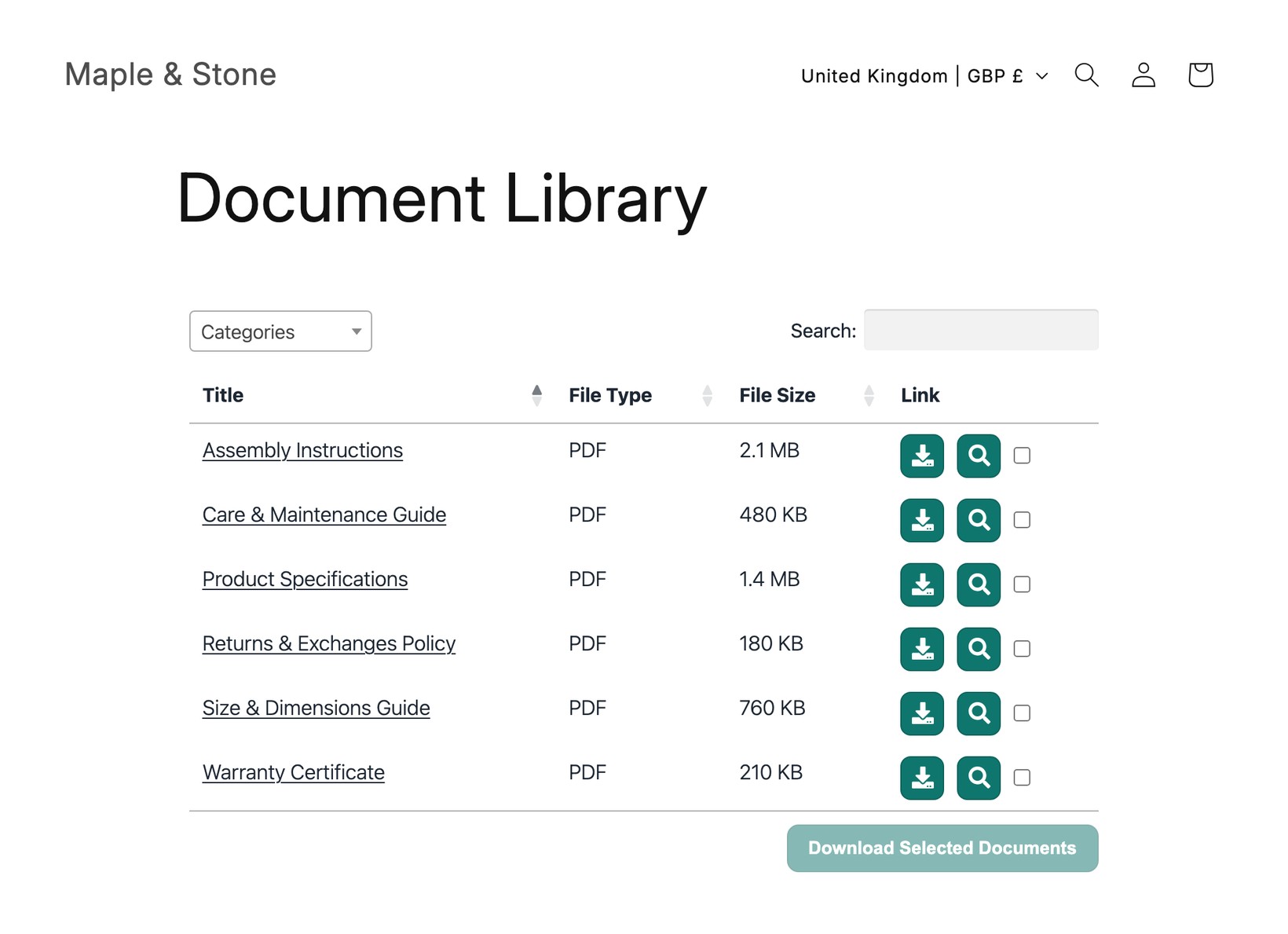
Eén centrale bibliotheek
Eén doorzoekbare plek met elk document in je winkel, gelinkt vanuit je menu. Ideaal voor beleid, catalogi en downloads voor de hele winkel.
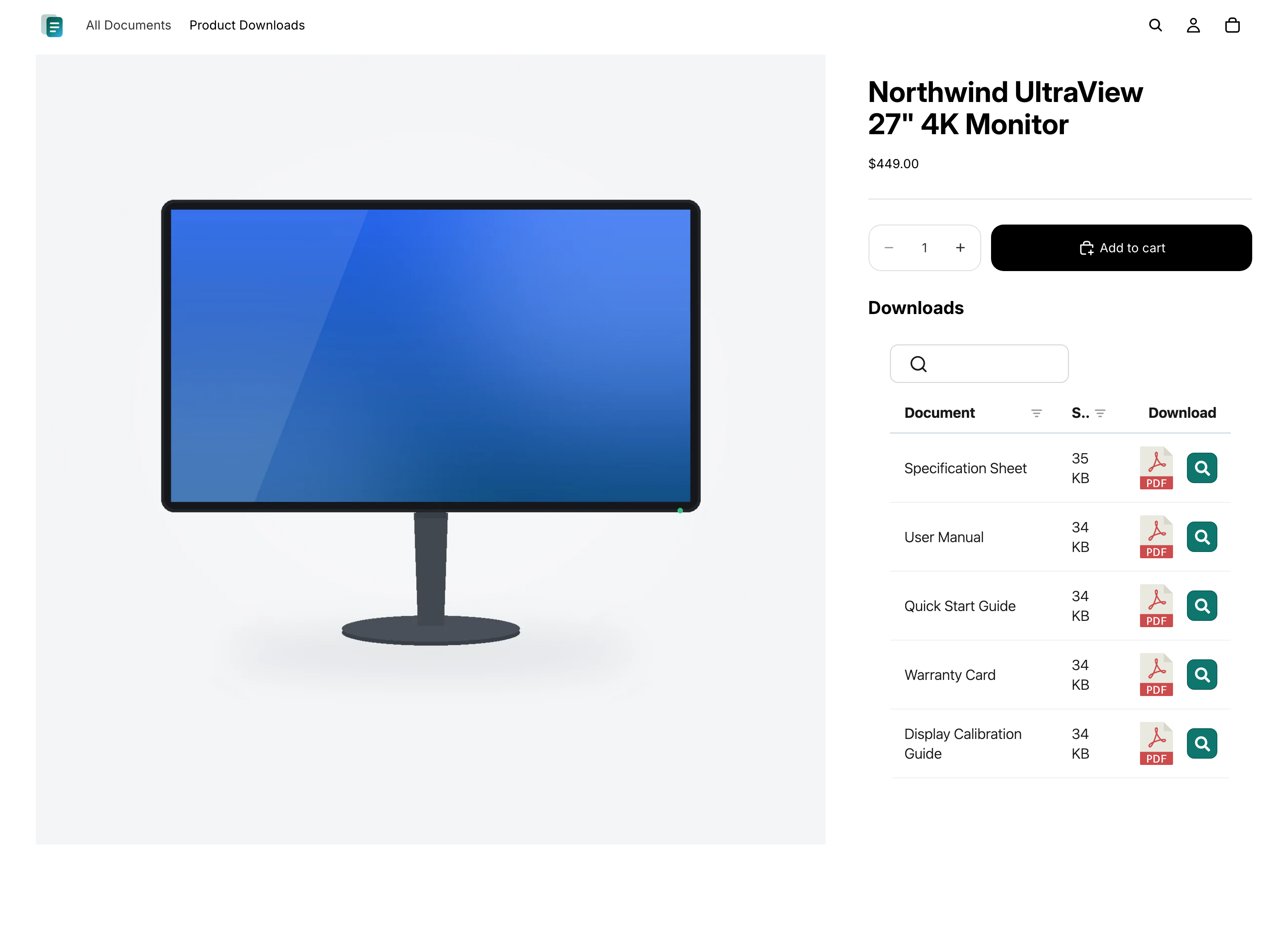
Documenten op elk product
Toon de juiste productspecificaties, handleidingen en certificaten direct op de productpagina, zodat shoppers precies zien wat geldt voor het artikel dat ze bekijken.
Vragen
Veelgestelde vragen
Kan Document Library Pro het aantal e-mails verminderen met vragen waar een document te vinden is?
Ja, als die e-mails komen van klanten die het juiste bestand niet kunnen vinden. Document Library Pro geeft ze een doorzoekbare, filterbare bibliotheek op een centrale pagina of op de relevante productpagina. Daardoor kan support mensen naar een vaste plek verwijzen in plaats van steeds dezelfde PDF bij te voegen.
Hoe voorkom ik dat klanten een verouderde versie downloaden?
Met het Advanced-abonnement helpen versiebeheer en documenten met automatische vervaldatum hierbij. Met versiebeheer kun je een document op één plek vervangen, zodat bibliotheken het actuele bestand tonen. Met documenten met automatische vervaldatum kun je een datum instellen voor tijdgevoelige documenten, zoals certificaten, zodat ze worden verwijderd in plaats van beschikbaar te blijven nadat ze zijn verlopen.
Kan ik een Google Drive- of Dropbox-map in mijn Shopify-winkel tonen?
Ja. Koppel een gedeelde Google Drive- of Dropbox-map aan een categorie in je documentbibliotheek, en elk bestand verschijnt in de bibliotheek van je Shopify-winkel als doorzoekbaar, downloadbaar document. De bibliotheek blijft automatisch gesynchroniseerd met de map, en er zijn geen API-sleutels nodig.
Moet ik Document Library Pro hier nemen of via de Shopify App Store?
Beide opties gebruiken dezelfde documentenbibliotheek, dus je krijgt hoe dan ook dezelfde functies. Als je op Shopify verkoopt, raden we aan de Shopify-documentenbibliotheek-app - die voegt je bibliotheken zonder code op de makkelijke manier aan je winkel toe en factureert via je Shopify-account. Meld je hier op onze website aan als je dezelfde bibliotheek op meer plekken dan alleen Shopify wilt insluiten (bijvoorbeeld je website, een helpcentrum of een ander platform).
Moet ik code of mijn thema bewerken?
Nee. De Shopify-app maakt een Documenten-pagina voor je en voegt een knop “Documentenbibliotheek invoegen” toe aan je productpagina's. Als je je in plaats daarvan hier op onze website aanmeldt, plak je een korte insluitcode in de HTML-weergave van een Shopify-pagina of productbeschrijving - nog steeds geen themabewerking.
Is er een gratis abonnement?
Ja. De gratis Shopify-documentenbibliotheek-app geeft je één bibliotheek met maximaal 10 documenten. Betaalde abonnementen voegen onbeperkte documenten, meerdere bibliotheken, bulkimport, met wachtwoord beveiligde bibliotheken, versiebeheer en meer toe.
Voeg een documentenbibliotheek toe aan je Shopify-winkel
Deel productspecificaties, handleidingen en gidsen in één doorzoekbare bibliotheek die je klanten kunnen bekijken en downloaden. Installeer gratis vanuit de Shopify App Store.