





By default, your library shows a short message when there is nothing to display. You can replace this with your own wording, which is helpful for guiding visitors or matching your tone of voice.
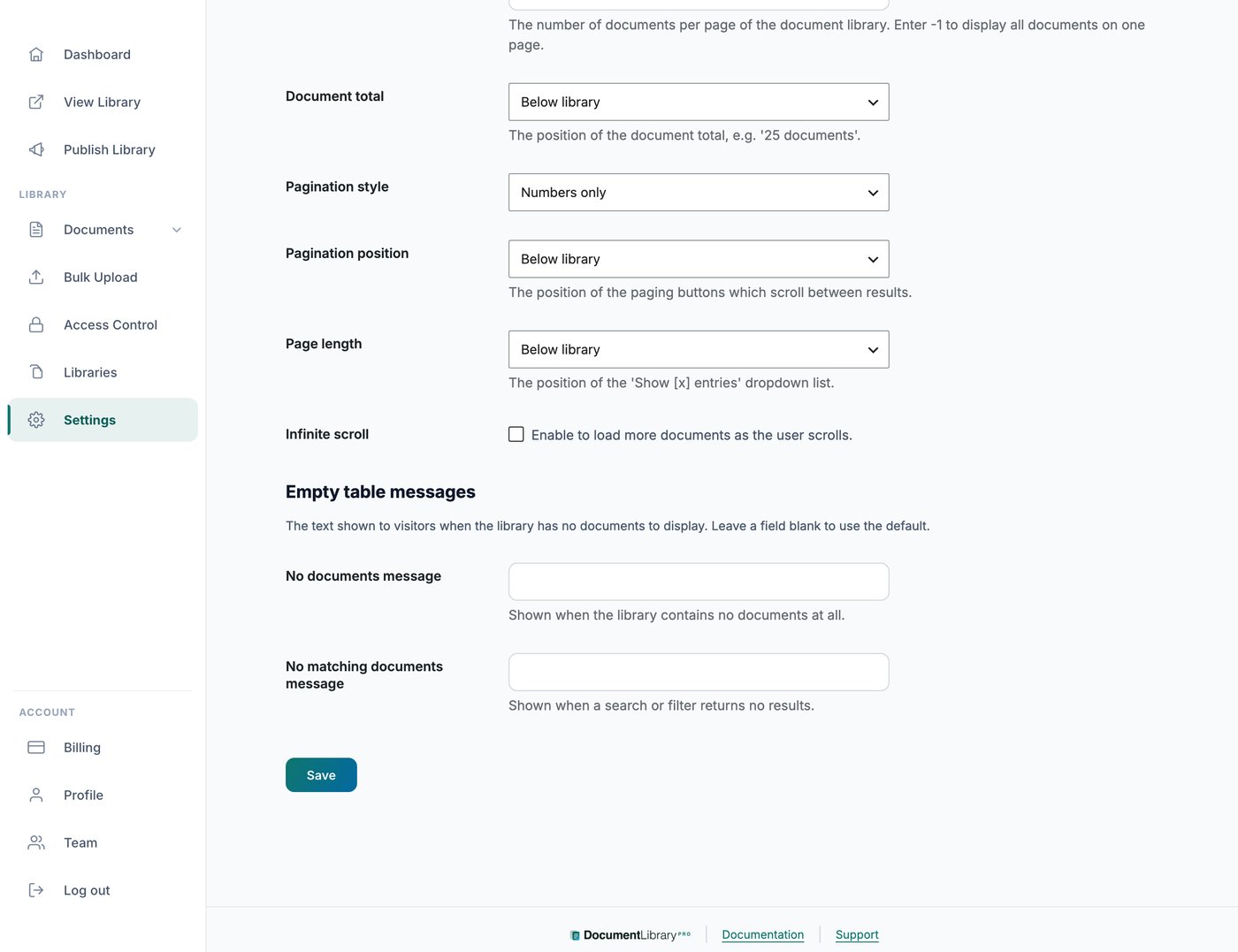
Where to find it
Open Settings and go to the Advanced tab. You will find fields for the empty-library messages there.
The two messages
There are two separate messages you can set. One appears when the library contains no documents at all. The other appears when a visitor’s search or filter returns no matching documents, so you can word each for its situation, for example inviting visitors to clear their filters and try again.
Different messages for different libraries
The messages on the Advanced tab apply to every library.
To use different wording in some libraries, for example libraries in another language, open Settings and go to the Translations tab. In the Empty and loading states section, set Library is empty and Nothing matched.
A message set on the Translations tab replaces the Advanced tab message for libraries that use that language. For a full guide, see translating your document library.