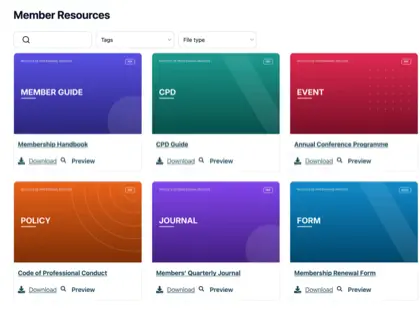
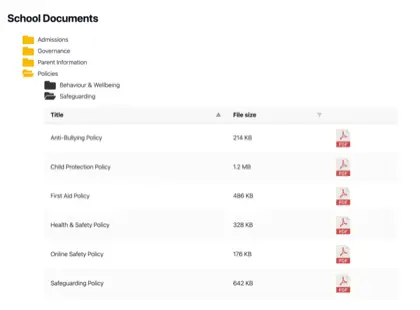
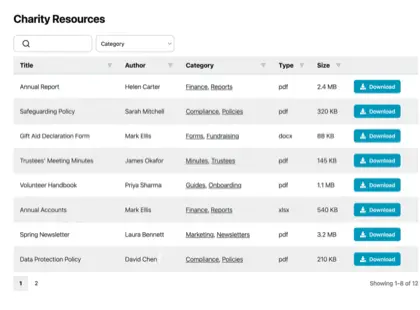
Add a document library to Shopify
Give shoppers the documents they need to buy with confidence. Add product spec sheets, manuals, size guides, and certificates to your Shopify store in a searchable, filterable library.

Why add a document library to your store?
Documents that help people buy
Shoppers often want more than a product photo before they buy. Put the documents that answer their questions one click away - searchable, on-brand, and easy to download.
Spec sheets
Sizes, materials, and full technical details for every product.
Manuals & guides
Setup and how-to guides that cut down on pre-sales questions.
Size guides
Help shoppers choose the right fit and care for their item.
Certificates
Keep warranties, safety files and compliance documents current.
How it works
A document library on Shopify, in three steps
Install the Shopify document library app and it does the hard part for you. No embed codes, no theme editing.
Install the app
Add Document Library Pro from the Shopify App Store in one click. It bills through your Shopify account, and there’s a free plan to start with.
Build your library
The app opens your Document Library account, where you upload documents (or bulk import them) and sort them into categories. You can also sync a Google Drive or Dropbox folder, so your documents create themselves.
Add it to your store
Back in Shopify, the app creates a Documents page for you and adds an “Insert document library” button to your product pages. No code required.
One library or one per product
Two ways to show your documents on Shopify
Shoppers search, filter, preview, and download without leaving your store. Use whichever fits - or both.
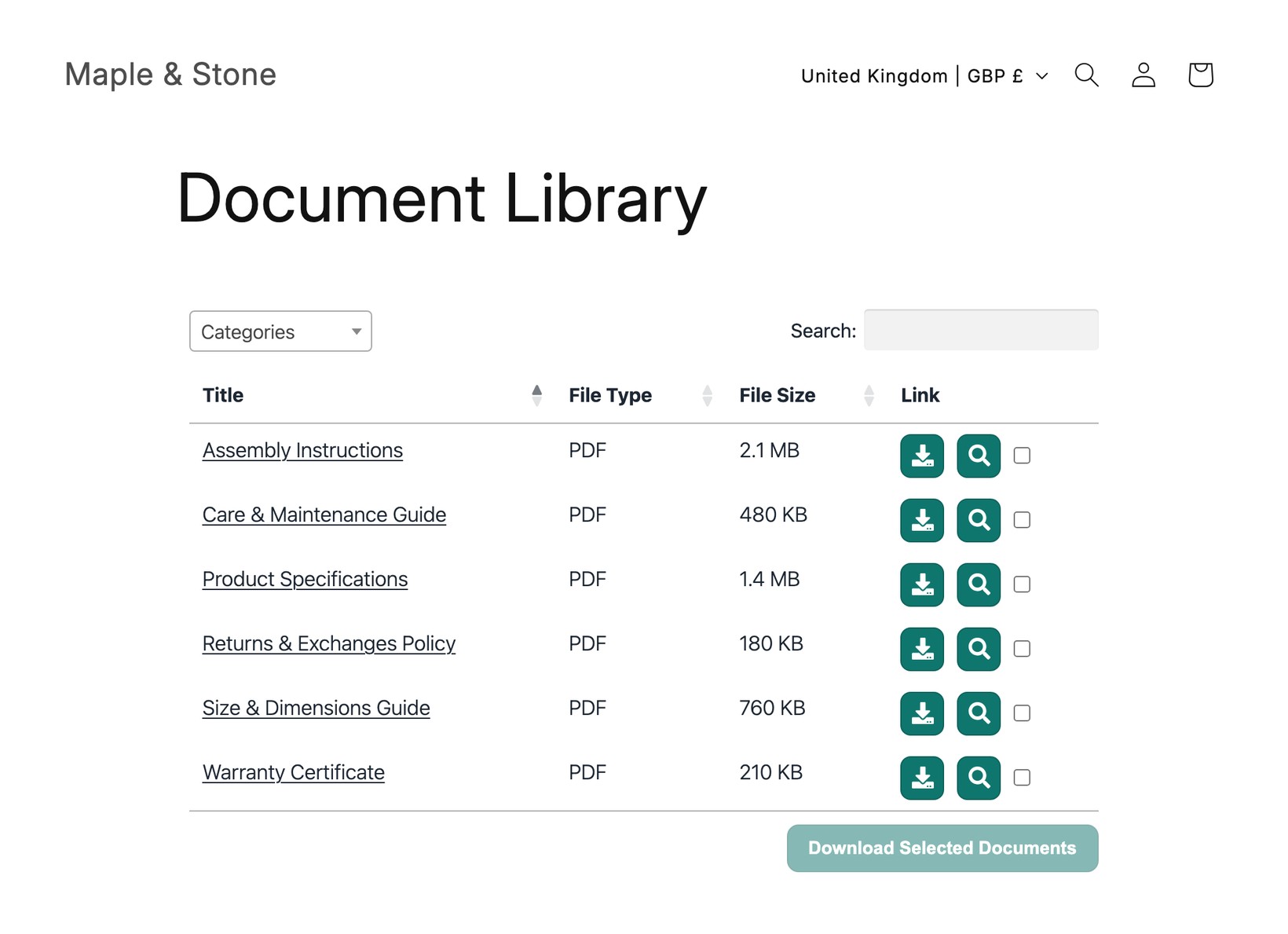
One central library
A single searchable hub listing every document in your store, linked from your menu. Ideal for policies, catalogues, and store-wide downloads.
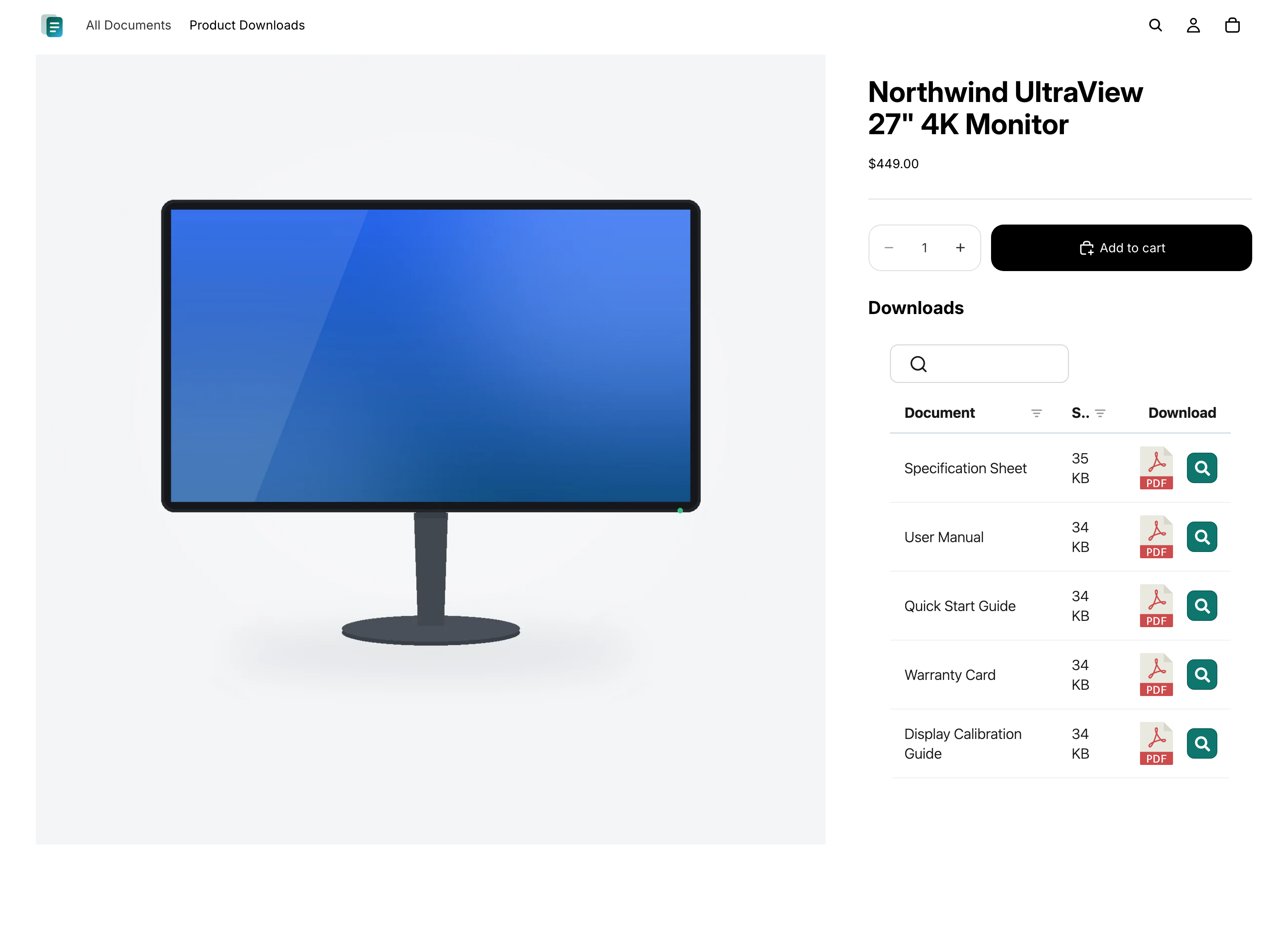
Documents on each product
Show the right spec sheets, manuals, and certificates right on the product page, so shoppers see exactly what applies to the item they’re viewing.
Questions
Frequently asked questions
Can Document Library Pro cut down emails asking where to find a document?
Yes, if those emails come from customers who can’t find the right file. Document Library Pro gives them a searchable, filterable library on a central page or on the relevant product page. As a result, support staff can point people to a consistent location instead of repeatedly attaching the same PDF.
How do I stop customers downloading an out-of-date version?
On the Advanced plan, version control and auto-expiry help with this. Version control lets you replace a document in one place so libraries show the current file. Auto-expiry lets you set a date for time-sensitive documents, such as certificates, so they come down instead of staying available after they lapse.
Can I display a Google Drive or Dropbox folder on my Shopify store?
Yes. Connect a shared Google Drive or Dropbox folder to a category in your document library, and every file appears in the library on your Shopify store as a searchable, downloadable document. The library stays in sync with the folder automatically, and there are no API keys to set up.
Should I get Document Library Pro here or on the Shopify App Store?
Both options use the same document library, so you get the same features either way. If you sell on Shopify, we recommend installing the Shopify document library app - it adds your libraries to your store the easy way, with no code, and bills through your Shopify account. Sign up here on our website instead if you want to embed the same library in more than just Shopify (for example your website, a help centre, or another platform).
Do I need to edit code or my theme?
No. The Shopify app creates a Documents page for you and adds an “Insert document library” button to your product pages. If you sign up here on our website instead, you’ll paste a short embed code into the HTML view of a Shopify page or product description - still no theme editing.
Is there a free plan?
Yes. The free Shopify document library app gives you one library with up to 10 documents. Paid plans add unlimited documents, multiple libraries, bulk import, password-protected libraries, version control, and more.
Add a document library to your Shopify store
Share product specs, manuals, and guides in one searchable library that your customers can browse and download. Install free from the Shopify App Store.