Add a document library to Wix
Build your library once, then add it to any Wix page with the Document Library Pro app as a native Wix widget.
Why add a document library to your site?
Give visitors the documents they came for
Whatever your Wix site is for, visitors often need more than a web page. Put the documents they came for one click away - searchable, on-brand, and easy to download.
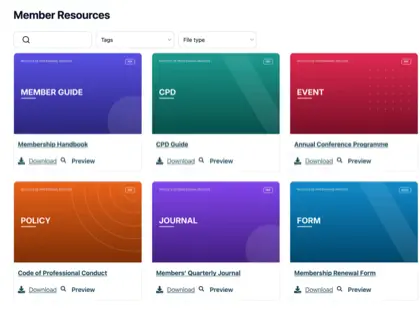
Projects & portfolios
Showcase your work, services, and prices in downloadable detail.
Guides & manuals
How-to guides and instructions your visitors can take away.
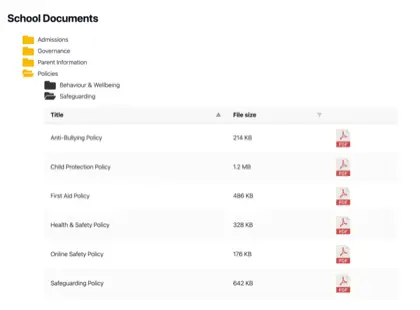
Reports & policies
Annual reports, policies, and official documents in one place.
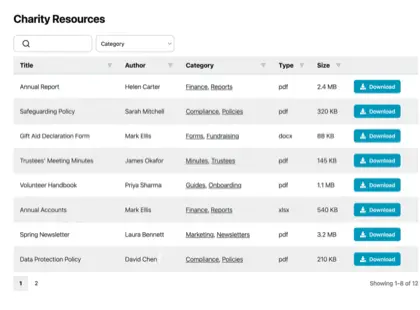
Forms & price lists
Registration forms, price lists, and resources to download.
How it works
A document library on Wix, in three steps
Build your library in the hosted dashboard, then add it to a Wix page with the Document Library Pro app.
Build your library
Build your library in the hosted dashboard. Upload documents, organize them into categories, or sync a Google Drive or Dropbox folder.
Install the Wix app
Install the Document Library Pro app from the Wix App Market. Then add the widget to the page where you want your library to appear.
Choose your library
Select the widget and choose your library in its settings. Then publish the page, using our step-by-step guide if you need the full walkthrough.
See it on Wix
What it looks like on your site
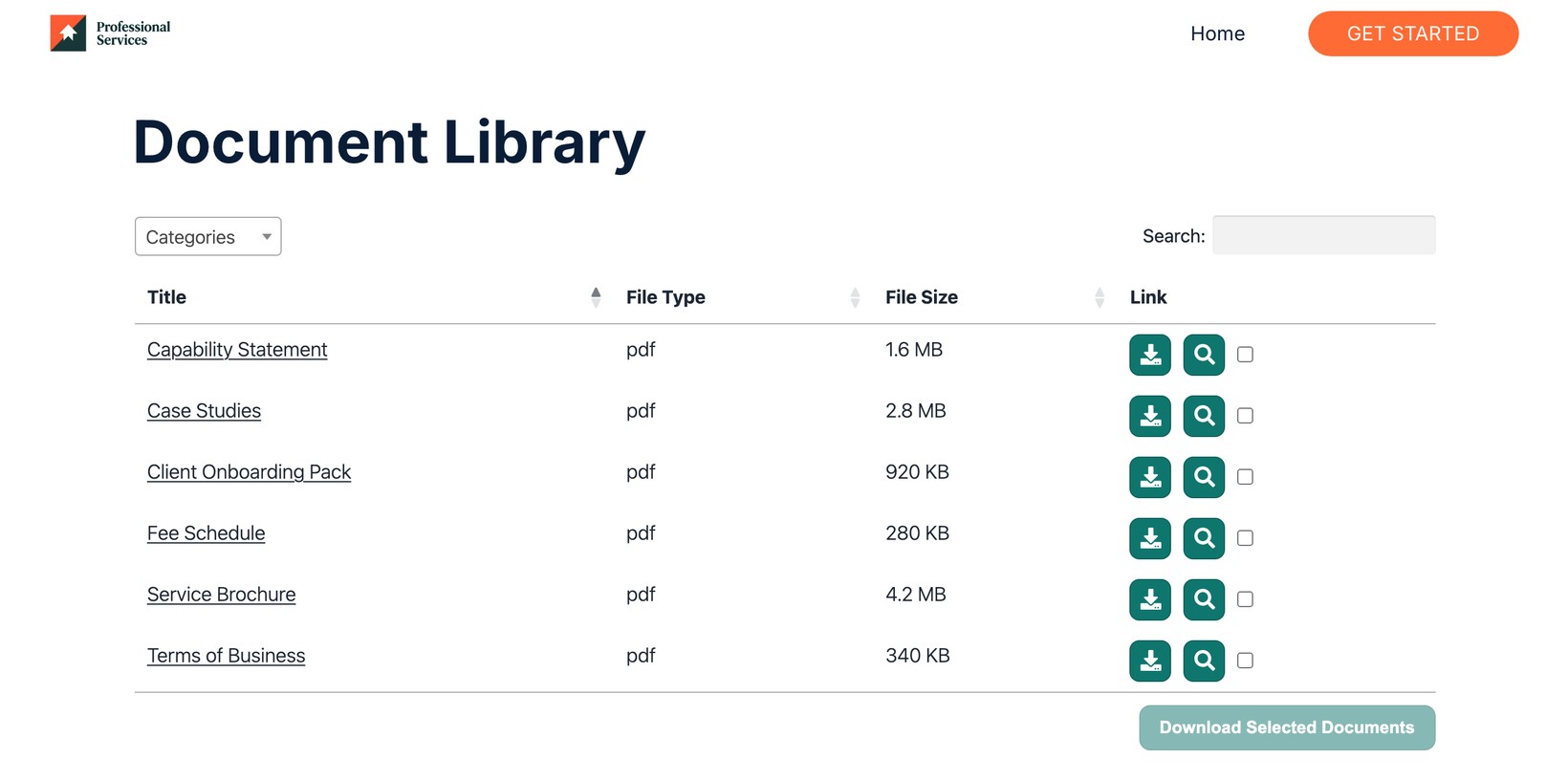
Help your visitors find every document
Share brochures, guides, and reports in one searchable library that your visitors can browse and download.
See it in action
The admin demo shows the WordPress plugin. The hosted version works the same way behind the scenes - just with its own dashboard.