Add a resource library to HubSpot
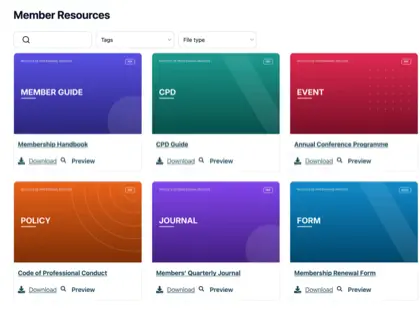
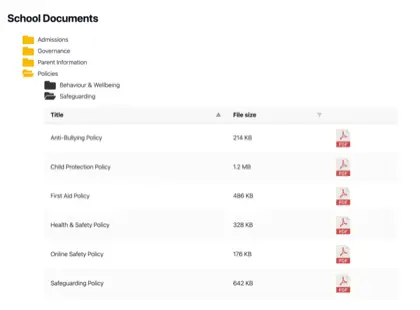
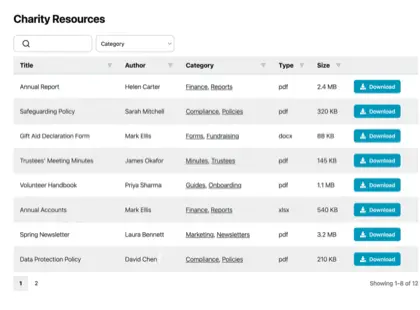
Give visitors a searchable, filterable HubSpot document library they can use right away, and set it up yourself in a few minutes.
Where do HubSpot files belong?
Give visitors one place to search
HubSpot manages the CRM and marketing work. At the end of that path, visitors still need the right forms, reports and PDFs.
Sales collateral
Keep sales spec sheets, brochures and price lists easy to find.
Guides and whitepapers
Make guides and whitepapers easy to browse, filter and search.
Reports and policies
Sort reports, policies, agendas and meeting minutes by category.
Forms and downloads
Give forms, fact sheets, newsletters and downloads clear labels.
How it works
Build for HubSpot in three steps
Create the resource library in your dashboard, copy the embed code and add it to the HubSpot page you already use.
Build your library
Create the resource library by uploading documents, adding categories, or syncing Google Drive or Dropbox.
Copy embed code
The dashboard gives you a short piece of code to copy, so you can add the library to your page.
Add to HubSpot
Put it on the HubSpot page you choose so the library appears for visitors, using our step-by-step guide.
HubSpot embed
Add the embed in HubSpot
Add a Rich text module, choose Insert then Embed, and paste the snippet. No custom module is needed, so it works on HubSpot’s free plan.
For HubSpot teams
A library visitors can use
Build your HubSpot resource library
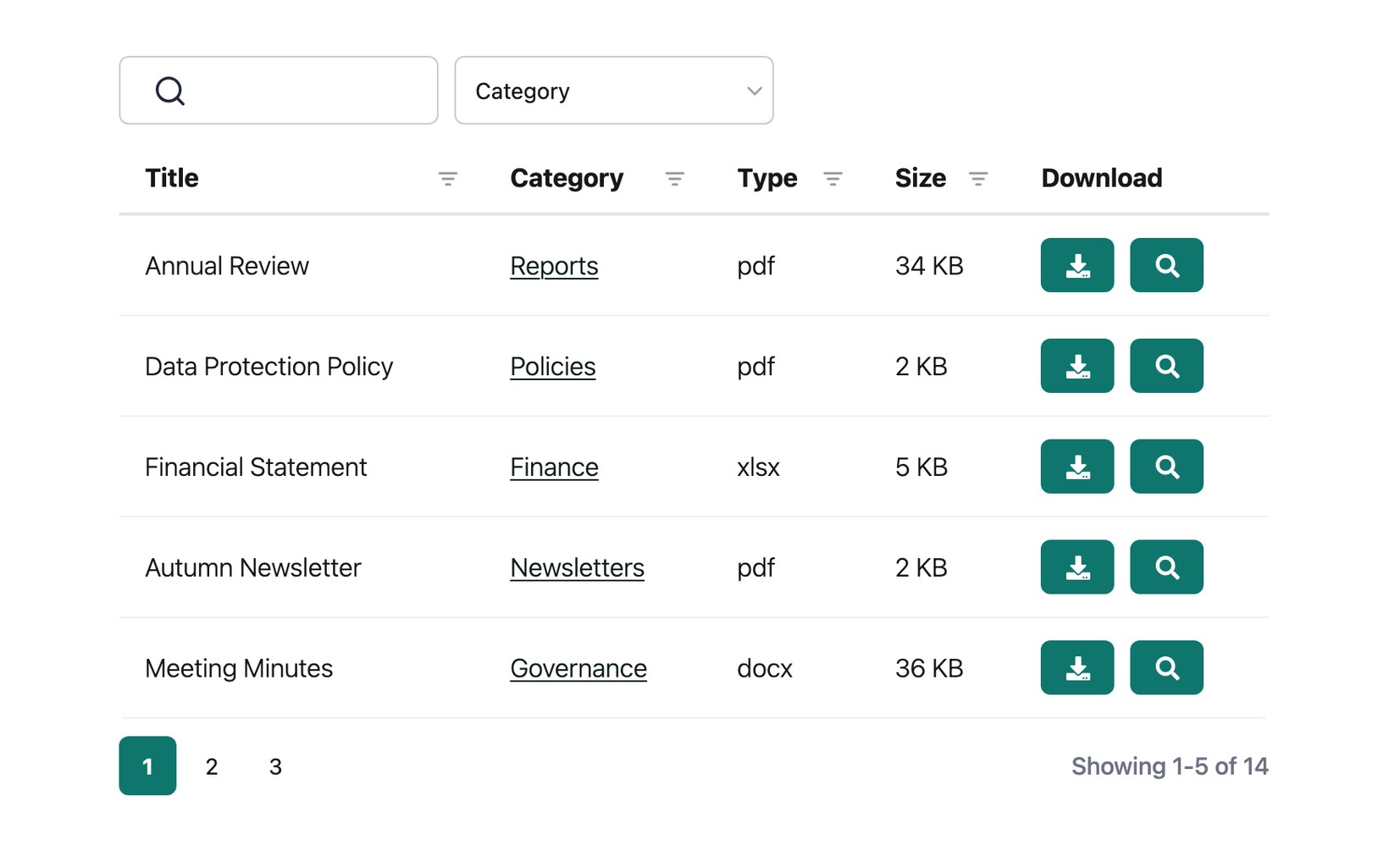
Create a searchable HubSpot document library visitors can use right away, without waiting on a developer.
See it in action
The admin demo shows the WordPress plugin. The hosted version works the same way behind the scenes - just with its own dashboard.