





In Document Library Pro you can choose how many documents appear on each page of the library, and set the total number of documents the library will display. You control both on the Advanced tab of your settings.
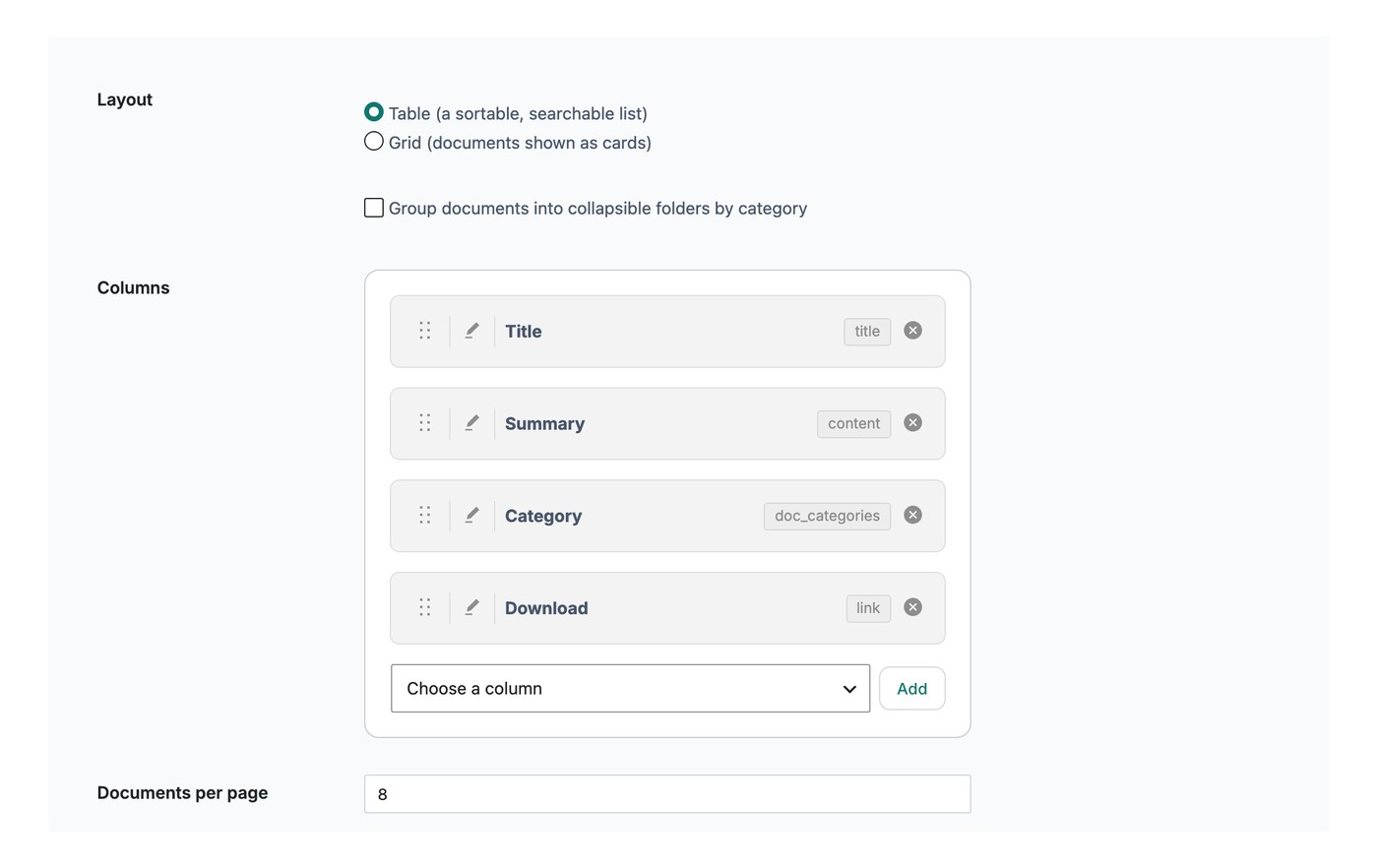
Documents per page
This setting controls how many rows show on each page of the library before a visitor moves to the next page. The default is 25 documents. You can set it lower, for example 10, to show fewer per page, or choose to show every document on a single page.
If you have switched on infinite scroll, the documents per page setting does not apply. Instead, more documents load automatically as the visitor scrolls down the library.
Document limit
The document limit sets the largest number of documents the library will display in total. The default is 500, and you can enter -1 to show all your documents with no limit.