





Dans Document Library Pro, vous pouvez choisir combien de documents apparaissent sur chaque page de la bibliothèque et définir le nombre total de documents que la bibliothèque affichera. Vous contrôlez les deux dans l’onglet Advanced de vos réglages.
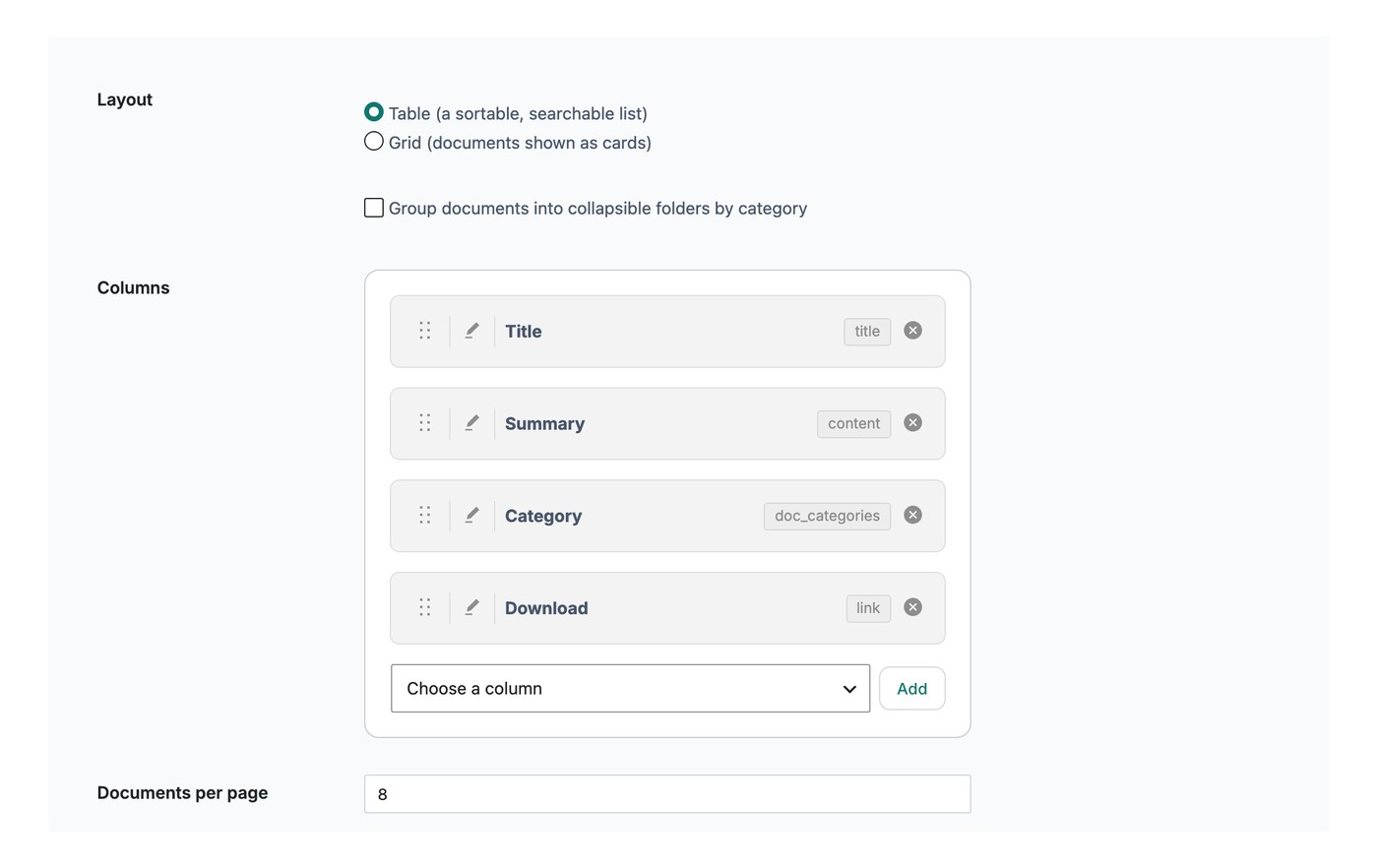
Documents par page
Ce paramètre contrôle le nombre de lignes affichées sur chaque page de la bibliothèque avant qu’un visiteur passe à la page suivante. La valeur par défaut est de 25 documents. Vous pouvez la réduire, par exemple à 10, pour afficher moins d’éléments par page, ou choisir d’afficher tous les documents sur une seule page.
Si vous avez activé Défilement infini, le paramètre de documents par page ne s’applique pas. À la place, davantage de documents se chargent automatiquement lorsque le visiteur fait défiler la bibliothèque vers le bas.
Limite de documents
La limite de documents définit le nombre maximal de documents que la bibliothèque affichera au total. La valeur par défaut est 500, et vous pouvez saisir -1 pour afficher tous vos documents sans limite.