





Document expiry lets you give any file an end date, so it disappears from your library automatically once that date passes. This is handy for time-limited offers, dated price lists, or paperwork that should only be available for a set window. Expiry is an Advanced plan feature.
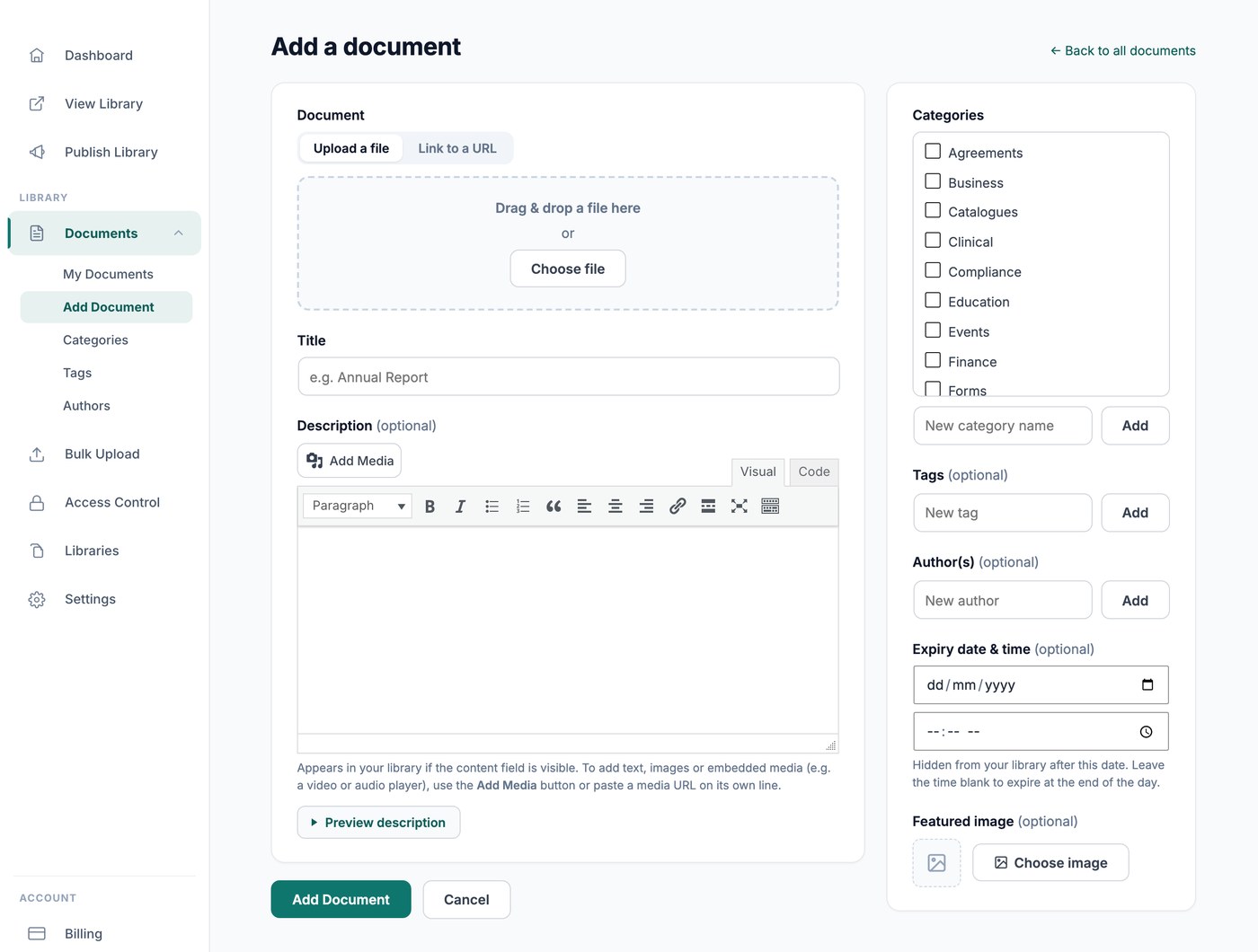
Setting an expiry date
Open the document from Documents → My Documents and set the Expiry date & time field. The date follows the timezone set on the General tab of your settings. When that date arrives, the document is hidden from your library, so visitors can no longer see or download it. Clear the expiry date to bring it back.
What counts as expired
Expired documents drop out of view as soon as their date passes. Documents synced from a Google Drive or Dropbox folder cannot be given an expiry date, because the folder is the source of truth.