





You can let visitors submit their own documents to your library through a front-end submission form. Every submission is held for your approval before it appears, so you stay in control of what goes live.
Turn on submissions
Go to Publish Library and tick Allow visitors to submit documents to the library, then save. This switches on the submission form for your library.
The Front end document submission options on the Settings page don’t switch the form on or off. They control how submissions work once you have enabled them on the Publish Library page.
Add the form to your site
Open the Publish Library screen to get the form. You can:
- Copy the form’s embed code and paste it onto any page of your own website or intranet, next to your library or on a separate page.
- Or, if you use your library website, show the form as a Submit Document link in the menu so visitors can reach it from the library itself.
What visitors see
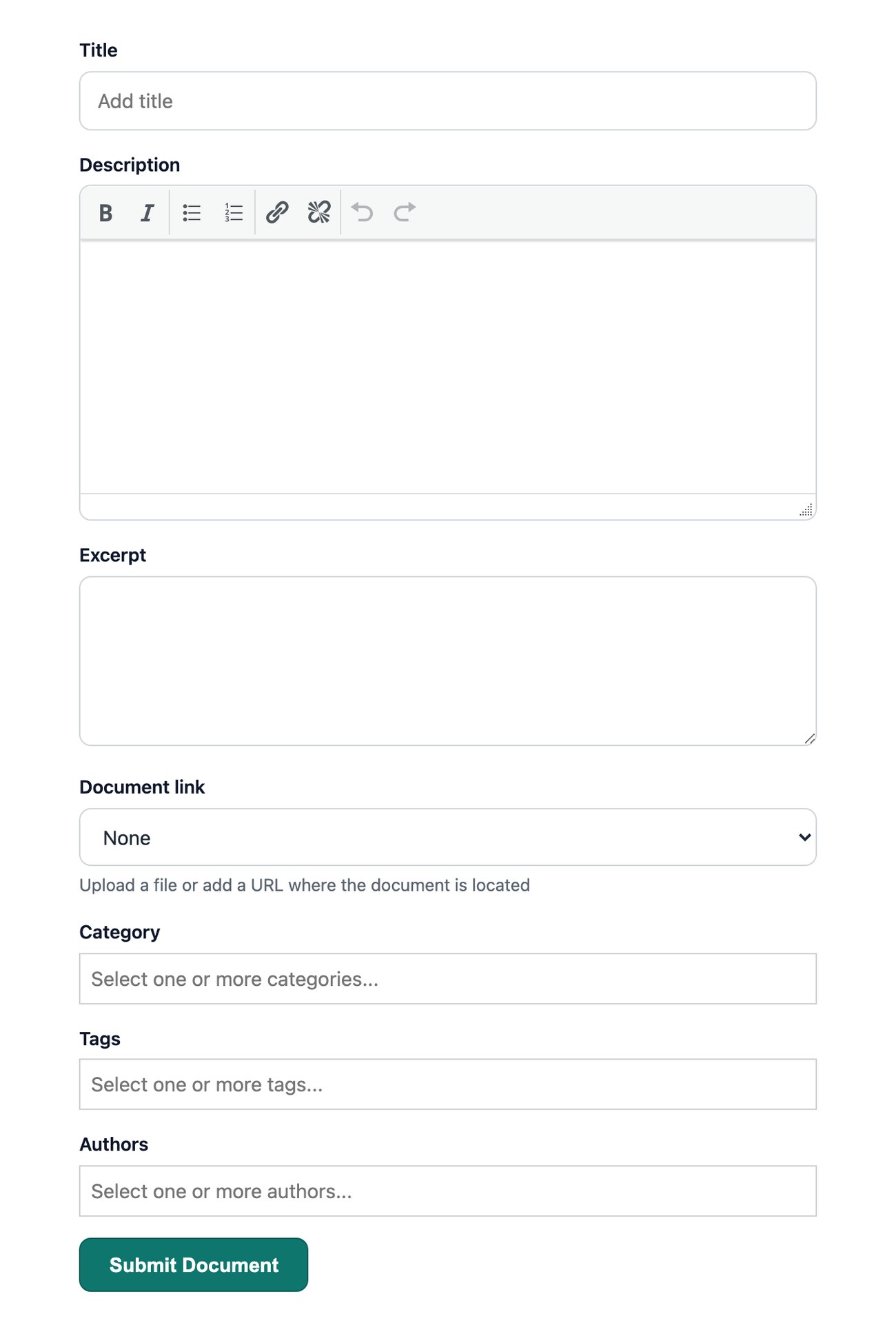
Visitors fill in a short form with the document title, an optional description, and either a file to upload or a link to a file hosted elsewhere. They can also choose a category for their document.
Reviewing submissions
Moderation is switched on for new libraries, so submitted documents are held rather than published automatically. Each one is added to your library as a pending document, waiting for you to review it. Open the document, check the details, then publish it when you are happy or delete it if it is not suitable. This keeps spam and unwanted uploads out of your live library.