





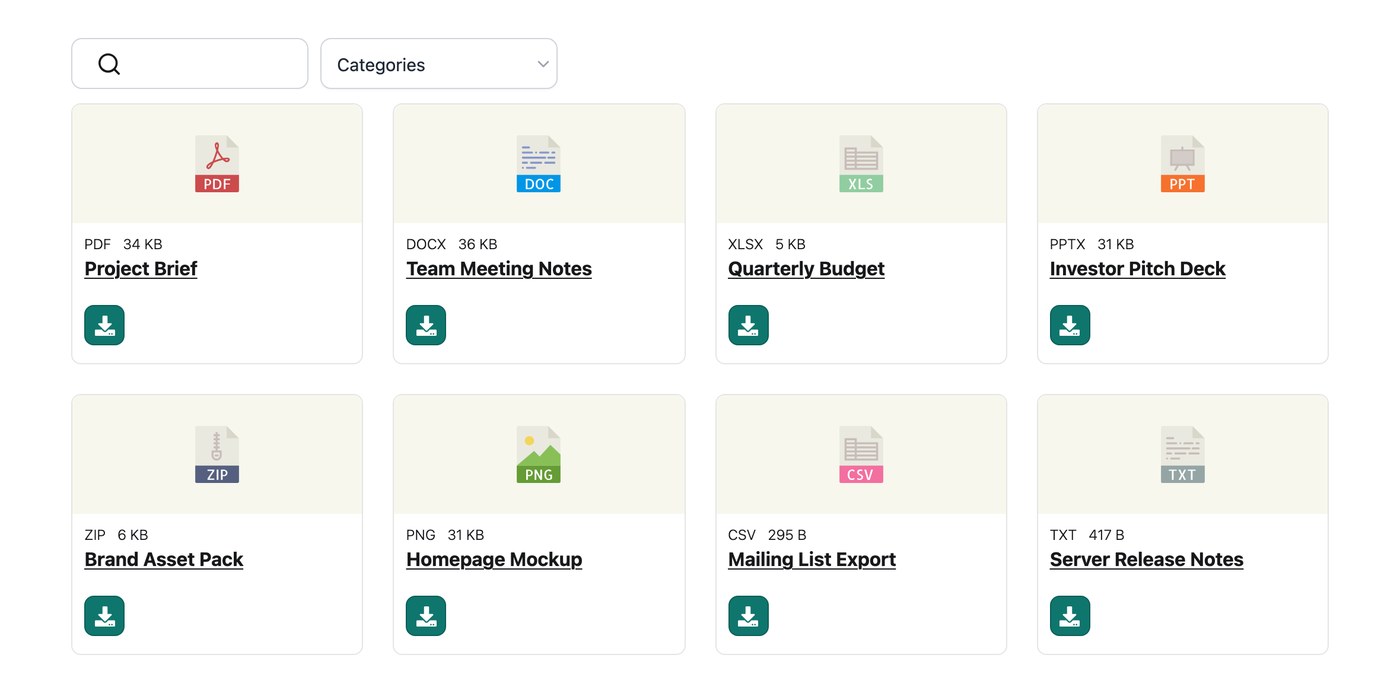
Your hosted Document Library Pro library accepts a wide range of file types, with no built-in cap on the formats or sizes you can add. Whether you are sharing PDFs, spreadsheets, images, audio, or video, you can upload them straight into your library. Files synced from a Google Drive or Dropbox folder stay in your own cloud storage, and your library links to them there.
Adding a file
On the Add Document screen you can either upload a file directly into your library or paste a link to a file that lives somewhere else online. Both options place the document in your library with a working download or view link.
If a file will not upload
If a particular file refuses to upload, the simplest route is to use the link option instead. Host the file wherever it already lives, then add a new document and paste in its web address rather than uploading the file itself. The document still appears in your library, and the download button points to that address.
Document preview
The preview feature shows a quick view of certain file types before download. See the Document Preview article for the full list of formats that support preview.
Where your files are stored
When you upload a file on the Add Document screen, it is saved into your library’s storage and linked to that document automatically. Your library also reads each file to work out its size and type, so those details can show in your library columns if you choose to display them.
Adding a file by link
If a file already lives somewhere else online, you do not have to upload it again. On the Add Document screen, choose the link option and paste in the file’s web address instead of uploading. The document then appears in your library as normal, and its download button points to that address. Uploaded files give you the fullest set of features, including multi-document downloads, so uploading is the better choice when you have the file to hand.
Seeing all your uploaded files
To review every file that has been uploaded to your library, visit this hidden page (swap in your own library address):
your-library.documentlibrary.app/wp-admin/upload.php?mode=list
It lists all of your files along with the document each one is attached to. Any file which has not been attached to a document for 30 days is removed automatically, so there is usually nothing to tidy up.
Automatic cleanup of unused files
To save storage, Document Library Pro automatically removes any uploaded file that has not been attached to a document for the past 30 days. This runs in the background each day, so there is nothing for you to do.
This cleanup does not happen if you have version control enabled, in which case your files are kept indefinitely. A file counts as attached if it is a document’s uploaded file, its featured image, a stored version, or embedded in a document’s description.