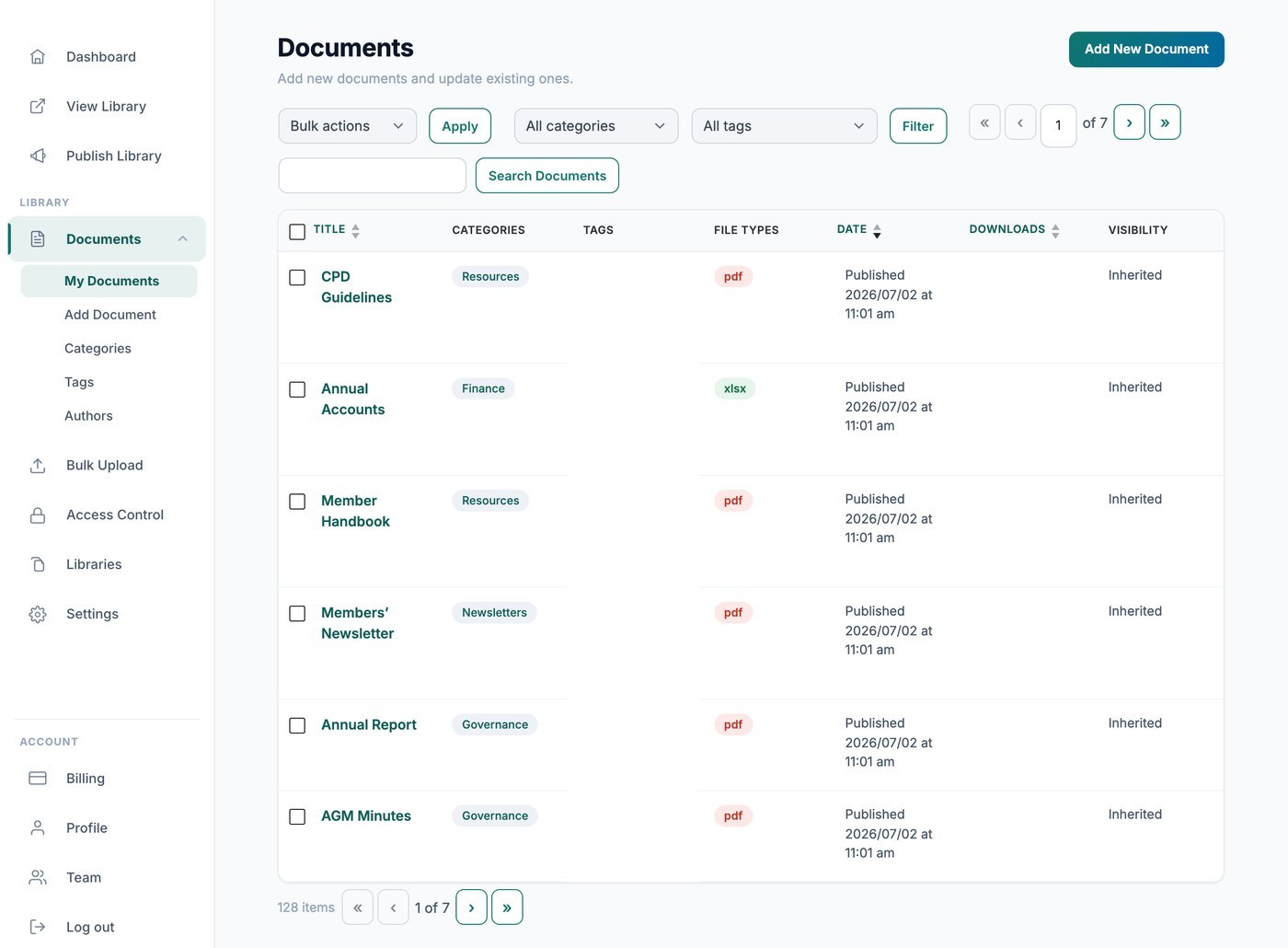
Je gehoste Document Library Pro-bibliotheek telt downloads automatisch voor je, zodat je kunt zien hoe vaak elk bestand wordt opgehaald. Er zijn twee manieren om die aantallen te bekijken: privé vanuit je dashboard, of openbaar in de bibliotheek zelf.
Aantallen bekijken in je dashboard
Ga naar Documenten → Mijn documenten en kijk naar de kolom Downloads om het lopende totaal voor elk bestand te zien. Deze cijfers zijn alleen voor jou en worden nooit aan je bezoekers getoond.
Aantallen tonen aan je bezoekers
Als je bezoekers wilt laten zien hoe populair een document is, voeg dan de kolom met het aantal downloads toe aan je bibliotheek op het tabblad Weergave van je instellingen. De kolom toont het totale aantal downloads voor elk document direct ernaast in de tabel of het raster.