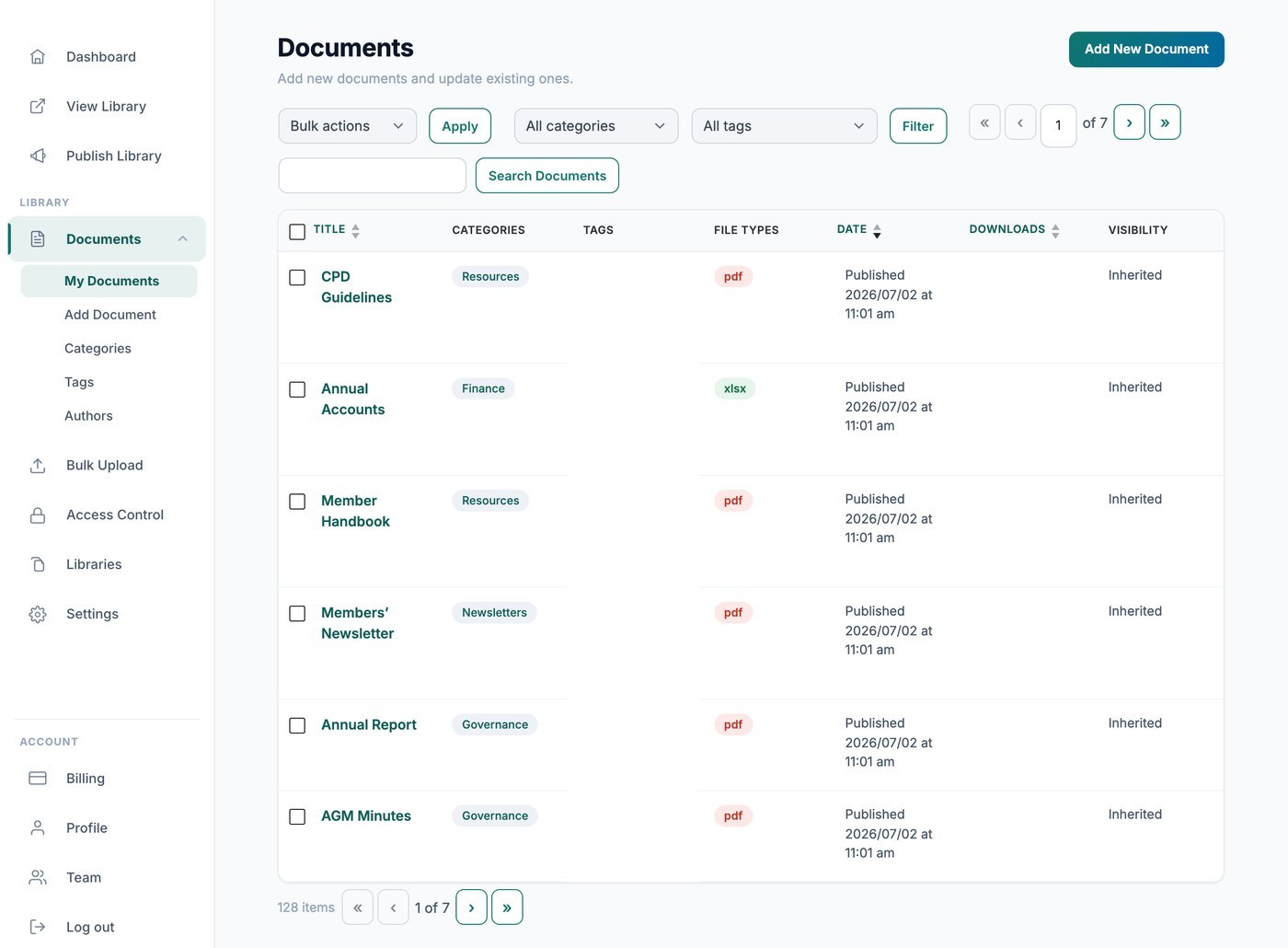
Votre bibliothèque Hosted Document Library Pro comptabilise automatiquement les téléchargements pour vous, afin que vous puissiez voir à quelle fréquence chaque fichier est téléchargé. Il existe deux façons de consulter ces chiffres : en privé depuis votre tableau de bord, ou publiquement dans la bibliothèque elle-même.
Voir les décomptes dans votre tableau de bord
Allez dans Documents → Mes documents et consultez la colonne Téléchargements pour voir le total cumulé de chaque fichier. Ces chiffres sont réservés à votre usage et ne sont jamais affichés aux visiteurs.
Afficher les décomptes à vos visiteurs
Si vous souhaitez que les visiteurs voient la popularité d’un document, ajoutez la colonne du nombre de téléchargements à votre bibliothèque dans l’onglet Affichage de vos réglages. La colonne affiche le nombre total de téléchargements pour chaque document, directement à côté de celui-ci dans le tableau ou la grille.