





En Document Library Pro puedes elegir cuántos documentos aparecen en cada página de la biblioteca y establecer el número total de documentos que mostrará la biblioteca. Puedes controlar ambas opciones en la pestaña Advanced de tus ajustes.
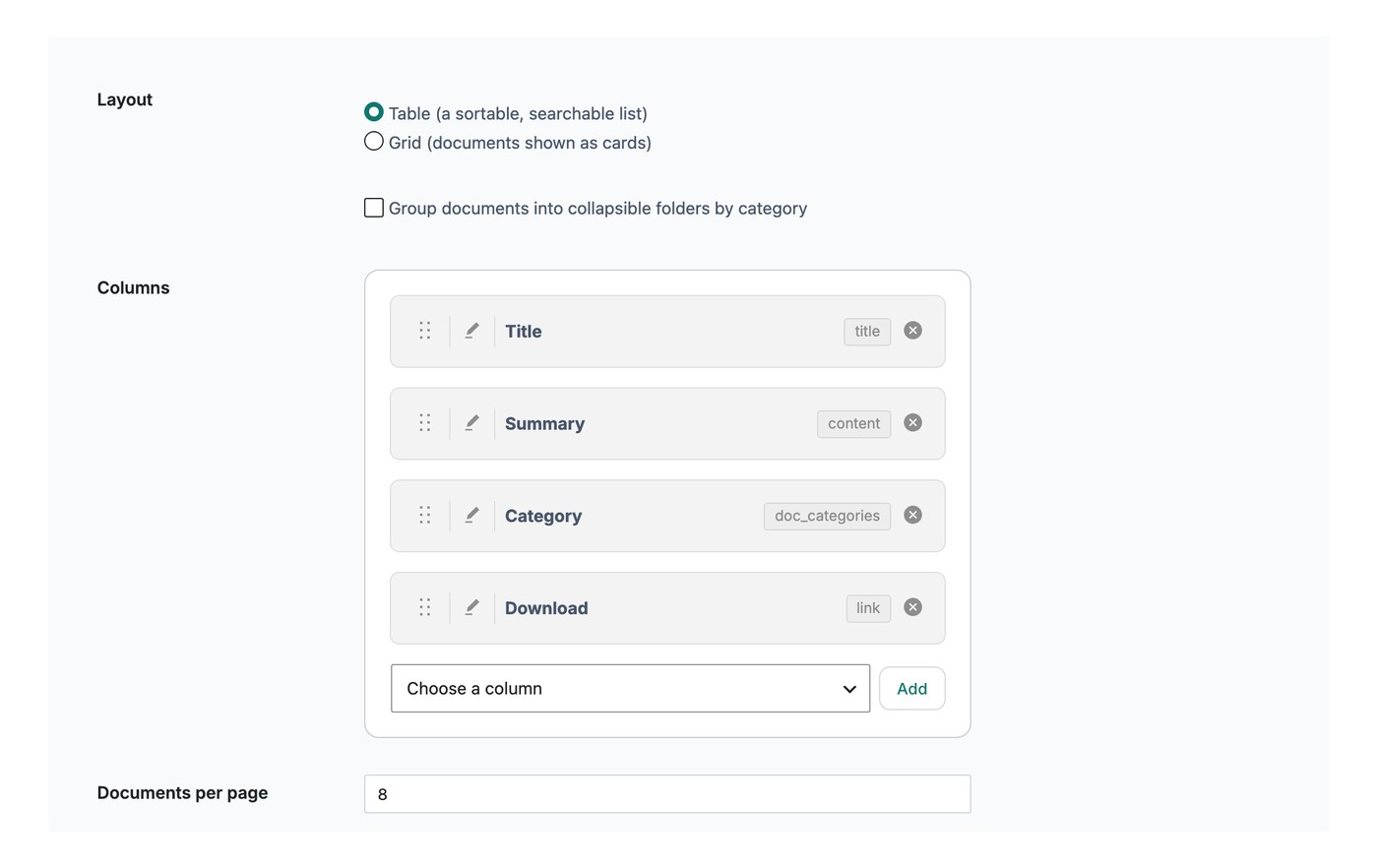
Documentos por página
Este ajuste controla cuántas filas se muestran en cada página de la biblioteca antes de que un visitante pase a la página siguiente. El valor por defecto es 25 documentos. Puedes ponerlo más bajo, por ejemplo 10, para mostrar menos por página, o elegir mostrar todos los documentos en una sola página.
Si has activado desplazamiento infinito, el ajuste de documentos por página no se aplica. En su lugar, se cargan más documentos automáticamente a medida que el visitante se desplaza hacia abajo por la biblioteca.
Límite de documentos
El límite de documentos establece el número máximo de documentos que la biblioteca mostrará en total. El valor por defecto es 500, y puedes introducir -1 para mostrar todos tus documentos sin límite.