





Por defecto, tu biblioteca muestra un mensaje breve cuando no hay nada que mostrar. Puedes sustituirlo por tu propio texto, lo que resulta útil para orientar a los visitantes o adaptarlo a tu tono.
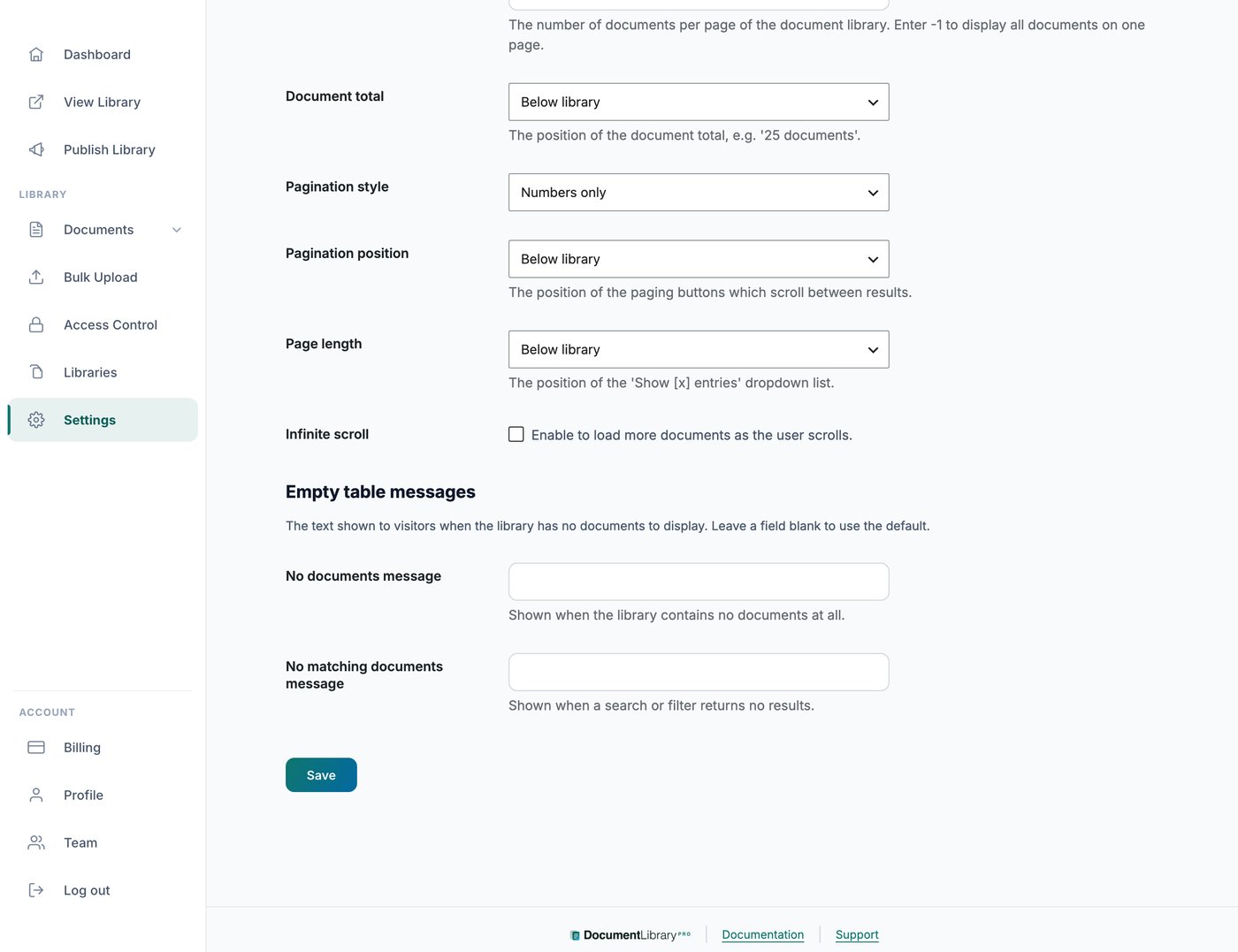
Dónde encontrarlo
Abre Ajustes y ve a la Avanzado pestaña. Allí encontrarás campos para los mensajes de biblioteca vacía.
Los dos mensajes
Puedes configurar dos mensajes distintos. Uno aparece cuando la biblioteca no contiene ningún documento. El otro aparece cuando la búsqueda o el filtro de un visitante no devuelve documentos coincidentes, por lo que puedes redactar cada uno según la situación, por ejemplo invitando a los visitantes a borrar sus filtros e intentarlo de nuevo.
Mensajes diferentes para bibliotecas diferentes
Los mensajes en la Avanzado pestaña se aplican a todas las bibliotecas.
Para usar un texto diferente en algunas bibliotecas, por ejemplo bibliotecas en otro idioma, abre Ajustes y ve a la Traducciones pestaña. En la Estados vacío y de carga sección, configura La biblioteca está vacía y No hay coincidencias.
Un mensaje configurado en la Traducciones pestaña sustituye el mensaje de la Avanzado pestaña para las bibliotecas que usan ese idioma. Para ver la guía completa, consulta traducir tu biblioteca de documentos.