





Hosted Document Library Pro works with any file type, and that includes Excel spreadsheets. You upload them the same way as any other document, and visitors can download them straight from your library.
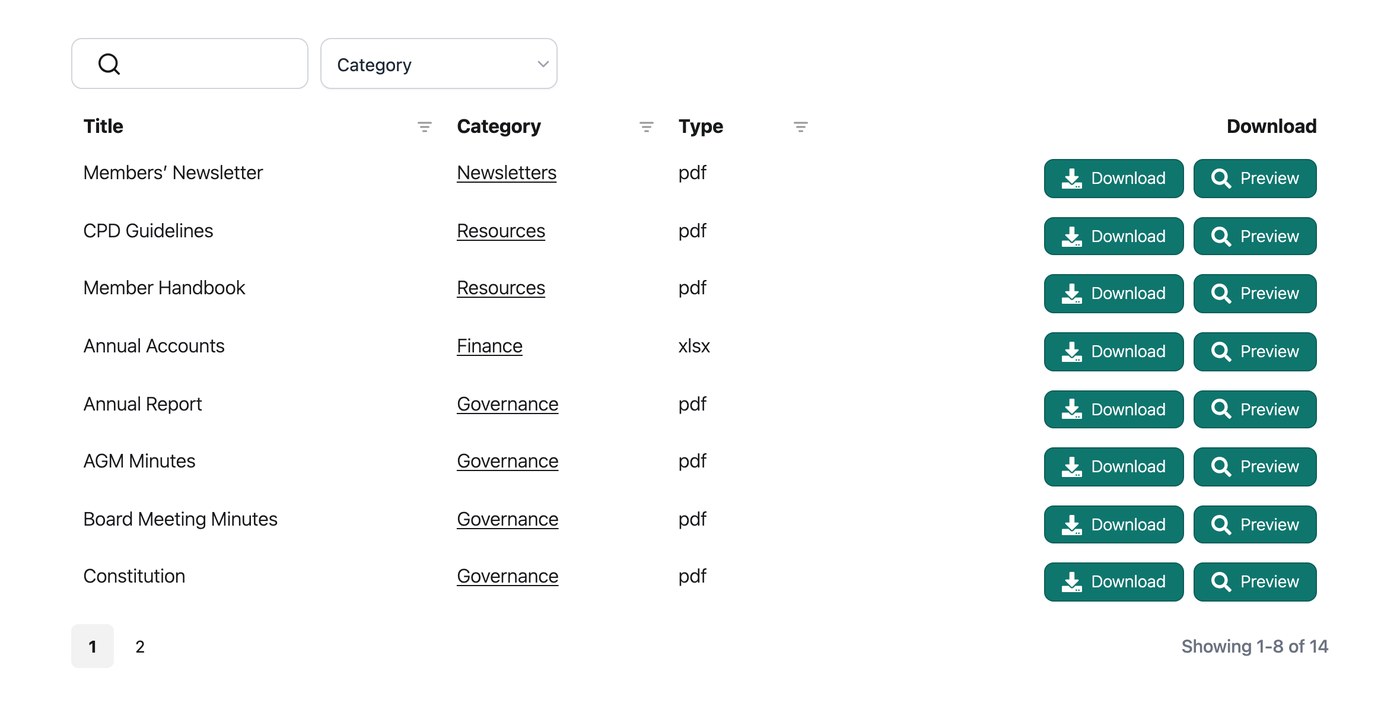
Adding a spreadsheet to your library
On the Add Document screen, upload your Excel file as the document’s file, just as you would a PDF or image. It then appears in your library with a download button, ready for visitors to save to their own device and open in Excel or a compatible spreadsheet app.
Can I let people view a spreadsheet without downloading it?
Spreadsheets are best offered as downloads, since they are designed to be opened in a spreadsheet program. If you want visitors to be able to view a file stored on a service such as Google Drive without downloading it, you can add it to your library as a linked document instead of an upload. On the Add Document screen, paste the file’s public view link as the document’s URL, and the library entry will open that link when clicked.
The short video below, taken from one of our live Q&A sessions, covers different ways people share spreadsheets in a document library: