





In Document Library Pro kannst du festlegen, wie viele Dokumente auf jeder Bibliotheksseite erscheinen und wie viele Dokumente die Bibliothek insgesamt anzeigt. Beide Einstellungen befinden sich im Tab Erweitert.
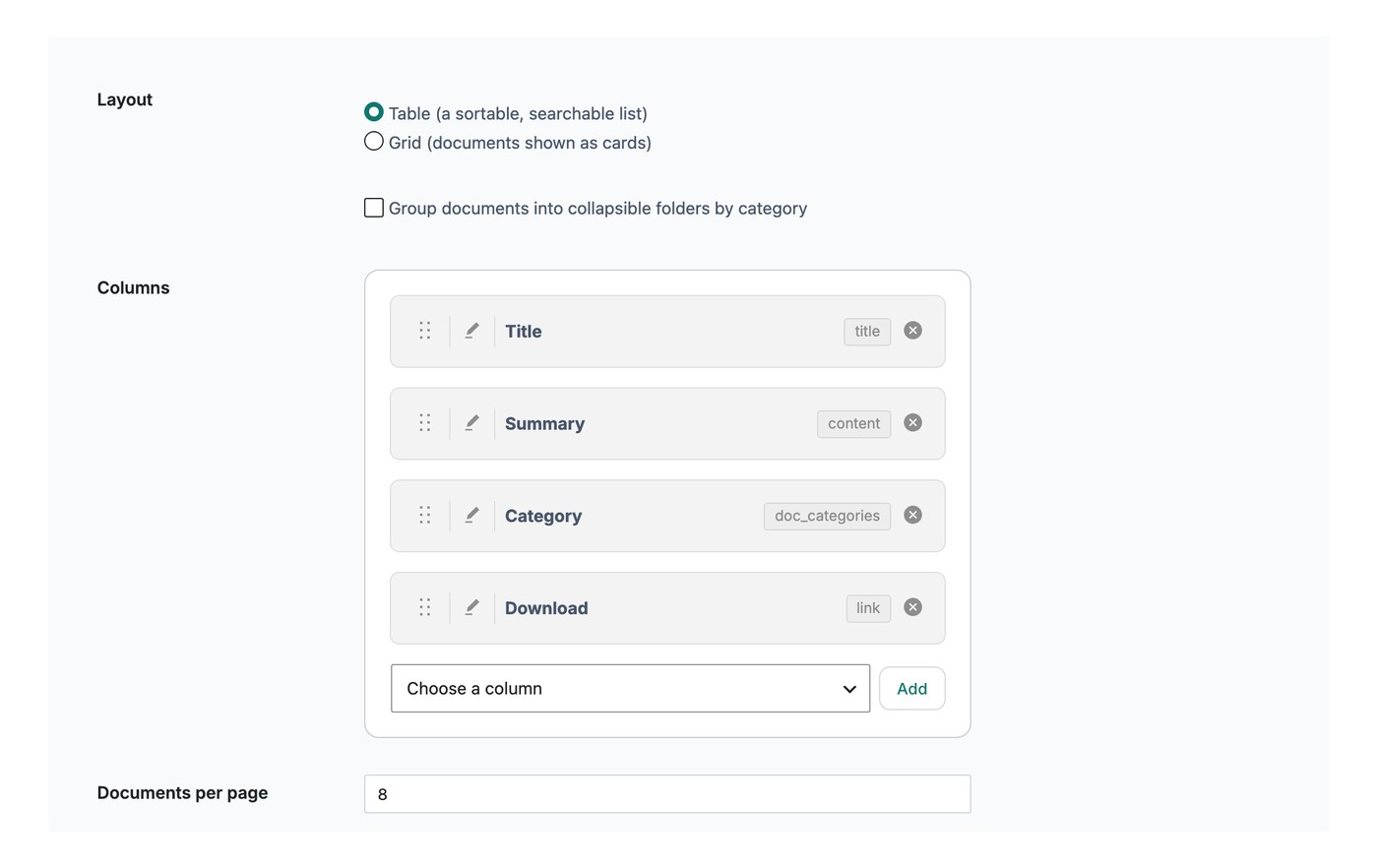
Dokumente pro Seite
Diese Einstellung steuert, wie viele Zeilen auf jeder Bibliotheksseite angezeigt werden, bevor ein Besucher zur nächsten Seite wechselt. Standard sind 25 Dokumente. Du kannst den Wert niedriger setzen, zum Beispiel auf 10, um weniger pro Seite anzuzeigen, oder alle Dokumente auf einer einzigen Seite anzeigen.
Wenn du unendliches Scrollenaktiviert hast, gilt die Einstellung für Dokumente pro Seite nicht. Stattdessen werden automatisch weitere Dokumente geladen, während der Besucher in der Bibliothek nach unten scrollt.
Dokumentenlimit
Das Dokumentlimit legt die größte Anzahl an Dokumenten fest, die die Bibliothek insgesamt anzeigt. Standard ist 500, und du kannst -1 eingeben, um alle deine Dokumente ohne Limit anzuzeigen.