





Document Library Pro kann für jedes Dokument in deiner Bibliothek ein Datum anzeigen. Du kannst festlegen, wie diese Daten formatiert werden. Da die Datumsspalte als Datum und nicht als Klartext behandelt wird, wird sie außerdem korrekt nach Datum statt alphabetisch sortiert.
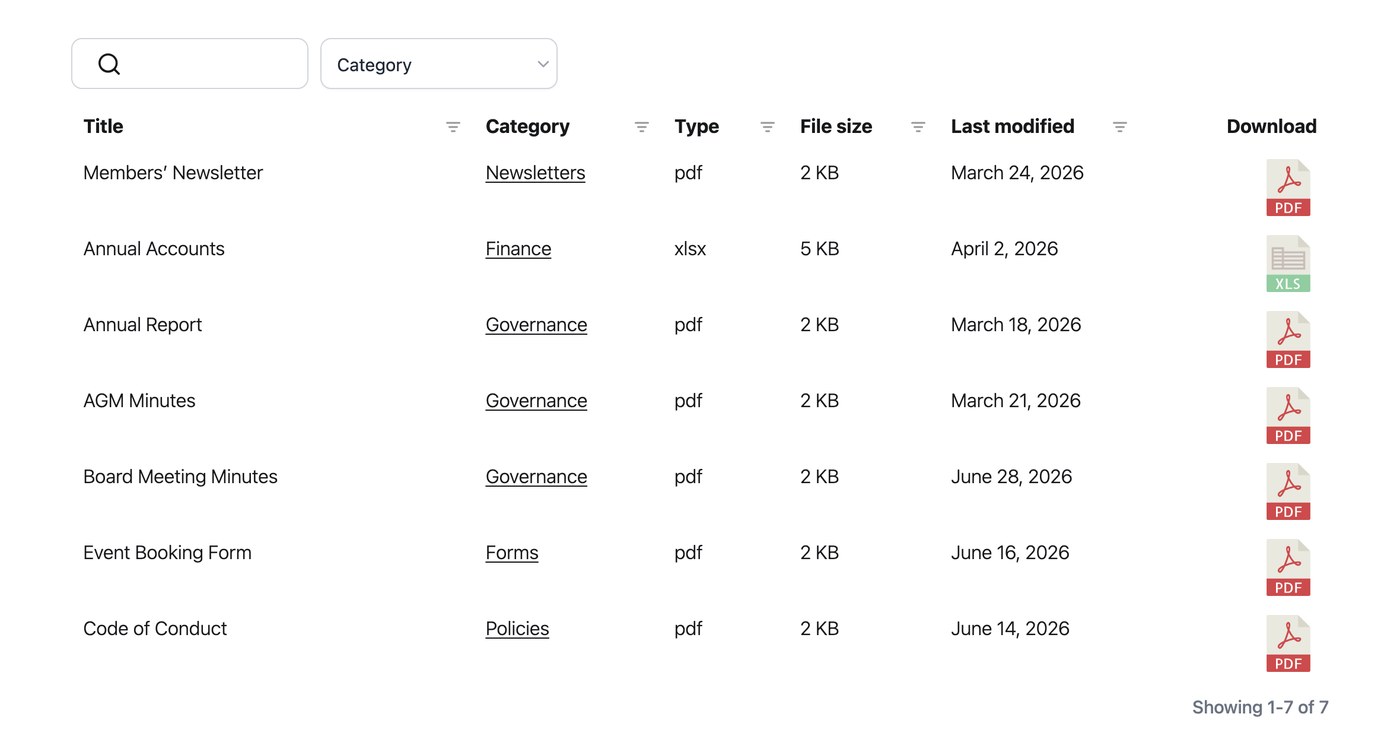
Eine Datumsspalte hinzufügen
Um Daten in deiner Bibliothek anzuzeigen, füge deiner Tabelle oder deinem Raster im Tab Anzeige der Einstellungen die Datumsspalte hinzu. Danach können Besucher danach sortieren und die Daten erscheinen im ausgewählten Format.
Datumsformat
Standardmäßig verwenden Daten das unter Einstellungen → Allgemein festgelegte Format. Du kannst jedes gültige Formatmuster verwenden. “F j, Y” zeigt Daten zum Beispiel als “24. August 2026” an. Du legst dies im Tab Allgemein fest. Das Format gilt überall, wo die Datumsspalte erscheint.