Dokumentenbibliothek für Shopify
Gib Käufern die Dokumente, die sie brauchen, damit sie sicher kaufen können. Füge Produktspezifikationen, Handbücher, Größentabellen und Zertifikate in einer durchsuchbaren, filterbaren Dokumentenbibliothek zu deinem Shopify-Shop hinzu.

Warum eine Dokumentenbibliothek zu deinem Geschäft hinzufügen?
Dokumente, die den Kauf fördern
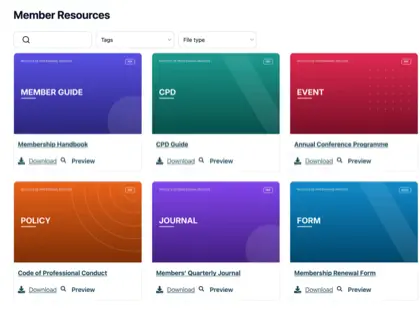
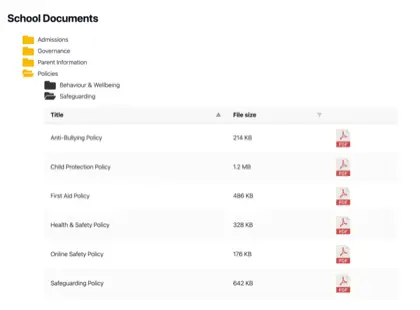
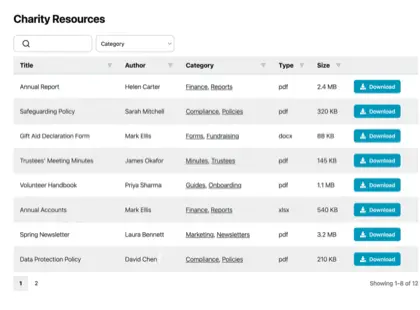
Käufer wünschen sich oft mehr als ein Produktfoto, bevor sie kaufen. Mach die Dokumente, die ihre Fragen beantworten, nur einen Klick entfernt - durchsuchbar, im Einklang mit deiner Marke und einfach herunterzuladen.
Datenblätter
Größen, Materialien und vollständige technische Details für jedes Produkt.
Handbücher & Anleitungen
Einrichtungs- und Anleitungsleitfäden, die Voreinstellungen reduzieren.
Größentabellen
Hilf Käufern bei der Auswahl der richtigen Größe und der richtigen Pflege für ihren Artikel.
Zertifikate
Halte Garantien, Sicherheitsdateien und Compliance-Dokumente aktuell.
So funktioniert es
Eine Dokumentenbibliothek auf Shopify, in drei Schritten
Installiere die Shopify-Dokumentenbibliothek-App, und sie übernimmt den schwierigen Teil für dich. Keine Einbettungscodes, keine Theme-Bearbeitung.
App installieren
Füge Document Library Pro mit einem Klick aus dem Shopify App Store hinzu. Die Abrechnung läuft über dein Shopify-Konto, und es gibt einen kostenlosen Tarif für den Einstieg.
Library aufbauen
Die App öffnet dein Document-Library-Konto, in dem du Dokumente hochlädst (oder in großen Mengen importierst) und in Kategorien ordnest. Du kannst auch einen Google Drive- oder Dropbox-Ordner synchronisieren, damit deine Dokumente automatisch erstellt werden.
Zu deinem Shop hinzufügen
Zurück in Shopify erstellt die App eine Dokumente-Seite für dich und fügt deinen Produktseiten eine Schaltfläche “Dokumentenbibliothek einfügen” hinzu. Kein Code erforderlich.
Eine Dokumentenbibliothek oder eine pro Produkt
Zwei Möglichkeiten zur Anzeige deiner Dokumente auf Shopify
Käufer suchen, filtern, zeigen Vorschauen an und laden herunter, ohne deinen Shop zu verlassen. Nutze, was passt - oder beides.
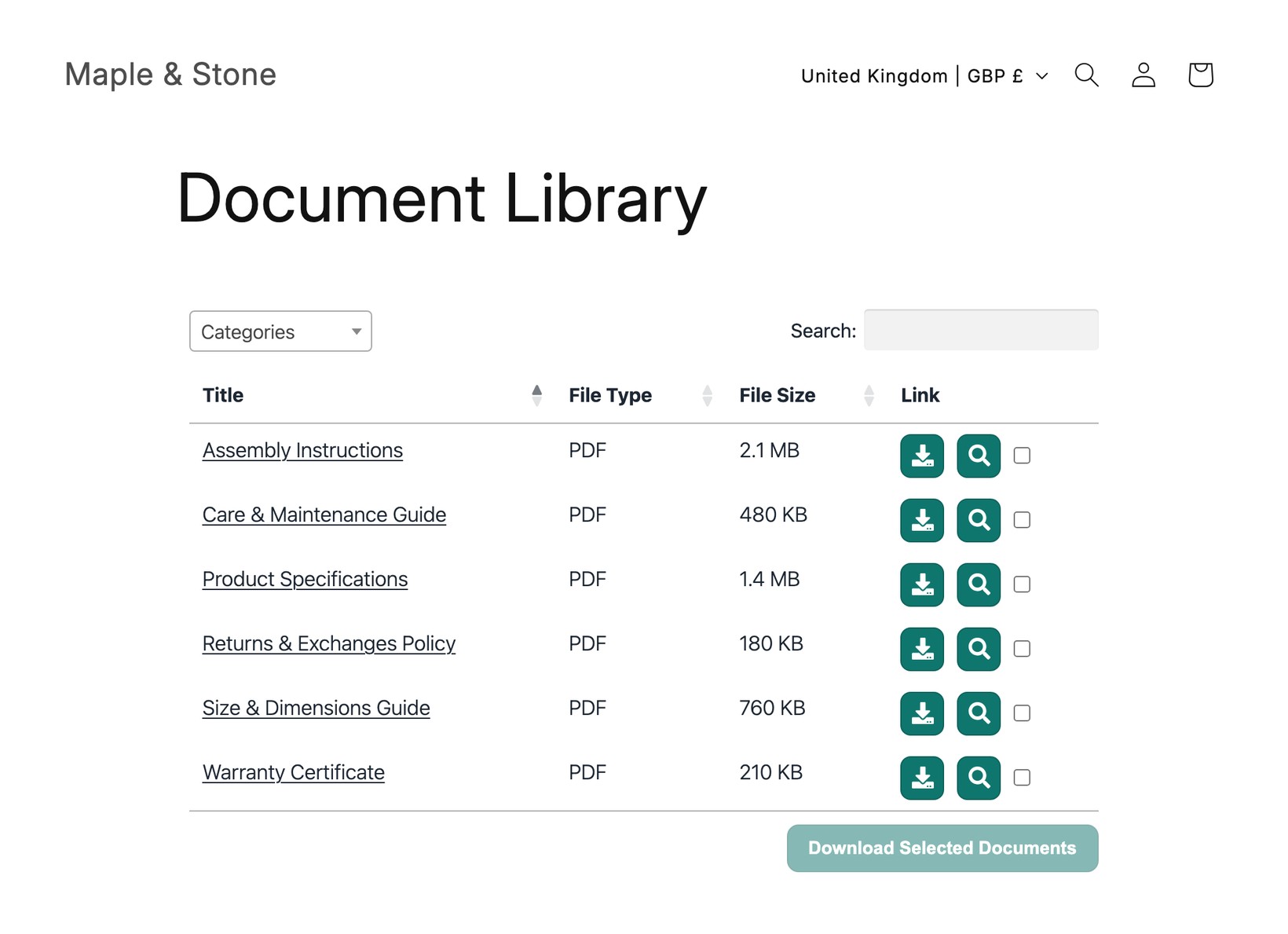
Eine zentrale Dokumentenbibliothek
Ein einzelner durchsuchbarer Hub, der jedes Dokument in deinem Shop auflistet und über dein Menü verlinkt ist. Ideal für Richtlinien, Kataloge und shopweite Downloads.
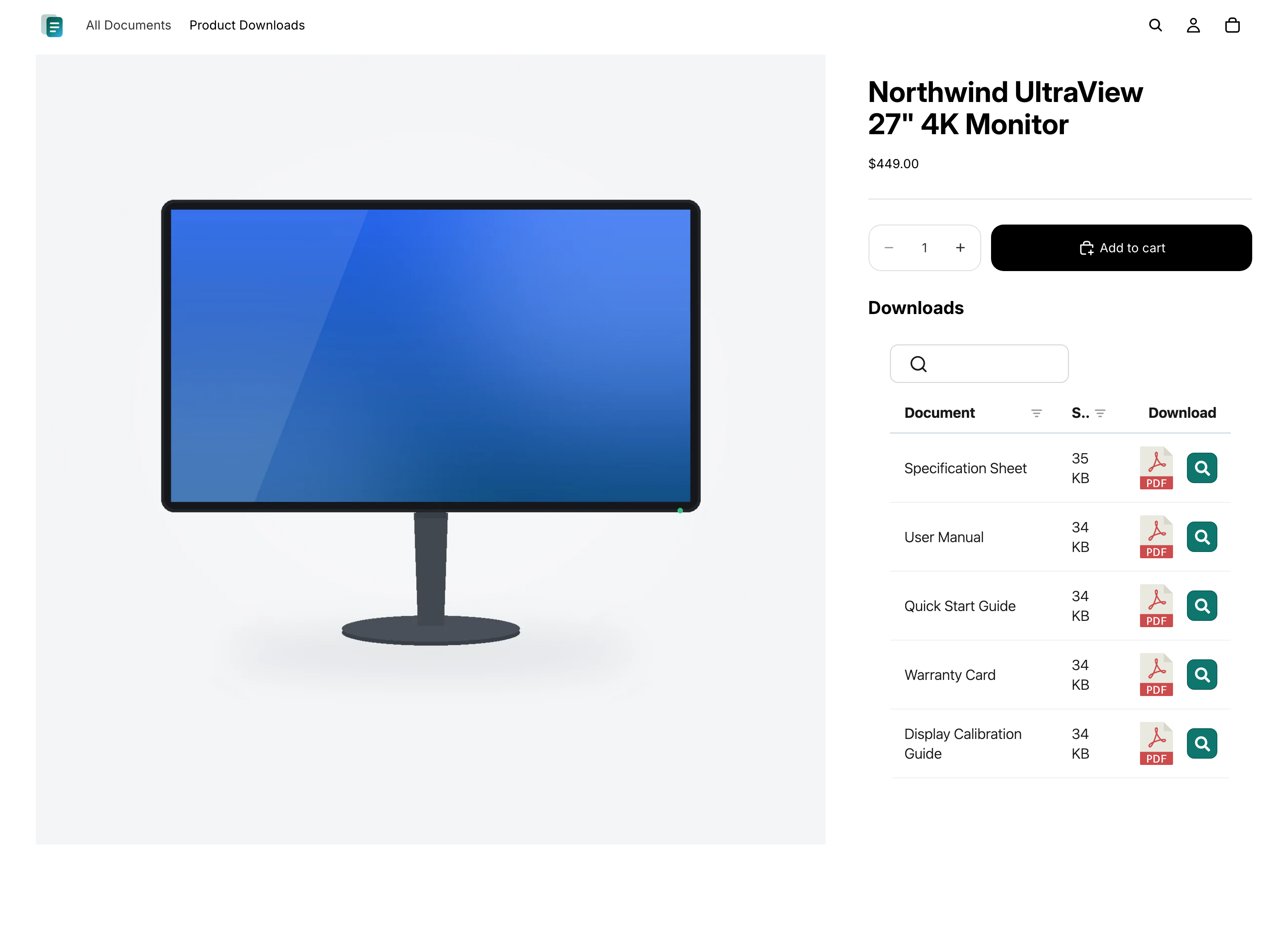
Dokumente auf jedem Produkt
Zeige die passenden technischen Datenblätter, Handbücher und Zertifikate direkt auf der Produktseite an, damit Käufer genau sehen, was für den Artikel gilt, den sie ansehen.
Fragen
Häufig gestellte Fragen
Kann Document Library Pro E-Mails reduzieren, in denen gefragt wird, wo ein Dokument zu finden ist?
Ja, wenn diese E-Mails von Kunden kommen, die die richtige Datei nicht finden. Document Library Pro bietet ihnen eine durchsuchbare, filterbare Bibliothek auf einer zentralen Seite oder auf der passenden Produktseite. So kann der Support auf einen festen Ort verweisen, statt immer wieder dieselbe PDF anzuhängen.
Wie verhindere ich, dass Kunden eine veraltete Version herunterladen?
Beim Advanced-Plan helfen Versionskontrolle und automatisch ablaufende Dokumente dabei. Mit Versionskontrolle kannst du ein Dokument an einer Stelle ersetzen, sodass Bibliotheken die aktuelle Datei anzeigen. Für zeitkritische Dokumente wie Zertifikate kannst du ein Ablaufdatum festlegen, damit sie entfernt werden, statt nach ihrem Ablauf weiter verfügbar zu bleiben.
Kann ich einen Google Drive- oder Dropbox-Ordner in meinem Shopify-Shop anzeigen?
Ja. Verbinde einen freigegebenen Google Drive- oder Dropbox-Ordner mit einer Kategorie deiner Dokumentenbibliothek, und jede Datei erscheint in der Bibliothek deines Shopify-Shops als durchsuchbares, herunterladbares Dokument. Die Bibliothek bleibt automatisch mit dem Ordner synchron, und es sind keine API-Schlüssel nötig.
Sollte ich Document Library Pro hier oder im Shopify App Store beziehen?
Beide Optionen verwenden dieselbe Dokumentenbibliothek, sodass du in beiden Fällen dieselben Funktionen erhältst. Wenn du auf Shopify verkaufst, empfehlen wir, die Shopify-Dokumentenbibliothek-App - sie fügt deine Dokumentenbibliotheken einfach und ohne Code zu deinem Shop hinzu und wird über dein Shopify-Konto abgerechnet. Registriere dich hier auf unserer Website stattdessen, wenn du dieselbe Dokumentenbibliothek nicht nur in Shopify einbetten möchtest (zum Beispiel auf deiner Website, in einem Help Center oder auf einer anderen Plattform).
Muss ich Code oder mein Theme bearbeiten?
Nein. Die Shopify-App erstellt eine Dokumente-Seite für dich und fügt deinen Produktseiten eine Schaltfläche “Dokumentenbibliothek einfügen” hinzu. Wenn du dich stattdessen hier auf unserer Website registrierst, fügst du einen kurzen Einbettungscode in die HTML-Ansicht einer Shopify-Seite oder Produktbeschreibung ein - weiterhin ohne Theme-Bearbeitung.
Gibt es einen kostenlosen Tarif?
Ja. Die kostenlose Shopify-Dokumentenbibliothek-App gibt dir eine Dokumentenbibliothek mit bis zu 10 Dokumenten. Kostenpflichtige Tarife fügen unbegrenzte Dokumente, mehrere Dokumentenbibliotheken, Bulk-Import, passwortgeschützte Dokumentenbibliotheken, Versionskontrolle und mehr hinzu.
Füge deinem Shopify-Shop eine Dokumentenbibliothek hinzu
Teile Produktspezifikationen, Handbücher und Leitfäden in einer durchsuchbaren Dokumentenbibliothek, die deine Kunden durchsuchen und herunterladen können. Kostenlos aus dem Shopify App Store installieren.