





This guide shows you how to add a Weebly document library to a Weebly page. The builder can handle the full embed code, including the part that displays the library and the helper that improves how it behaves. You do not need to upgrade your site plan to use the Embed Code element.
Before you begin: The Embed Code element is a standard Weebly element on every plan. In our test, the document library appeared in the editor as soon as we pasted the code and clicked outside the element. You still need to publish the page to put it in front of visitors.
Copy your embed code
The first job is to get the code that connects your Weebly page to the library. An embed code is a small piece of HTML that you paste into a website so it can display something hosted somewhere else. Document Library Pro is hosted, so you build the library in our dashboard and then paste the embed code onto your Weebly site.
- Open your Document Library Pro dashboard.
- Open Publish Library.
- Copy the full embed code shown there.
- If you have more than one library, use the Libraries screen to choose the correct library first.
<iframe src="https://your-library.documentlibrary.app/?dlp_embed=1" title="Document library" style="display:block;width:100%;border:0;height:600px;" loading="lazy"></iframe>
<script src="https://your-library.documentlibrary.app/?dlp_embed_resize=1" async></script>
The first line is an iframe, which is a framed area that displays your hosted document library inside the Weebly page. The second line is a small helper script, which is code that lets the library resize itself to fit and opens document previews inside the page. Weebly allows both lines, so you should paste the whole snippet and leave nothing out.
Add the Embed Code element to your page
Now you need to place the library where visitors should see it. Weebly adds custom code through an element named Embed Code, which you drag into the page like other Weebly content blocks.
- Open your site in the Weebly editor.
- Go to the Build tab.
- Find the Basic section.
- Drag the Embed Code element onto the page where you want the document library to appear.
- Click inside the new element.
- Select Edit Custom HTML.
- Paste the full Document Library Pro embed code in place.
- Click outside the element.
- Publish the site.
- Open the live page in your browser and check the document library there.
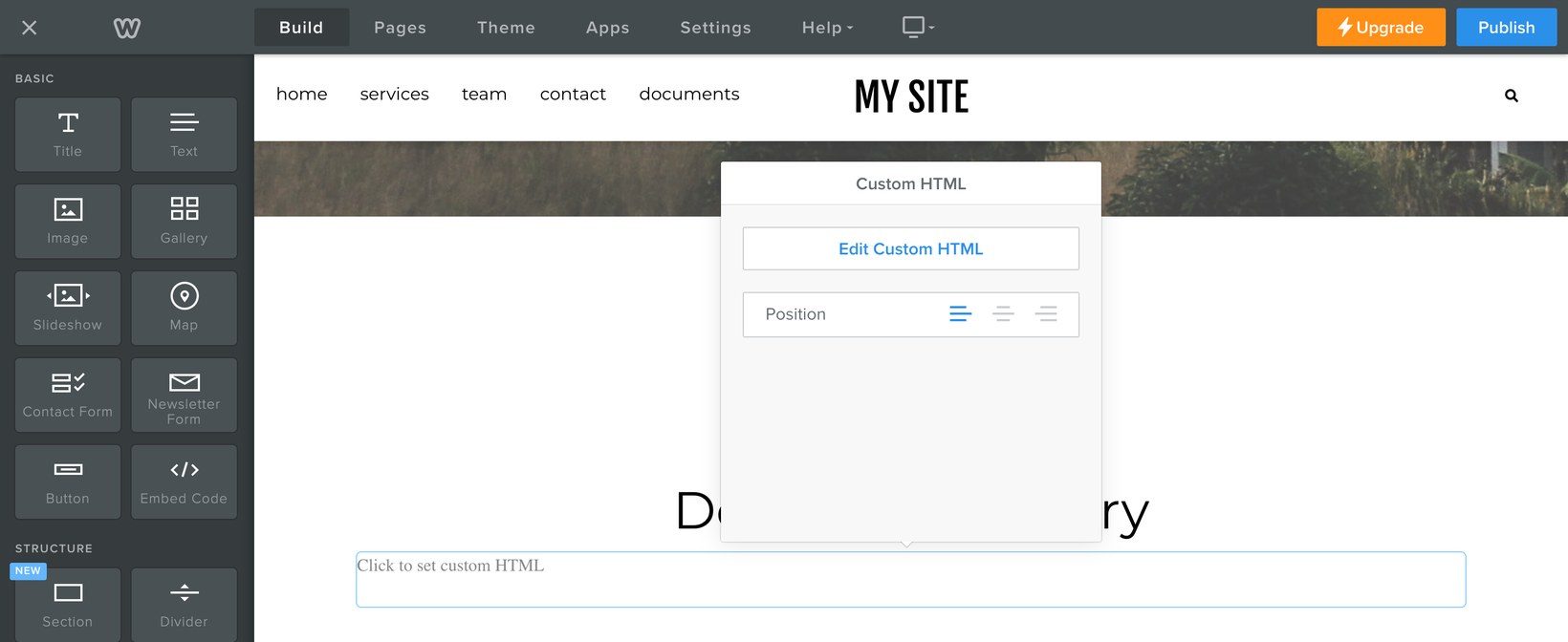
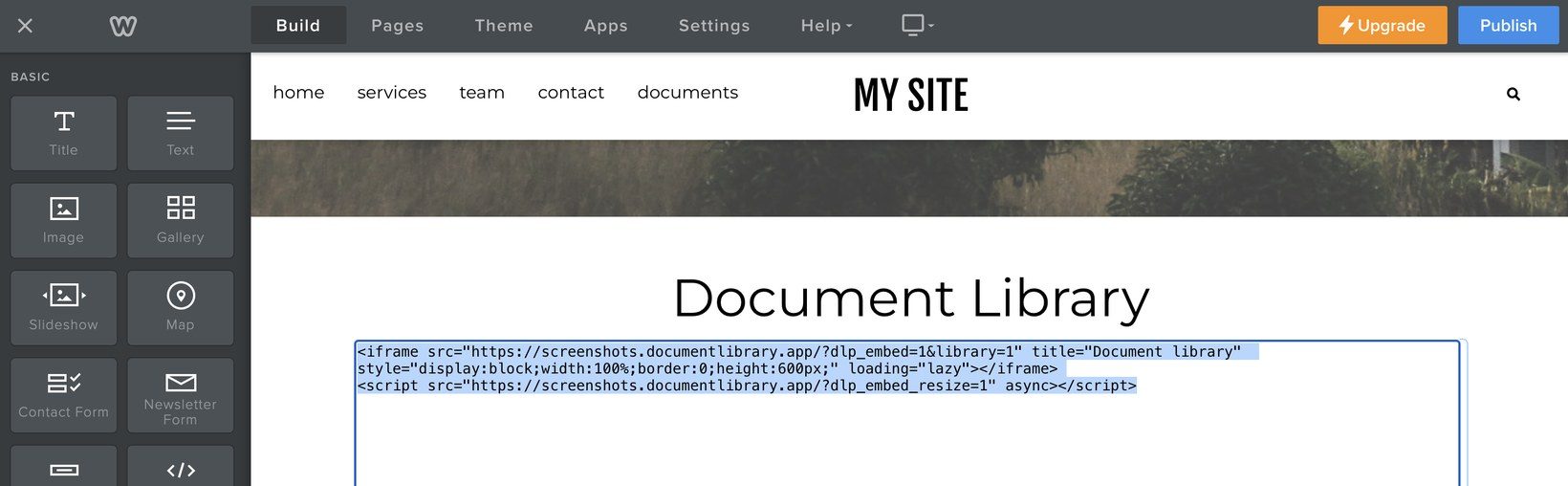
Weebly describes the same process in their guide to widgets, embed code, and external content.
What you see in the editor
After you click outside the Embed Code element, the Weebly document library appears in the editor. You should see its search box and filters, so you can check it is working before you publish.
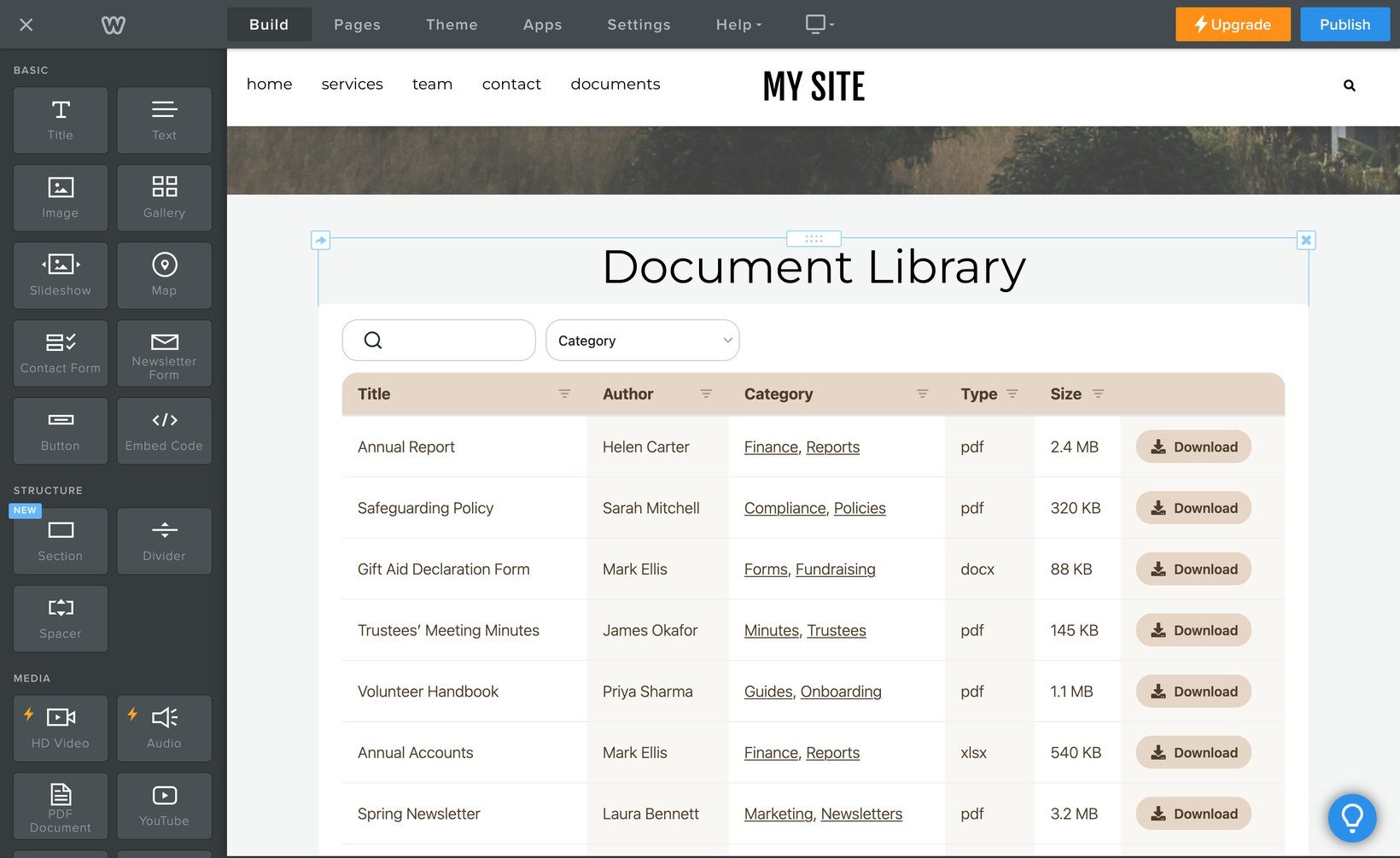
Publish the page to make your Weebly document library available to visitors.
If the library does not appear
If the live page does not show the library, first check that the full snippet was pasted into Edit Custom HTML. It must include both lines and the closing tags at the end of each line.
If the document library does not appear as expected, check that the whole snippet went into the Embed Code element. Weebly also advises deleting the element and publishing again. That test shows whether the element is causing the problem.
Weebly does not provide in-depth troubleshooting for third party embed code. If the Document Library Pro library itself misbehaves, contact us and we will help you fix it.
Want us to set it up for you
If you would rather not build the library yourself, use our free setup service and we will create it for you.