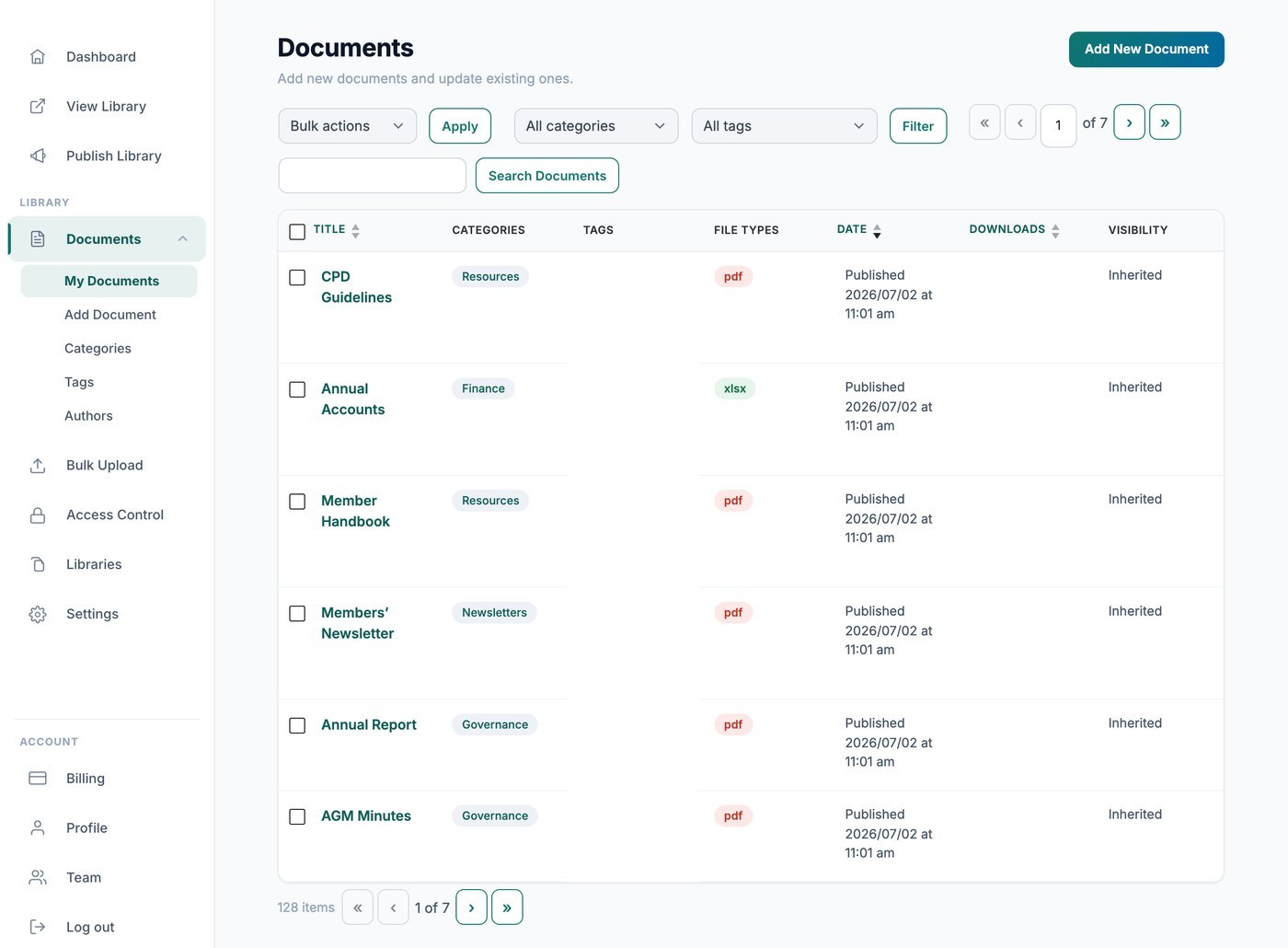
La tua libreria Document Library Pro ospitata conta automaticamente i download per te, così puoi vedere con quale frequenza viene scaricato ogni file. Ci sono due modi per vedere questi conteggi: privatamente dalla bacheca oppure pubblicamente all'interno della libreria stessa.
Visualizza i conteggi nella tua bacheca
Vai su Documenti → I miei documenti e guarda la colonna Download per vedere il totale aggiornato per ogni file. Questi dati sono solo per te e non vengono mai mostrati ai visitatori.
Mostra i conteggi ai visitatori
Se vuoi che i visitatori vedano quanto è popolare un documento, aggiungi la colonna del conteggio download alla tua libreria nella scheda Visualizzazione delle impostazioni. La colonna mostra il numero totale di download per ogni documento direttamente accanto a esso nella tabella o nella griglia.