Secure document sharing means giving the right people access to your documents while keeping everyone else out. That could mean sending a single file to one person, or publishing a whole library for your members to browse. The right method depends on what you’re sharing, who needs it, and how sensitive it is.
The word “secure” gets attached to tools that do very different jobs, from encrypted file transfer to password-protected libraries, and they are not interchangeable. Below, I’ll explain what secure document sharing involves, the main ways to control who sees your files, and how to match the method to the risk.
What secure document sharing requires
Secure document sharing comes down to controlling access. You decide who can open a document, and you stop everyone else from reaching it. Encryption, passwords and login walls are all means to that end.
Before you pick a tool, it helps to separate two questions that often get muddled:
- The first is how a document travels from you to the reader.
- The second is who is allowed to open it once it arrives.
A tool can be strong on one and weak on the other.
For most organizations, the access question is the highest priority day-to-day. That’s because a board paper that leaks or a policy sent to the wrong list causes real harm, and that’s usually a permissions problem rather than an encryption one. This means that the useful starting point is a simple question: Who should be able to access this document, and how often?
One-off transfer vs an ongoing shared library
There are two broad reasons to share a document, and they call for different tools:
- A one-off transfer. You send a specific file to a specific person, once. A signed contract, a tax return or a medical letter. Tools like Proton Drive, DocSend, Box and Dropbox are built for this, with encrypted links, expiry dates and sometimes a record of who opened the file.
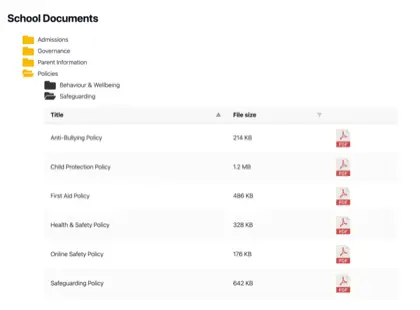
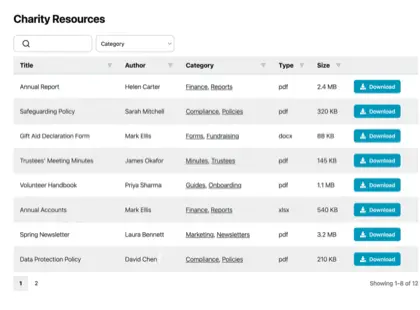
- An ongoing shared library. You publish a set of documents that the same audience returns to over time. Annual reports, policies, meeting minutes or member resources. Here the reader needs to find and download what they want, so search, categories and filters matter more than encryption.
Most document sharing platforms are built around the one-off transfer. Very few publish a searchable collection that people can browse for themselves, whether that’s open to the public or restricted to members.
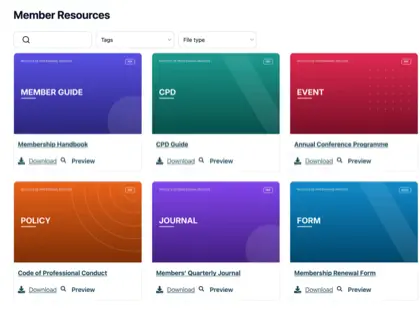
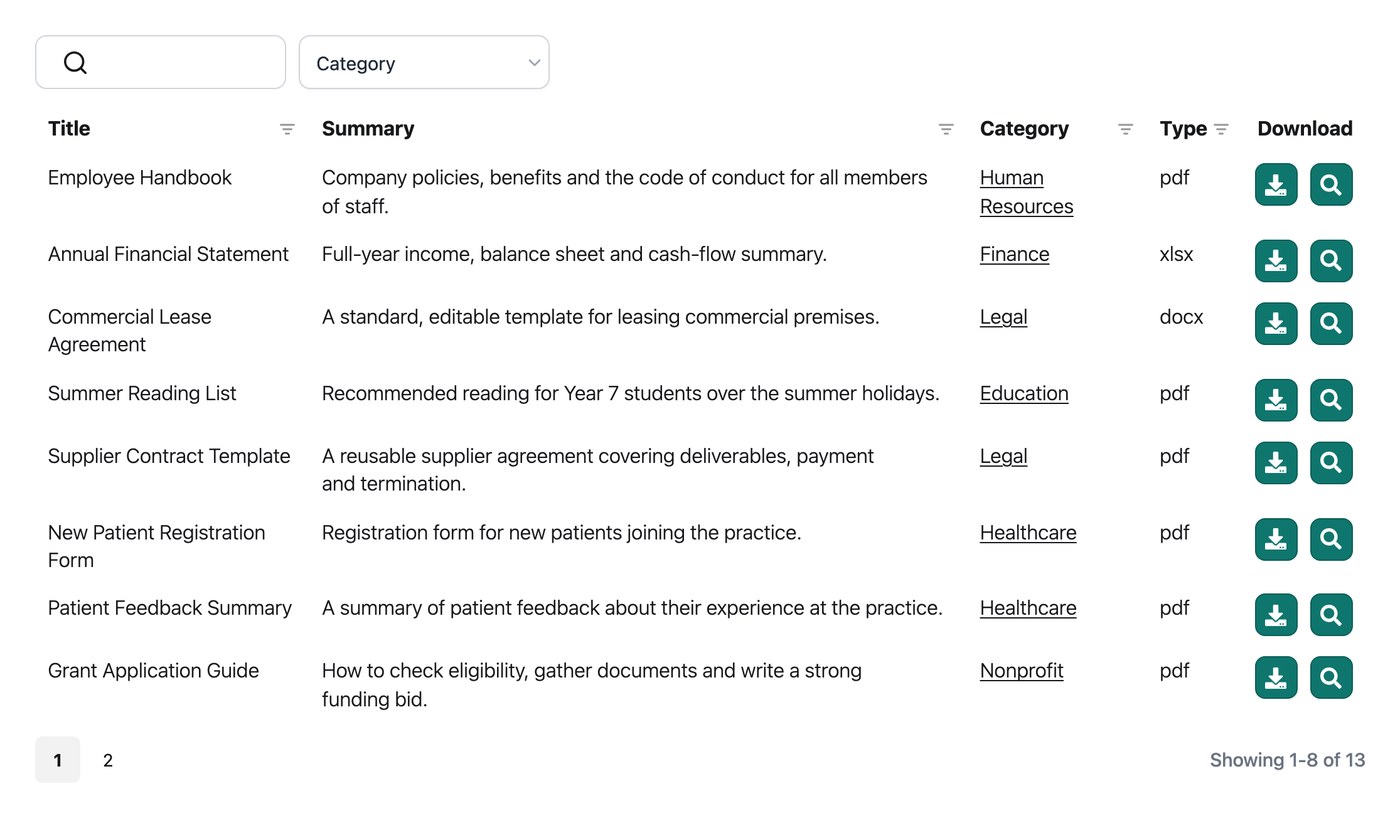
We built Document Library Pro to fill that gap. It turns a folder of files into a searchable document library on your own website. Visitors can filter by category, preview a document in the browser without downloading it, then preview it without downloading, download it, or select several files and download them as a ZIP.
You can run it as a plugin on a WordPress site, or embed it on any other platform such as Shopify, Squarespace, Wix, Webflow, a custom site or an internal intranet.
Access control models compared
Once you know you need an ongoing library rather than a one-off transfer, the next decision is how tightly to control it. There are a few common access models, and most organizations end up using more than one for different sets of documents.
In our own analysis of 500 sites running Document Library Pro, the mix ran the full range. Nonprofits and councils publish documents openly, while associations and boards keep theirs behind a login.
Albury Parish Council, for example, publishes its statutory accounts in a public, searchable library on its own website, where residents can find and download them without needing to log in.
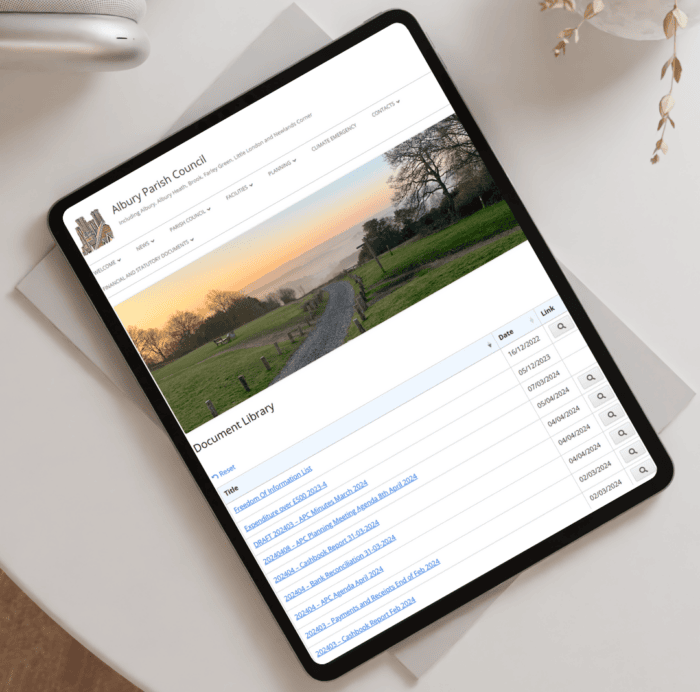
Here are the common access models and where each one tends to fit:
| Access model | How it works | Best for |
|---|---|---|
| Open / public | Anyone can find and download the documents | Annual reports, public policies, statutory disclosures |
| Email capture | The reader enters an email address before downloading | Lead generation, gated guides and toolkits |
| Password or members-only | A password unlocks the library for a known group | Member resources, board papers, internal documents |
| Behind a login wall | The library sits inside a site or intranet that already requires sign-in | Sensitive staff or client material |
| Encrypted one-off link | A single expiring link sent to one recipient | A single confidential file, not a library |
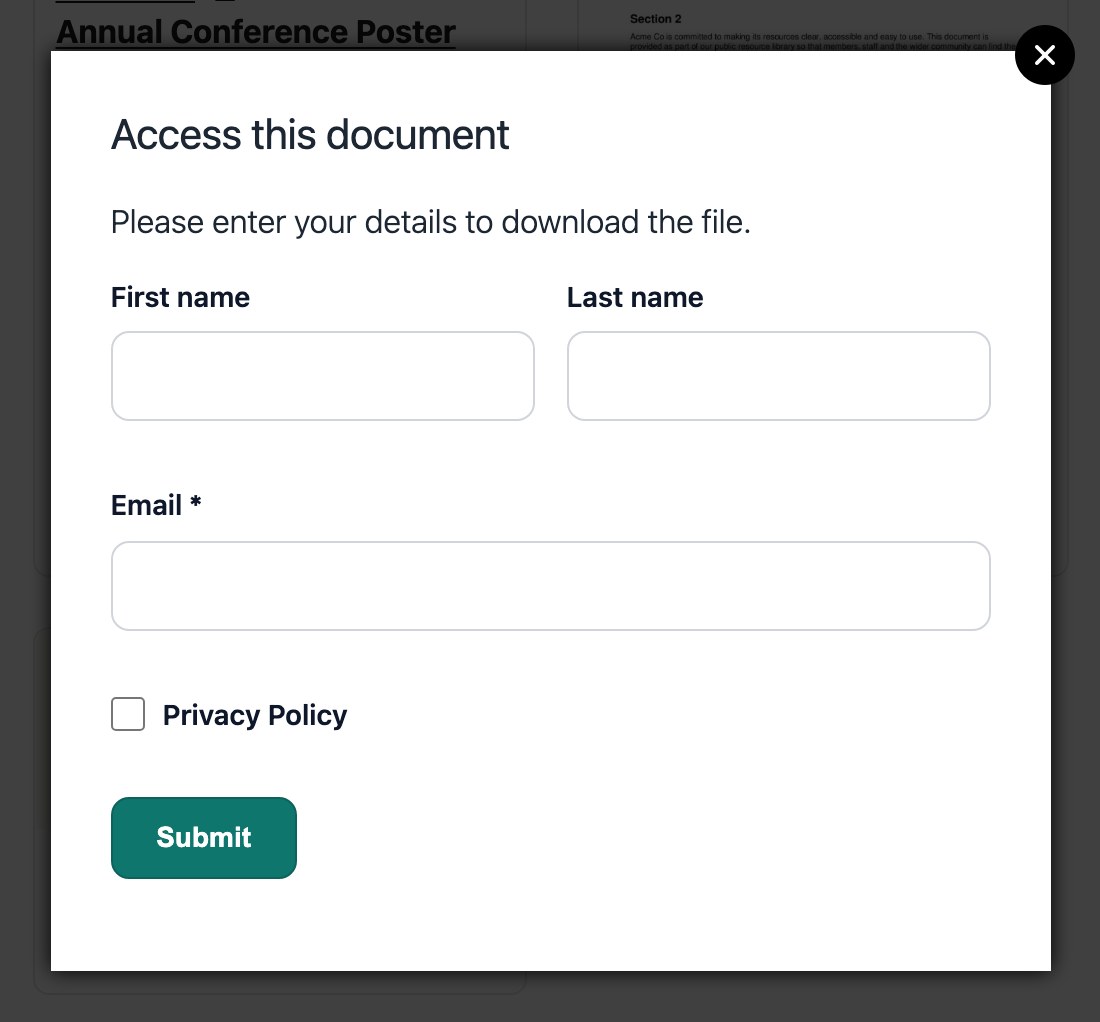
If you want to know who is downloading without locking people out, an email gate sits in the middle. The reader enters their email address before the download starts, which gives you a record and a contact while keeping the document easy to reach. Document Library Pro can require this on any library:
The difference between gating access and locking files
Browsing access and file access are two separate things, and the difference matters before you rely on any tool for sensitive material. A lot of people assume a password on a library does more than it does.
Gating access controls the front door. A password or login decides who gets into the library and sees the list of documents. Locking the file controls the document itself, so even someone holding the direct web address can’t open it without permission.
Most publishing tools, including Document Library Pro, gate access rather than lock each individual file. A password decides who can browse the library, but it doesn’t change the underlying file’s web address, so someone who already has that direct link could still reach the file.
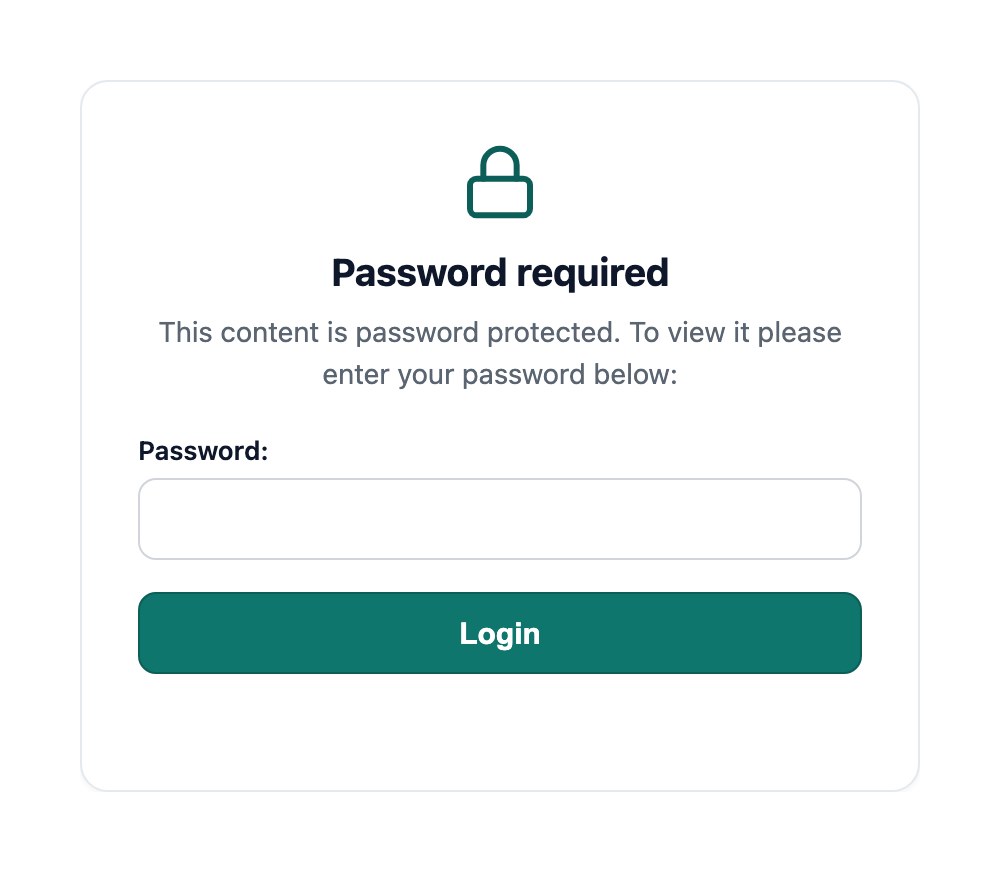
The way around this is to put your library somewhere that is already protected. If you embed it inside a members-only area, a staff intranet or any site that requires a login, that wrapper protects the files along with everything else on the page. For genuinely sensitive documents, that matters more than any single setting inside the library.
Choosing the right approach for your documents
Start with the document, not the tool. What you are sharing, and who needs it, points you to the right method.
- If you are sending one confidential file to one person, use an encrypted transfer tool with a link that expires.
- If a known group needs ongoing access to private documents, put them behind a login. A client portal or members area is the right home, and you can publish a searchable library inside it.
- If you are publishing documents for the public or your members to find on your website, you need a hosted document library rather than a transfer tool or an internal system.
If your real need is internal document control, with versions, approvals and a record of who changed what, that is a separate category. I compare the main options in my guide to document management software.
For the common case of sharing documents securely with members, clients or the public, Document Library Pro covers it. You can start a free 14-day trial and have a searchable library live on your own site the same day.
Frequently asked questions about secure document sharing
What is the most secure way to share a document?
It depends on what you’re sharing. For a single confidential file going to one person, an encrypted transfer with an expiring link is the safest choice. For a set of documents a known group needs over time, the safest option is a library kept behind a login rather than open links sent by email.
Is email a safe way to share documents?
Email is fine for low-risk documents, but it’s weak for anything sensitive. Attachments are easy to forward, simple to send to the wrong person, and they sit in inboxes you no longer control. A controlled library or an expiring encrypted link gives you far more say over who can reach the file.
Can I restrict who can view documents in a library?
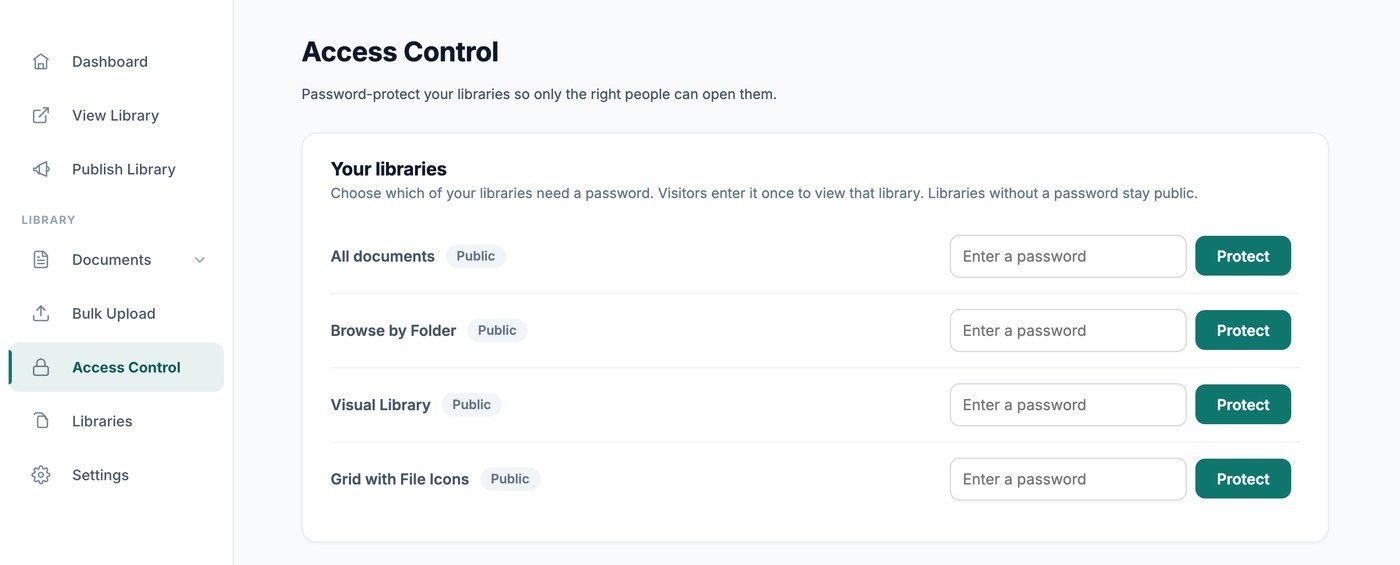
Yes. Document Library Pro lets you gate a library behind a password for members, or require an email address before each download. For the highest level of protection, embed the library inside a members-only area or intranet that already requires sign-in, so the files are protected by that login too.
Does a password on a document library protect the files themselves?
A password controls who can browse the library, but it does not change the web address of each underlying file, so someone with a direct link could still reach it. To protect the files as well as the library, publish the library on a site or area that already requires a login. That wrapper secures the documents along with the page they sit on.