HOA document management means giving a homeowners association one organized, accessible place to keep and publish the records that owners are entitled to see. That covers governing documents, board and meeting minutes, budgets, financial statements, reserve studies and annual policy notices.
Homeowner associations are unusual because they are often legally required to share certain documents. Across the United States, state law gives owners a right to inspect association records, and a growing number of states now require associations to post those records on a members’ website. For an HOA, publishing documents online is now a legal duty rather than a nice-to-have.
As the makers of Document Library Pro, we see how often this need comes up. In our own analysis of 500 sites running the software, community and homeowners associations were a recurring use case, sitting alongside nonprofits, councils and clinics.
Across those sites, PDFs were by far the most common file type shared, and a simple searchable table was the layout most organizations chose. That fits with what an HOA needs. The goal is a findable list of the documents that owners need access to, not a complex management system.
The good news is that there’s no need to create a dedicated HOA document sharing site. My recommendation for almost any HOA is simply to add a searchable document library on the website or members’ area you already run.
In this article, I’ll explain why that works and what it looks like with Document Library Pro. I’ll cover what HOAs have to share and why the rules differ from state to state. Then I’ll look at the move toward mandatory online portals, and how a library keeps you compliant without exposing files you need to keep private.
What HOAs are legally required to share
Every state gives association members a right to inspect the HOA’s records, though the exact list varies. In general, owners can request the governing documents (the declaration, bylaws, CC&Rs and rules), board and member meeting minutes, annual budgets and financial statements, contracts, and insurance and reserve information.
Many states also require the HOA to send certain documents to every owner each year, whether anyone asks or not. In California, for example, the Davis-Stirling Act requires associations to distribute an Annual Budget Report (Civil Code §5300) and an Annual Policy Statement (§5310) to members every year. With a member’s consent, both can be delivered electronically (§4040).
A small number of records usually sit outside the right to inspect, such as owner contact lists, delinquency details and matters under legal negotiation. Beyond those exemptions, the working assumption in most states is that owners can ask to see how their money is spent and how decisions are made. Even if this isn’t a legal requirement in your area, I think these are good principles to follow because they are genuinely beneficial to homeowners. If in doubt, it’s best to err on the side of openness!
Why it’s governed state by state
There is no single federal HOA records law. Each state writes its own, so the documents you must share, the deadlines for producing them, and the penalties for missing those deadlines all depend on where your community sits.
A few examples show how much the detail varies:
- California (Davis-Stirling Act). Produce current-year records within 10 business days, and records from the prior two years within 30 calendar days of a written request (Civil Code §5210).
- Florida. Make official records available within 10 business days, or face a penalty of $50 a day up to $500 (Fla. Stat. §720.303).
- Nevada (NRS 116). Provide budgets and financial statements within 21 days, with a $25-per-day penalty for delay (NRS 116.31175).
- Texas. Respond to a records request by the 10th business day after receiving it (Property Code §209.005).
- Arizona. Produce records within 10 business days, with copy charges capped at 15 cents per page (§33-1805).
Because the rules are set locally, always check your own state statute and your association’s governing documents before relying on any single deadline. The figures above change from time to time, and your CC&Rs can impose stricter requirements than the state minimum.
If you’re not sure which rules apply to you, the Homeowners Protection Bureau’s state-by-state directory is a useful place to look up your state’s HOA statutes. Outside the United States, the same principle applies even though the specific laws differ. Look up your own country or region’s rules on what homeowners and community associations must disclose, and follow your association’s governing documents.
The same publication pressure applies to other public-facing bodies. Local councils and government organizations work under their own transparency rules, and the practical answer turns out to be the same one that suits an HOA.
The move toward mandatory online portals
For years, meeting the records duty meant keeping a binder and handing out copies on request. That is changing. A growing number of states now require larger associations to maintain a members’ website where official records are posted, so owners can find them without filing a request at all.
Florida has gone furthest. Since January 1, 2025, HOAs with 100 or more parcels must maintain a members’ website and post their official records there (Fla. Stat. §720.303(4), introduced by HB 1203 in 2024).
A parallel rule for Florida condominiums took effect on January 1, 2026. Condo associations with 25 or more units must keep a website or app with a members’ area carrying the official records (§718.111(12)(g), under HB 1021).
Other states are heading the same way. Nevada requires associations with 150 or more units to maintain a secure owners’ portal (NRS 116.31069). Texas requires property owners’ associations with 60 or more lots, or any that are professionally managed, to publish their governing documents on a website (Property Code §207.006).
This is exactly the gap that Document Library Pro fills. More organizations are now expected, and increasingly required, to publish documents online, and surprisingly few tools are designed to display them as a searchable library rather than a pile of file links.
How an online document library helps you comply
A searchable document library is the simplest way to satisfy a posting requirement and a records request at the same time. Instead of emailing files one by one, you publish them once in a library on your association’s website, and owners find what they need themselves. That is the job we built Document Library Pro to do.
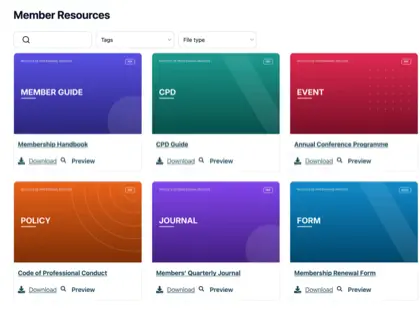
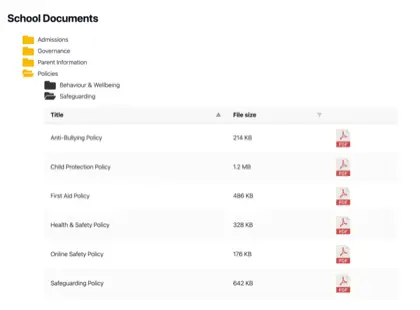
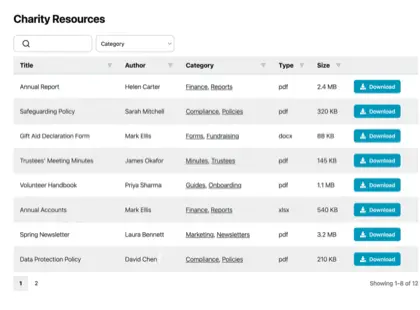
Document Library Pro takes the documents an HOA already produces and publishes them as a structured, searchable document library. Owners can search by keyword and filter by category, such as document type or year. They can preview a file in the browser without downloading it, download what they need, or select several documents and download them together as a single ZIP.
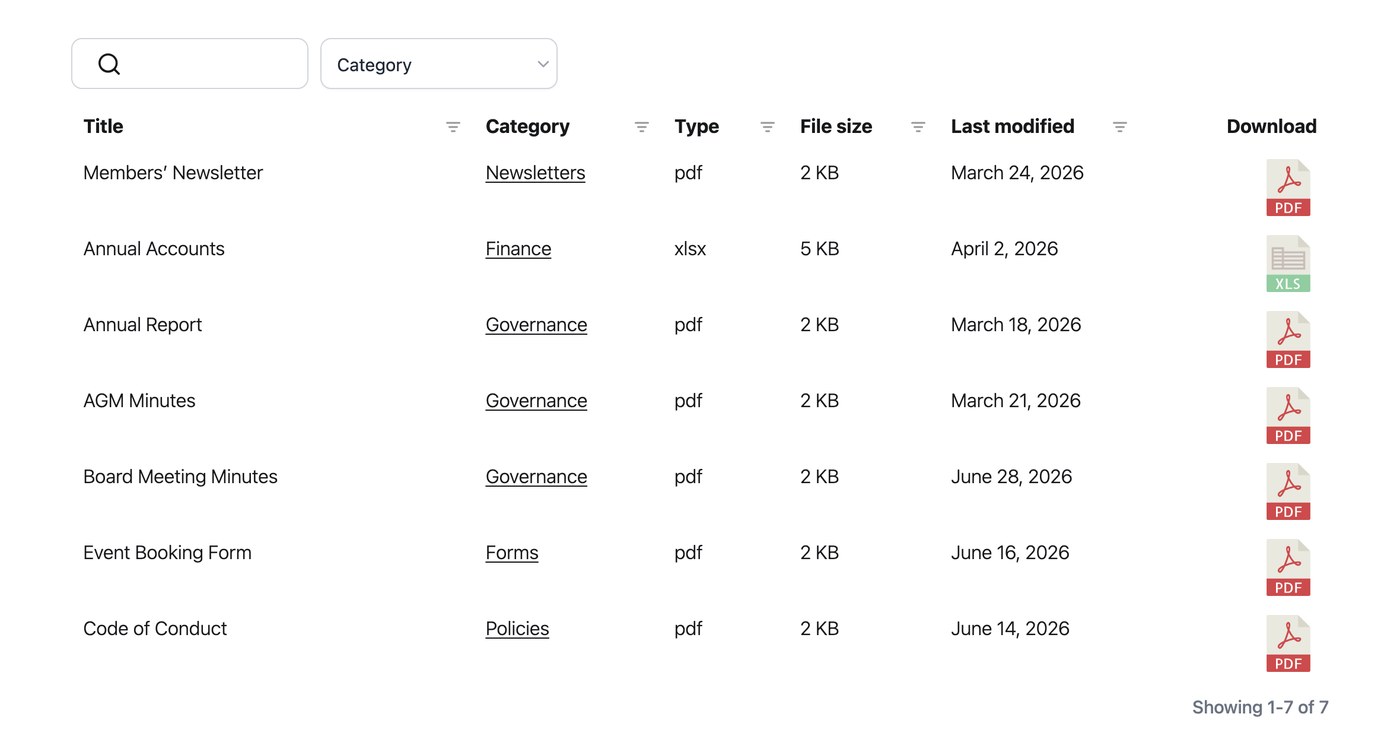
For an owner looking for a specific set of minutes or this year’s budget, that’s the difference between ten seconds and ten minutes. A few features matter most for an association:
- Categories and filters. Group records by type (minutes, budgets, CC&Rs and notices) and by year, so an owner lands on the right document without scrolling a wall of links.
- Stable, permanent links. Each document keeps a fixed address, so a link to a policy in a notice or email still works months later.
- In-browser preview. An owner can read a document on the page before deciding to download it, which suits long meeting packs and reserve studies.
- Access control. Keep open records visible to everyone, while restricting members-only files by login, role or password.
Document Library Pro runs on whatever platform your association’s website uses. We originally built it as a WordPress plugin, and it’s still available that way. But more importantly for homeowners associations, it now also works as a hosted library you can embed into any other platform. An HOA on Squarespace, Wix, Webflow or a custom-built site can publish the same searchable library without moving to a new system. The library lives on the site owners already visit, rather than a separate portal that you have to pay for and maintain separately.
Members-only vs public documents
Not every HOA document is meant for the whole world. Owners generally have a right to see association records, but the wider public does not, and some files should stay inside the community altogether. Owner contact lists, delinquency records and contracts under negotiation are the usual examples.
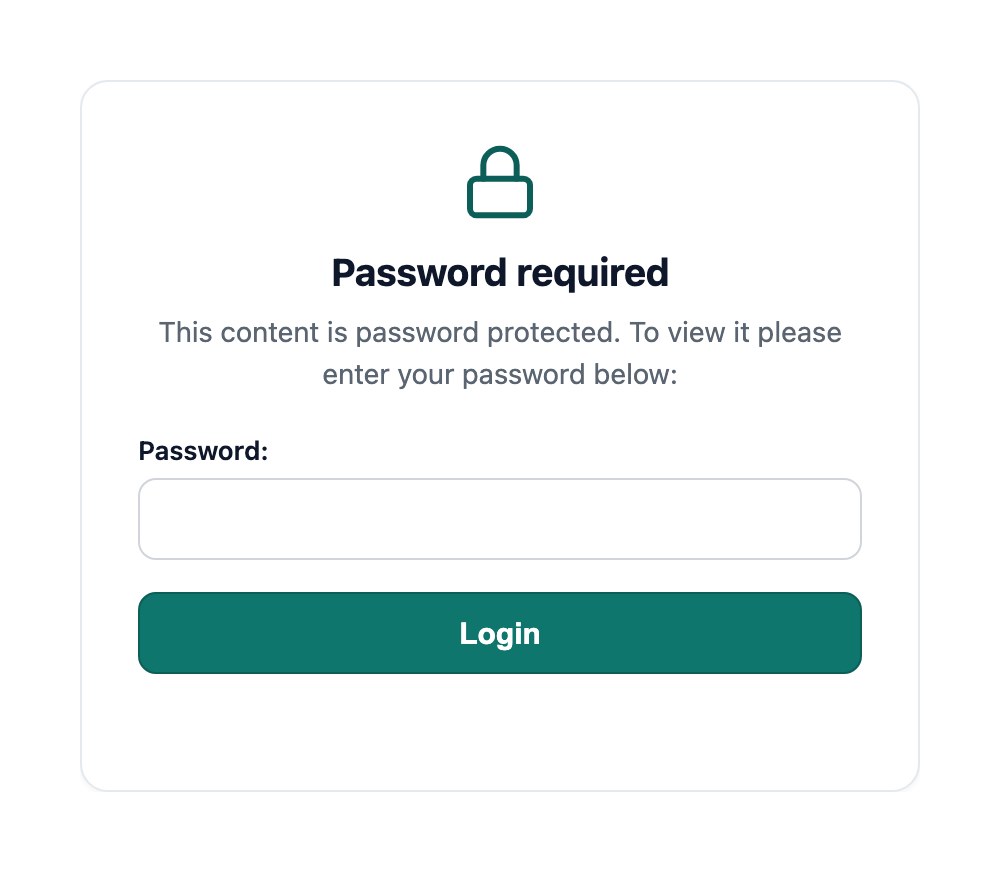
Publish the records that can be open, such as governing documents, approved minutes and annual budgets, and keep sensitive files in a restricted library behind your members’ login. Document Library Pro comes with a password protection option for each library. That way you can create public libraries for the documents you need to share and private libraries for the ones you don’t.
If your community already runs a members’ portal, that’s the natural home for the private library. The login that protects the portal protects the files inside it too.
It’s also worth deciding how long each type of record stays available before it’s archived or replaced. For an HOA that’s partly set by state law and partly your own call, and it’s really a document retention policy applied to what you publish. Agreeing it up front keeps last year’s budget from sitting at the top of the list once the new one is approved.
Frequently asked questions about HOA document management
Are HOAs legally required to publish documents online?
It depends on your state and the size of your community. Several states now require larger associations to maintain a members’ website that posts official records, including Florida and Nevada. Even where it isn’t mandatory yet, owners have a right to inspect records, so publishing them online is the simplest way to meet that duty. Always check your own state statute and governing documents.
What documents does an HOA have to share with owners?
Most states give owners the right to inspect the governing documents (the declaration, bylaws, CC&Rs and rules), board and member meeting minutes, annual budgets and financial statements, contracts, and insurance and reserve information. Some records, such as owner contact details and delinquency information, are usually exempt. The specific list and any exemptions are set by your state’s HOA statute.
How can an HOA keep some documents private?
Use access control to restrict a library, or individual documents, to specific owners, roles or a password, while keeping open records public. For genuinely sensitive files, place the restricted library inside the part of your members’ area that already requires a login, so the file is protected and not only hidden from the library’s search.
Can Document Library Pro be used by an HOA on any website?
Yes. Document Library Pro works as a WordPress plugin and can also be embedded into other platforms, including Squarespace, Wix, Webflow, a custom site or a members’ intranet. It publishes your association’s records as a searchable, filterable library that you can keep public or restrict to owners, so it fits whether your HOA site runs on WordPress or something else.
Give your members a library they can rely on
For most HOAs, meeting your document-sharing obligations comes down to one thing. Give the governing documents, minutes, budgets and notices you already produce a single searchable home on your association’s website, with open records public and the rare sensitive file behind a login.
Get that in place and you spend less time fielding records requests and chasing broken links, and more time running the community. As the rules keep moving toward mandatory online portals, an association that already publishes a proper library is ready for whatever its state asks for next.
When you’re ready to set one up, you can try Document Library Pro free for 14 days and give your owners a records library they can rely on.