





In Document Library Pro puoi scegliere quanti documenti appaiono su ogni pagina della libreria e impostare il numero totale di documenti che la libreria mostrerà. Controlli entrambe le opzioni nella scheda Advanced delle impostazioni.
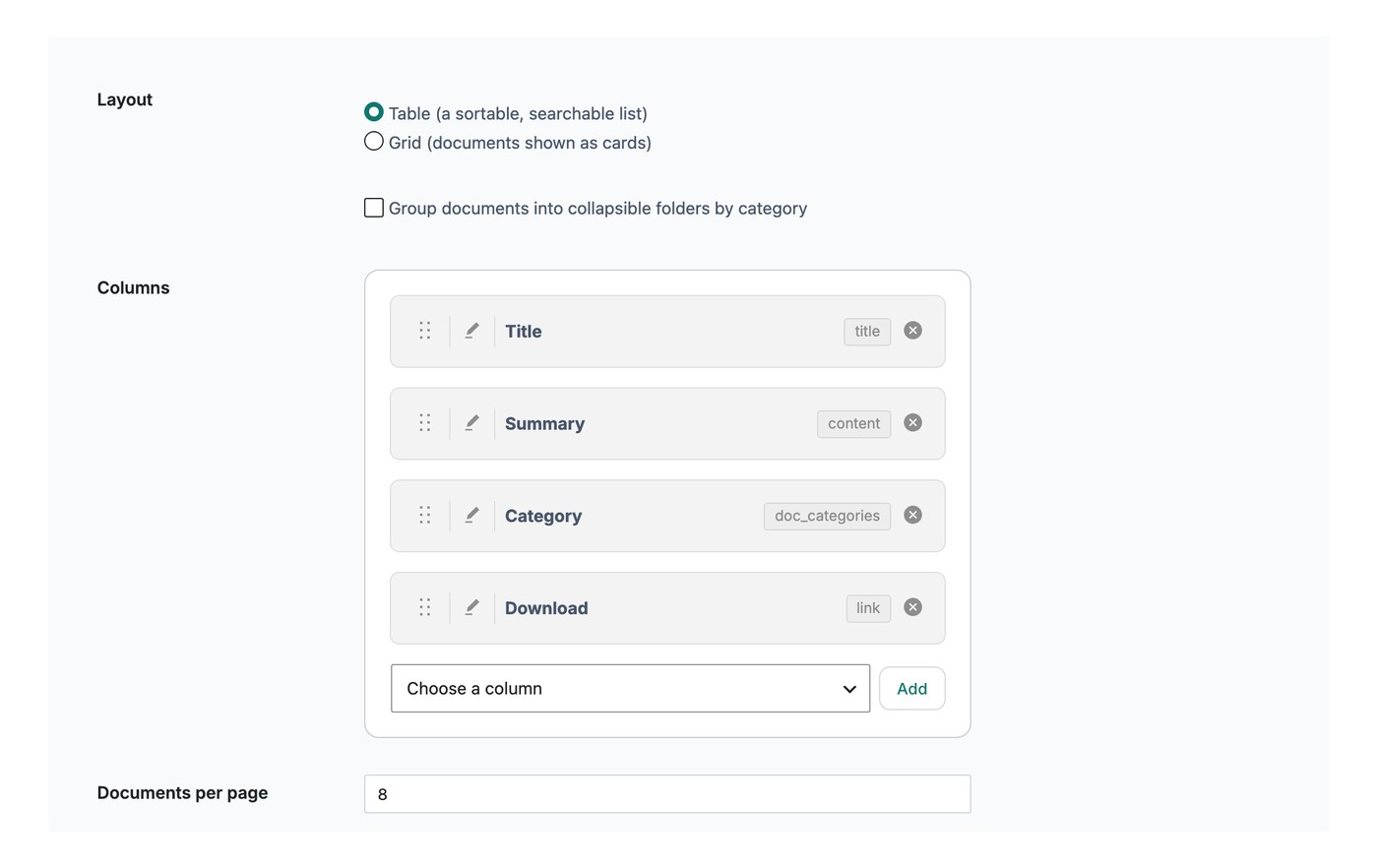
Documenti per pagina
Questa impostazione controlla quante righe vengono mostrate su ogni pagina della libreria prima che un visitatore passi alla pagina successiva. Il valore predefinito è 25 documenti. Puoi impostarlo più basso, per esempio 10, per mostrarne meno per pagina, oppure scegliere di mostrare ogni documento in una singola pagina.
Se hai attivato scorrimento infinito, l'impostazione documenti per pagina non si applica. Invece, altri documenti vengono caricati automaticamente mentre il visitatore scorre verso il basso nella libreria.
Limite documenti
Il limite documenti imposta il numero massimo di documenti che la libreria visualizzerà in totale. Il valore predefinito è 500 e puoi inserire -1 per mostrare tutti i tuoi documenti senza limiti.