





Document Library Pro può mostrare una data per ogni documento nella tua libreria e ti permette di controllare il formato di queste date. Poiché la colonna data viene trattata come data e non come testo semplice, ordina anche la colonna correttamente per data invece che alfabeticamente.
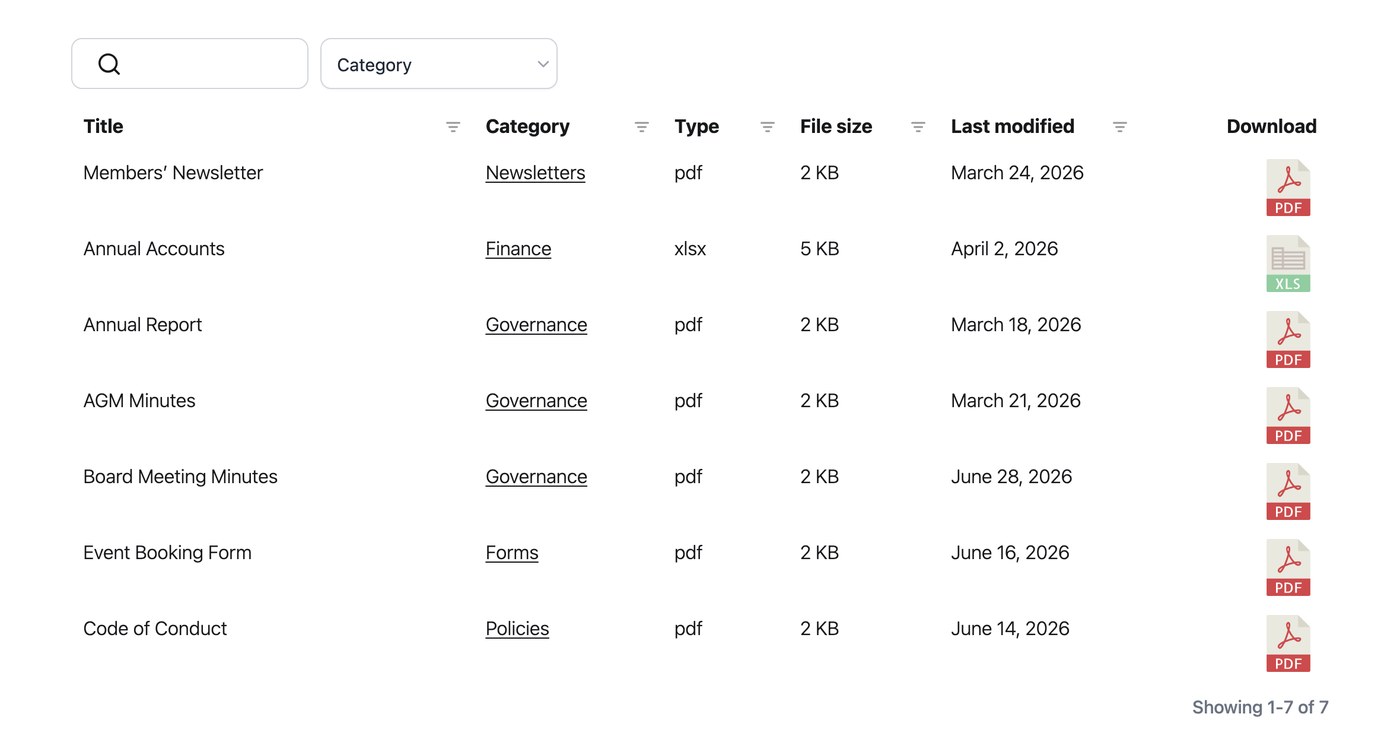
Aggiungere una colonna data
Per mostrare le date nella tua libreria, aggiungi la colonna data alla tabella o alla griglia nella scheda Visualizzazione delle impostazioni. Una volta inserita la colonna, i visitatori possono ordinarla e le date appaiono nel formato scelto.
Formato data
Per impostazione predefinita, le date usano il formato impostato in Impostazioni → Generale. Puoi cambiare il formato della data in qualsiasi stringa di formato valida. Ad esempio, “F j, Y” mostra date come “24 agosto 2026”. Lo imposti nella scheda Generale delle impostazioni, e si applica alla colonna data ovunque appaia.