Create a MemberClicks Resource Library Members Can Use
Add a searchable document library to your MemberClicks website without replacing the membership system you already use. Build it in Document Library Pro, then add it to your site yourself.
What Should Members Find?
Give Important Documents a Proper Home
MemberClicks is where your membership work already happens. Your documents still need a place where members can search, filter, preview, and download the right file.
Board and Committee Documents
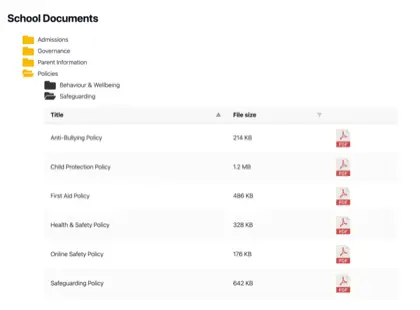
Publish agendas, minutes, packets, bylaws, and governance files in one searchable library for the people who need them.
Member Resources and Forms
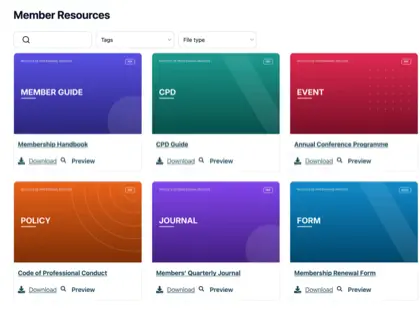
Give members a cleaner way to find applications, renewal forms, policy documents, guides, and template files.
Event and Training Materials
Share handouts, slide decks, certificates and sponsor materials without burying them across separate pages.
Chamber and Trade Publications
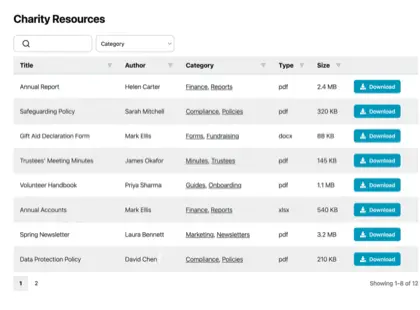
Organize reports, directories, newsletters and member-only publications by category, date, or audience.
How It Works
Add Your Library to MemberClicks
Document Library Pro is hosted software, so the document library lives in our system and displays on your MemberClicks page. Your members stay on your website.
Build It
Create your library in our dashboard, upload files, or sync a Google Drive or Dropbox folder.
Copy Code
When the library is ready, copy the two-line embed code from the Document Library Pro dashboard.
The Embed
What MemberClicks Allows
MC Trade Premium Website has an Embed Code element, where you paste the whole two-line snippet. In MC Pro, you paste the iframe line into the article HTML view; an iframe is the line that shows the library. MemberClicks support can add the helper script, a short piece of code that resizes the library and opens previews inside the page.
For Association Teams
Built for Member Documents
Launch a Better Member Library
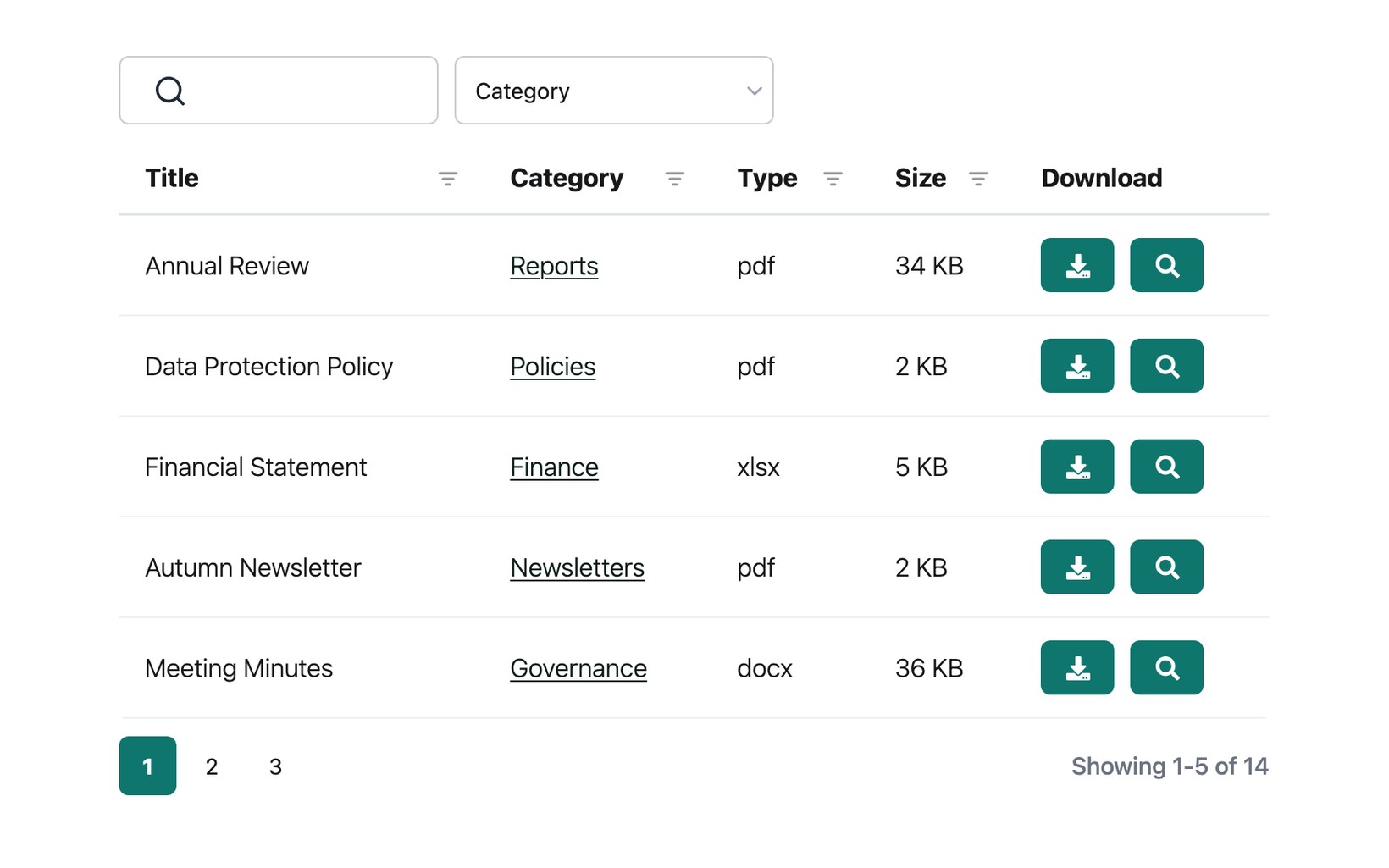
Start a 14-day free trial, or ask us to build the library through our free setup service. You can get it live without waiting on a developer or a support queue.
See it in action
The admin demo shows the WordPress plugin. The hosted version works the same way behind the scenes - just with its own dashboard.