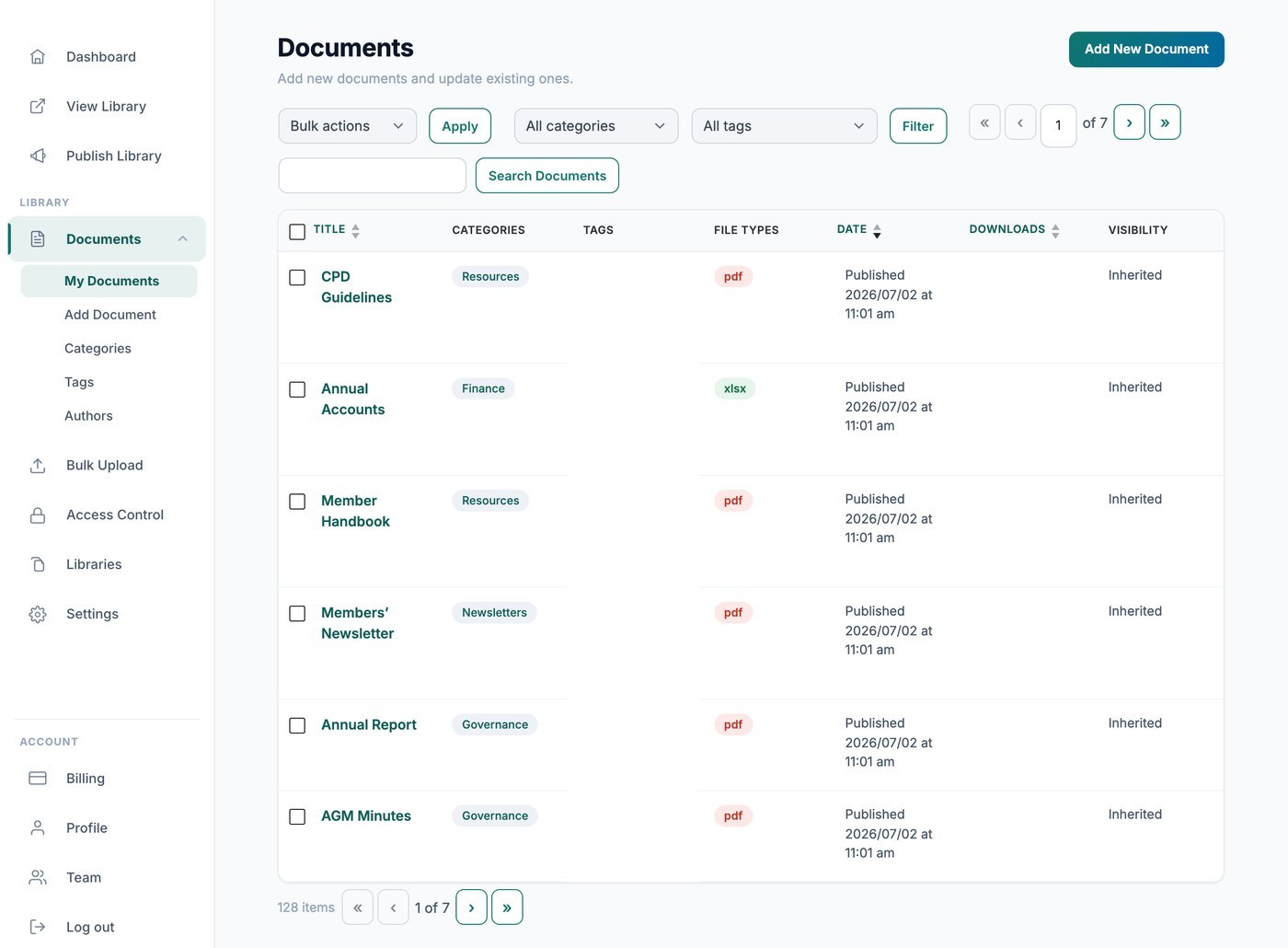
Your hosted Document Library Pro library counts downloads for you automatically, so you can see how often each file is taken. There are two ways to view those counts: privately from your dashboard, or publicly inside the library itself.
View counts in your dashboard
Open the list of documents in your dashboard and look at the Downloads column to see the running total for each file. These figures are for your eyes only and are never shown to your visitors.
Show counts to your visitors
If you would like visitors to see how popular a document is, add a download count column to your library. The column shows the total number of downloads for each document right alongside it in the table or grid.