The Transparency Code publishing checklist
Everything a parish or town council has to publish on its website, when it’s due and how long it stays online. We wrote it for clerks, from the Transparency Code for Smaller Authorities 2015 and the Practitioners’ Guide 2025.
If your council’s turnover is under £25,000, the Transparency Code for Smaller Authorities 2015 applies to you and the items below are mandatory. If it’s between £25,000 and £200,000, the Practitioners’ Guide 2025 (paragraph 5.76) says to follow the Code as best practice. Above £200,000, the Local Government Transparency Code 2015 and the ICO Model Publication Scheme apply instead.
This is current information for England. Please check the Code itself before relying on any single item, because the rules change from time to time.
What to publish
- Every item of expenditure over £100, with the date, the supplier and the purpose.
- The end-of-year accounts.
- The annual governance statement.
- The Annual Governance and Accountability Return (AGAR), including the notice of public rights.
- The internal audit report.
- The names of your councillors, with contact details and their responsibilities.
- Details of the public property and buildings the council owns.
- The agenda and papers for every formal meeting.
- The minutes of every formal meeting.
When it’s due
- Agendas go up at least three clear days before the meeting.
- Draft minutes go up within one month of the meeting.
- The completed AGAR goes up by 30 September each year.
- Accounts, the governance statement and the audit report go up as soon as they’re approved.
How long it stays online
Keep financial records published for at least five years. Six years is the safer choice, because it matches the limitation period under the Accounts and Audit Regulations. Minutes and agendas should stay online as a running archive, so residents can find a decision years after it was made.
Accessibility
The Public Sector Bodies Accessibility Regulations 2018 require your website, and the documents on it, to meet WCAG 2.2 AA. A scanned PDF is an image, so a screen reader can’t read it. For each document you publish, check that:
- The PDF was exported from Word or your accounts software, not scanned.
- The text can be selected and searched.
- Headings and tables are tagged.
- Your website has a published accessibility statement.
Your domain and email
From the 2025-26 audit year, Assertion 10 of the AGAR asks whether the council owns its domain and runs its official email on it. Gmail, Yahoo and Outlook addresses don’t count. The Practitioners’ Guide 2025 (paragraph 1.26) sets this out, and the same guide asks for an adopted IT policy (paragraph 1.54).
Making it easy to find
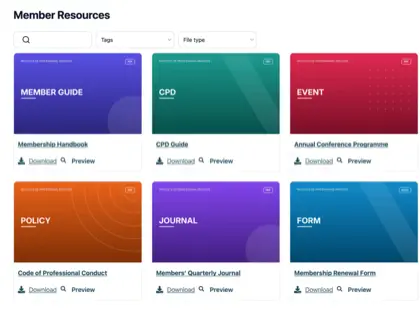
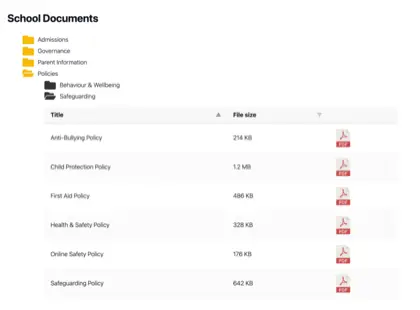
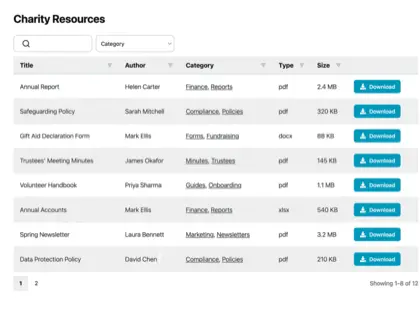
Publishing the documents is half the duty. Residents and auditors also have to be able to find them. Document Library Pro gives each of the items above its own category and year, with a search box that reads inside the PDFs, so a resident can type “precept” and get the right page of the right minutes. It runs on a WordPress council site as a plugin, or you can embed it on a site from Vision ICT, Aubergine or any other provider.
You’ll find the full rules in our guide to parish council website legal requirements.