Ajoutez une bibliothèque de documents à Wix
Créez votre bibliothèque une seule fois, puis ajoutez-la à n'importe quelle page Wix avec l'application Document Library Pro comme widget Wix natif.
Pourquoi ajouter une bibliothèque à votre site ?
Offrez aux visiteurs les documents qu'ils recherchent
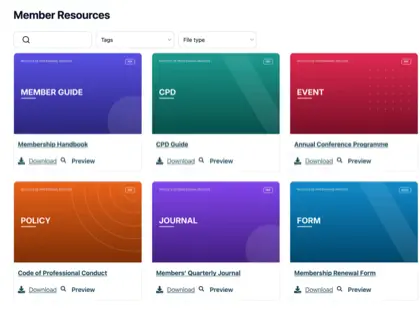
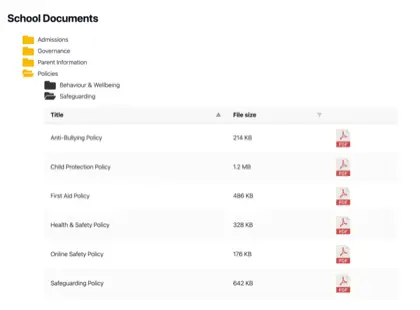
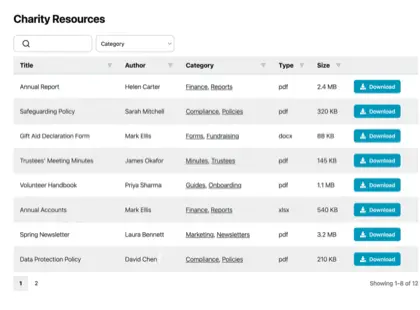
Quel que soit l'objet de votre site Wix, les visiteurs ont souvent besoin de plus qu'une page web. Mettez les documents qu'ils recherchent à un clic - consultables, aux couleurs de votre marque et faciles à télécharger.
Projets & portfolios
Présentez vos travaux, services et tarifs en détail téléchargeable.
Guides & manuels
Guides pratiques et instructions que vos visiteurs peuvent emporter.
Rapports & politiques
Rapports annuels, politiques et documents officiels au même endroit.
Formulaires & tarifs
Formulaires d'inscription, listes de prix et ressources à télécharger.
Comment ça marche
Une bibliothèque de documents sur Wix, en trois étapes
Créez votre bibliothèque dans le tableau de bord hébergé, puis ajoutez-la à une page Wix avec l'application Document Library Pro.
Créez votre bibliothèque
Créez votre bibliothèque dans le tableau de bord hébergé. Téléversez des documents, organisez-les en catégories ou synchronisez un dossier Google Drive ou Dropbox.
Installer l'application Wix
Installez l'application Document Library Pro depuis le Wix App Market. Ajoutez ensuite le widget à la page où vous voulez que votre bibliothèque apparaisse.
Choisissez votre bibliothèque
Sélectionnez le widget et choisissez votre bibliothèque dans ses paramètres. Publiez ensuite la page, en utilisant notre guide étape par étape si vous avez besoin du guide complet.
Voir sur Wix
Le rendu sur votre site
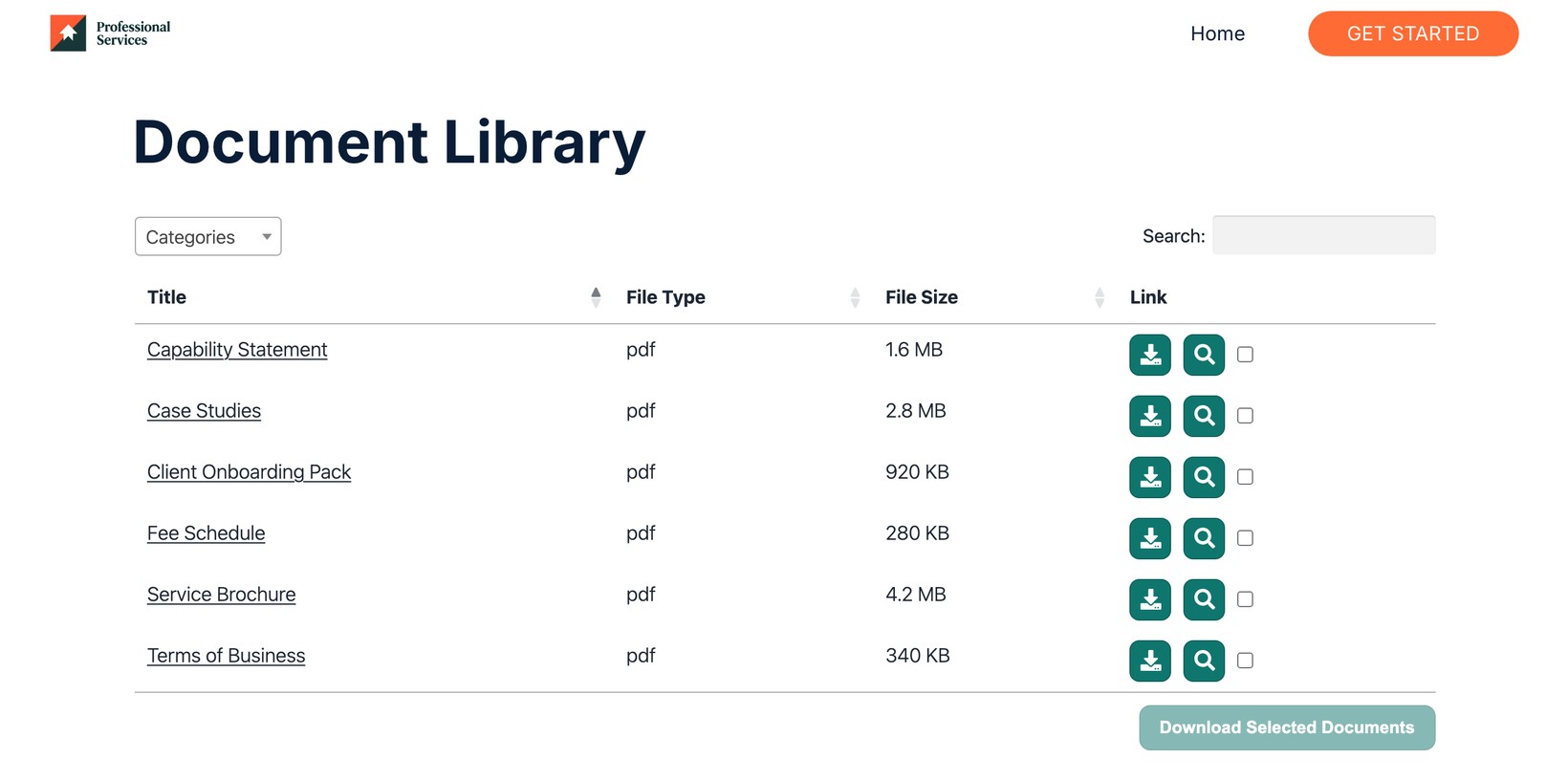
Aidez vos visiteurs à trouver chaque document
Partagez brochures, guides et rapports dans une bibliothèque consultable que vos visiteurs peuvent parcourir et télécharger.
Voir en action
La démo administrateur présente le plugin WordPress. La version hébergée fonctionne de la même manière en coulisse - avec son propre tableau de bord.