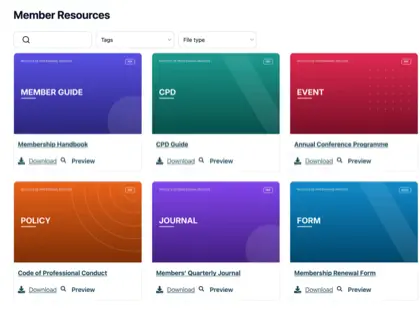
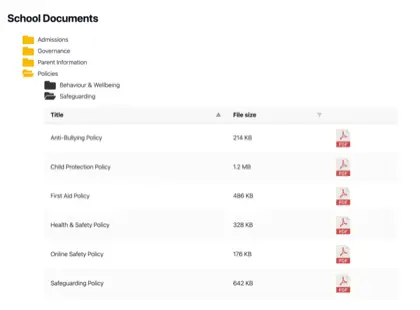
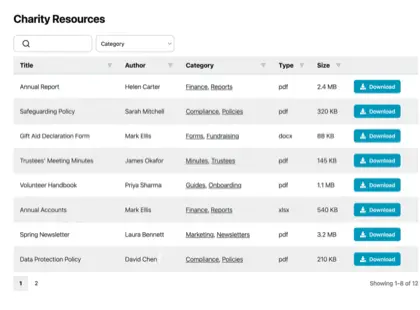
Most organizations have far more documents than their website was ever built to handle, and it creeps up on you. Think of a parish council with years of minutes, planning notices and policies it has a legal duty to publish, or a membership body sitting on a pile of handbooks, forms and training materials.
The files all exist somewhere, but nobody outside the office can find the right one.
A resource library solves that. Instead of a long page of links, you give people a searchable, filterable page where they find and download what they need themselves. I’ll explain when an organization needs one, how to build it, and what separates a resource library people use from one they ignore.
The limits of a plain list of links
For a handful of documents, a plain list of links is fine, and I wouldn’t bother with anything more. Things change once the list grows.
Past a dozen or so files, two problems show up. Visitors can’t spot the document they want without reading the whole list, and someone has to edit the page by hand every time a file is added or replaced. A part-time administrator ends up maintaining a wall of links that people still find hard to use.
You might assume the tools you already pay for would cover this. They don’t, because they were built for a different job. Google Drive, Dropbox and SharePoint store files and share them with people who log in. None of them puts a searchable library on your own public website, which is exactly what most organizations are missing.
When we looked at who uses Document Library Pro, it was mostly the kind of organization you’d expect to hold a lot of documents: nonprofits, universities, membership bodies and local councils. They have no shortage of places to store files. What they lack is a way to publish them so the public, or their members, can find the right one without emailing to ask.
Types of resources organizations publish
The contents depend on the organization, but the job is the same. Here is what different sectors tend to publish.
Businesses share product documentation, specifications and certificates.
Signs you need a resource library
You don’t need a resource library for a few files, where a couple of links will do, and I’d tell you to save your money. It earns its place once one of these is true:
You have more documents than a visitor can reasonably scan.
The law requires you to publish certain records, as it does for many councils and public bodies.
People need to filter by topic, year or department to find the right file.
You want to collect an email address before download, turning the library into a source of leads.
Some documents should only be reachable by members or staff.
How to build a resource library
We built Document Library Pro to solve this exact problem: giving organizations a clean way to display and share documents, rather than just store them. It publishes your files as a resource library that people can search, filter by category and sort. They preview a document in the browser, then download it on its own, or tick several and take them as a zip.
It runs on any platform. A WordPress site adds it as a plugin. Anywhere else, a short embed code drops the library into your pages, whether they’re public or behind a members’ login.
Watch the full tutorial
Putting one together takes five steps:
Add your documents. Upload the files, or point the library at ones you already host elsewhere. Each gets a title, a description, a category and an optional cover image.
Group them into categories and tags. Sort resources the way your audience thinks about them, by topic, year or department. These become the filters people use.
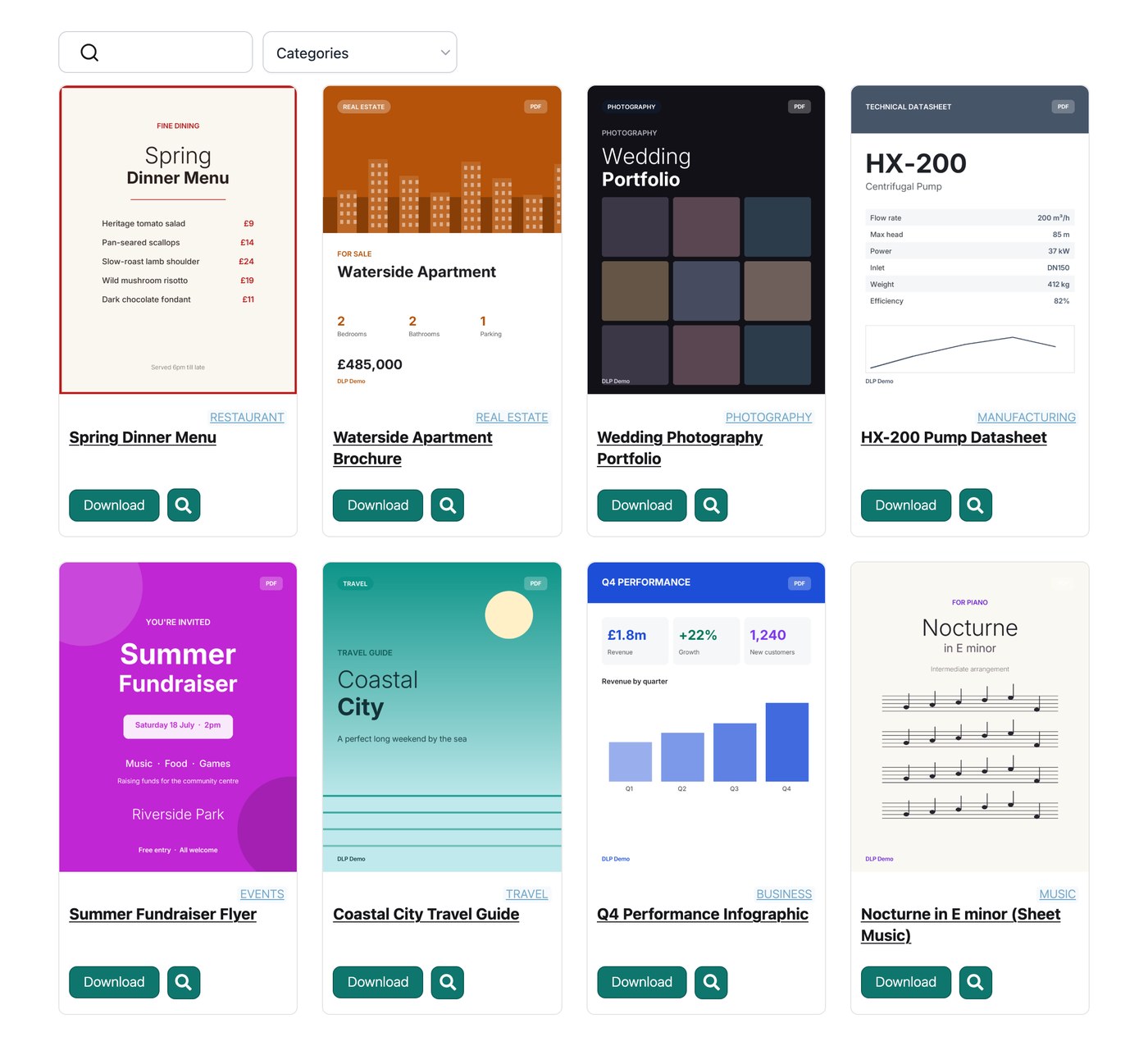
Pick a layout. A table suits formal records, a grid with cover images suits reports and guides, and a folder view suits browsing.
Switch on search and filters. A search box and a few dropdowns let people reach a document in seconds instead of scrolling.
Set who can see it. Publish it openly, gate downloads behind an email address, or restrict the whole library to logged-in members.
Resource library examples
Three organizations show how different this looks once it’s done well.
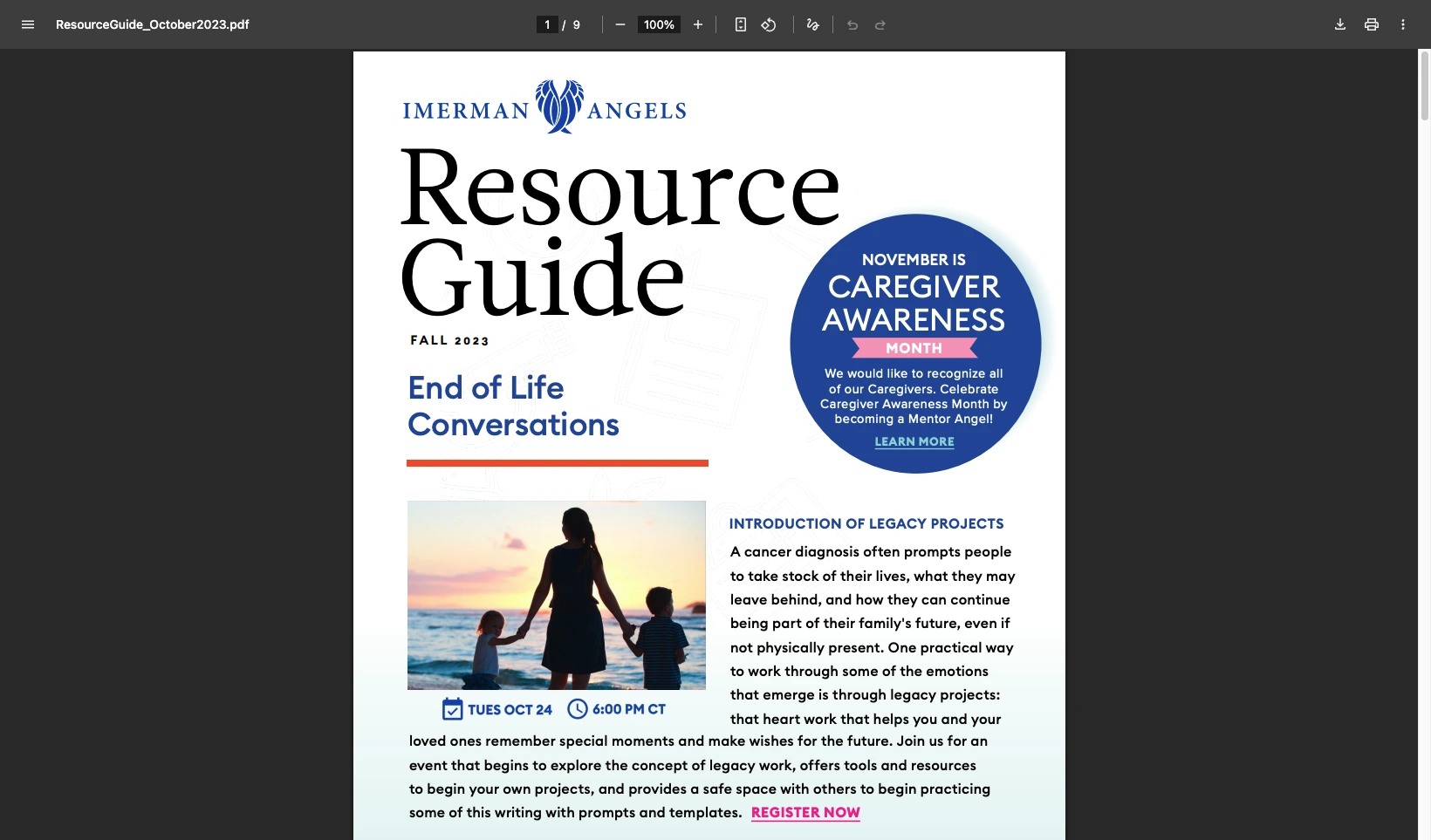
Imerman Angels, a cancer-support charity, started with files scattered across different places. Outdated links kept reaching the public, and the team had no way to see what people downloaded. They pulled everything into one library with a grid layout and download buttons, and can now track which resources get used.
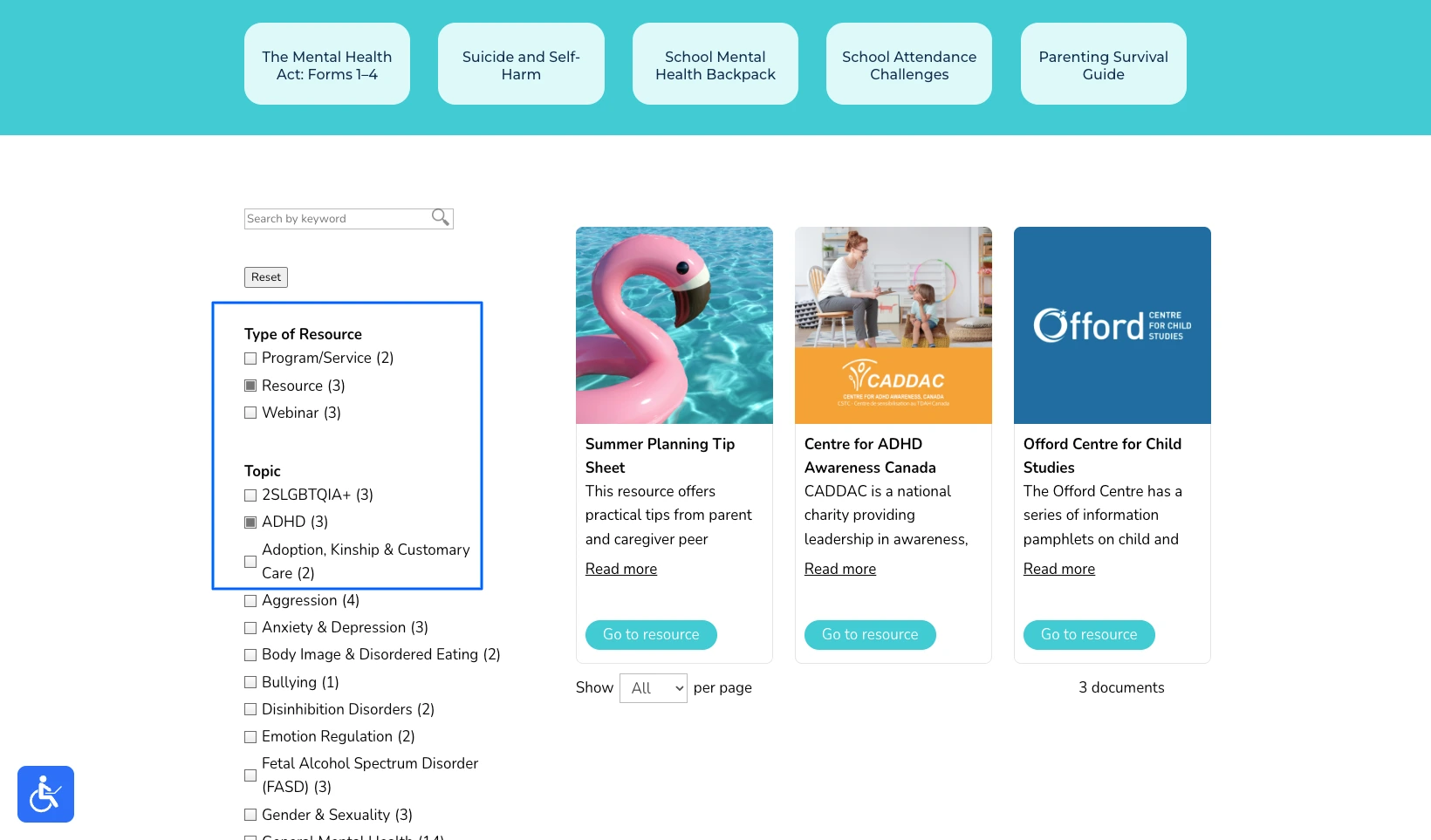
Children’s Mental Health Ontario had the opposite issue. Their resource page worked, but in their own words it was “very laundry-list style”, and scrolling a long unsorted page is the last thing a stressed parent needs. They rebuilt it as a hub where families filter by topic and reach the right help in seconds.
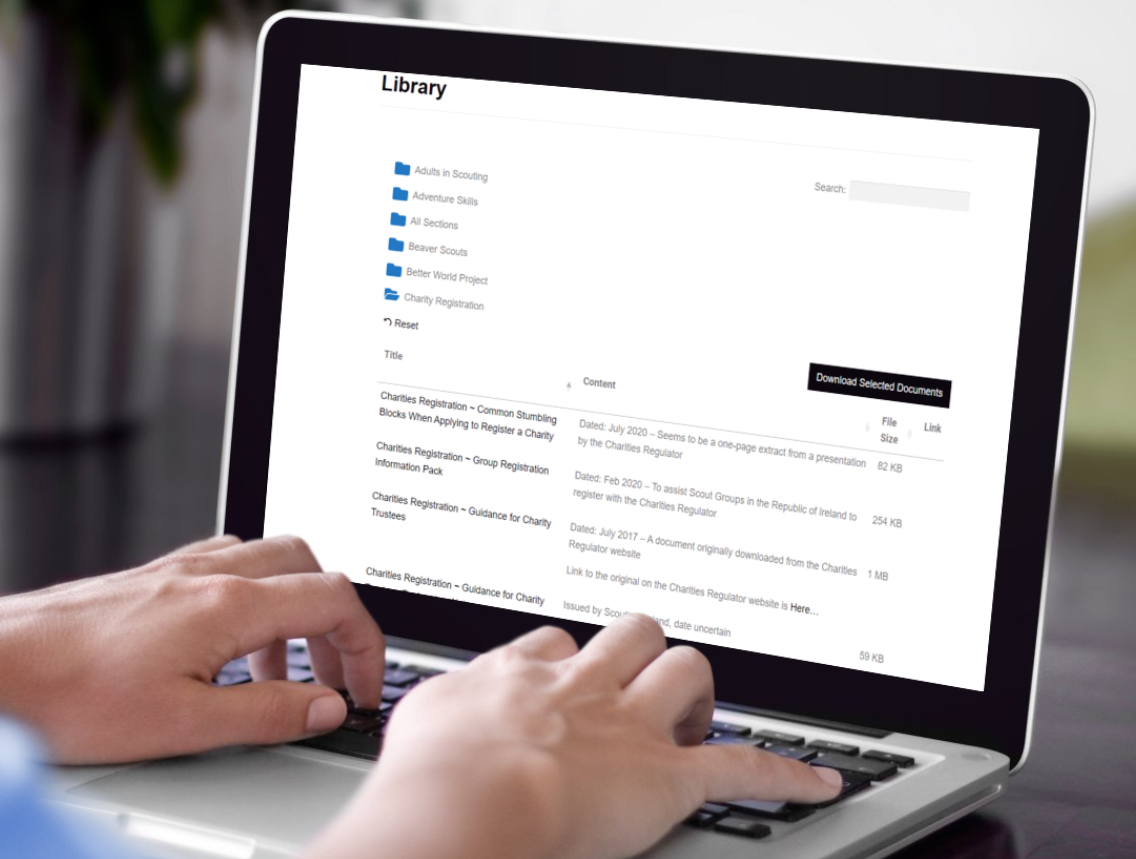
Scouting Ireland had simply outgrown a page of links, with hundreds of articles, policies and forms for volunteers. They organized everything into folders, so a leader opens the right one and downloads a whole set of documents in a single click.
For six more examples across different sectors, see my walkthrough on creating a document library.
Tips for a resource library people use
The software is the easy part. What turns a resource library into one people rely on is a handful of decisions you make along the way.
The most common mistake I see is organizing the library the way the files are stored internally, by department or by the year a document was filed. Visitors don’t think that way. They think “I need the membership form” or “where’s the latest annual report”, so build your categories around those questions instead.
Be selective with lead capture. Asking for an email before download can turn a library into a steady source of leads, but only when the resource earns it. Gating a genuinely useful report or toolkit is fair. Gating a meeting agenda or a routine form just irritates people and pushes them to phone instead.
Decide who owns it. A resource library is only as good as it’s kept, so a clerk or a communications person needs a simple routine for adding new documents and retiring old ones. Most tools make that a developer’s job, and the whole point of a proper library is that a non-technical person can keep it current.
Finally, watch what gets downloaded. Those numbers tell you which resources matter and which are dead weight, and the organizations that get the most from a library use them to decide what to publish next.
Frequently asked questions
What is a resource library?
A resource library is a searchable collection of downloadable resources, like guides, reports and forms, published on a website so visitors can find and download them without help.
Can I build an online resource library without WordPress?
Yes. Document Library Pro runs as a WordPress plugin, but it also embeds into Shopify, Squarespace, Wix, Webflow, a custom site or an intranet. An online resource library works on whatever platform you already use.
Can a resource library capture email addresses?
Yes. Document Library Pro can require an email address before someone downloads, which turns the library into a lead-generation tool while it shares your content.
A resource library that earns its place
If your collection is small and only a few people need it, a couple of links will always be the simplest answer. However, the moment people have to find documents for themselves, a resource library pays for itself in the time it saves everyone, and in how much more capable the organization looks.
You can build your own with Document Library Pro and try it free for 14 days.
About the author
Katie Keith
Katie Keith is the founder and CEO of Barn2, the team behind Document Library Pro. She has spent over a decade helping organizations publish, manage and share documents online, and writes about doing it well on any website or platform.
Tell us about your documents and we'll create an instant mockup you can customize and share with colleagues. When you're ready, we'll use it to build your finished library for you.
Free. No spam.
Before you go...
Would you like a free instant mockup of what your document library will look like?
Tell us about your documents and we'll create an instant mockup you can customize and share with colleagues. When you're ready, we'll use it to build your finished library for you.







 Children’s Mental Health Ontario had the opposite issue. Their resource page worked, but in their own words it was “very laundry-list style”, and scrolling a long unsorted page is the last thing a stressed parent needs. They rebuilt it as a hub where families filter by topic and reach the right help in seconds.
 Scouting Ireland had simply outgrown a page of links, with hundreds of articles, policies and forms for volunteers. They organized everything into folders, so a leader opens the right one and downloads a whole set of documents in a single click.
 For six more examples across different sectors, see my walkthrough on creating a document library.