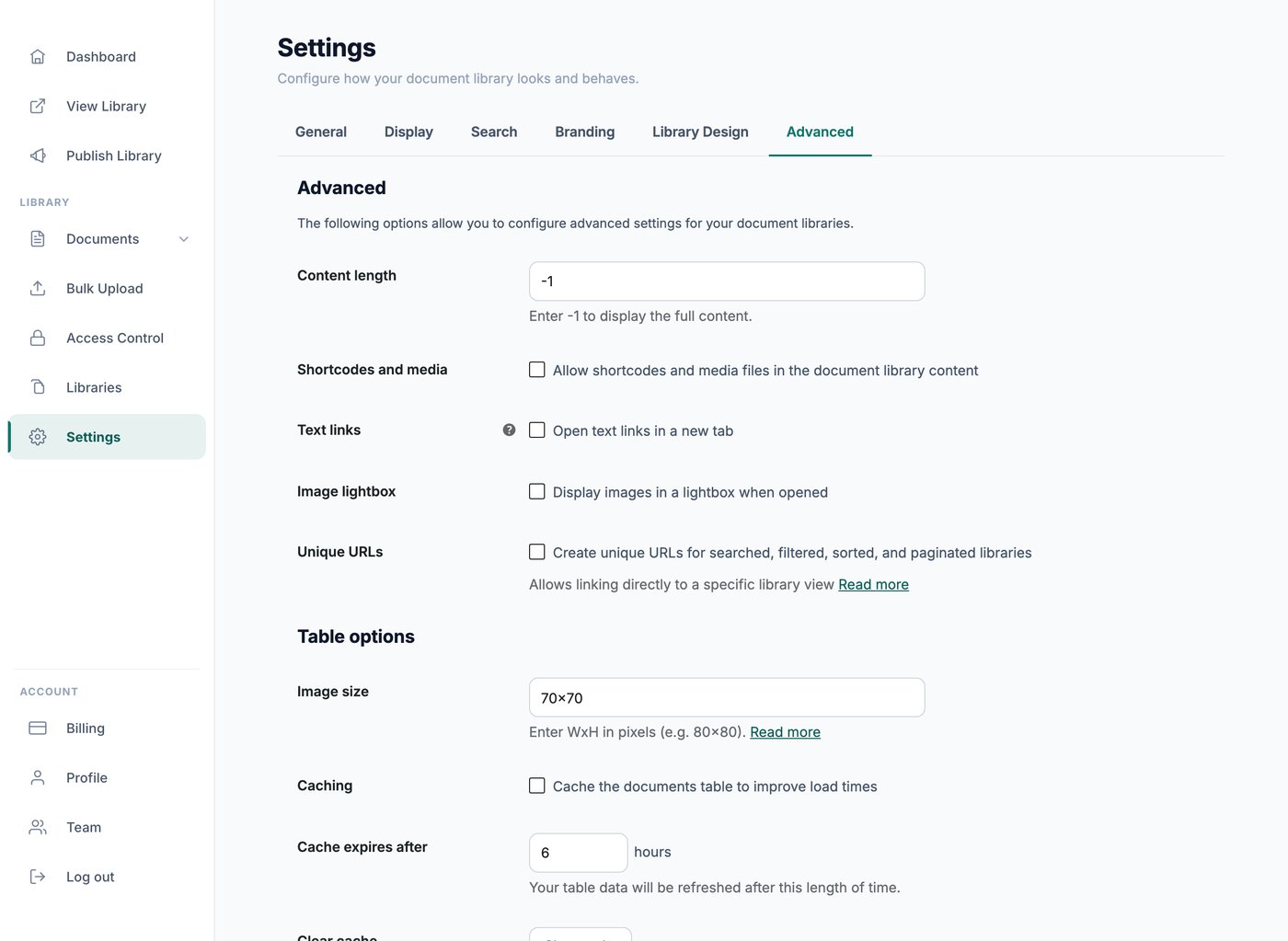
Hosted Document Library Pro lets you decide how much text appears in the content and excerpt columns of your library. These settings tell your library how many words to show, and any words beyond that limit are trimmed automatically so the table stays tidy.
You can adjust both lengths from your library’s design settings, alongside the other column and layout options.
Content length
The content length setting controls how much of the content column is shown, if you have added that column to your library. Enter the number of words you want to display. The default is 15 words. To show the full content with no trimming, set the value to -1.
Excerpt length
The excerpt length setting controls how much of the excerpt column is shown, if you are using it. Enter the number of words to display. For reference, the standard WordPress excerpt length is 55 words.