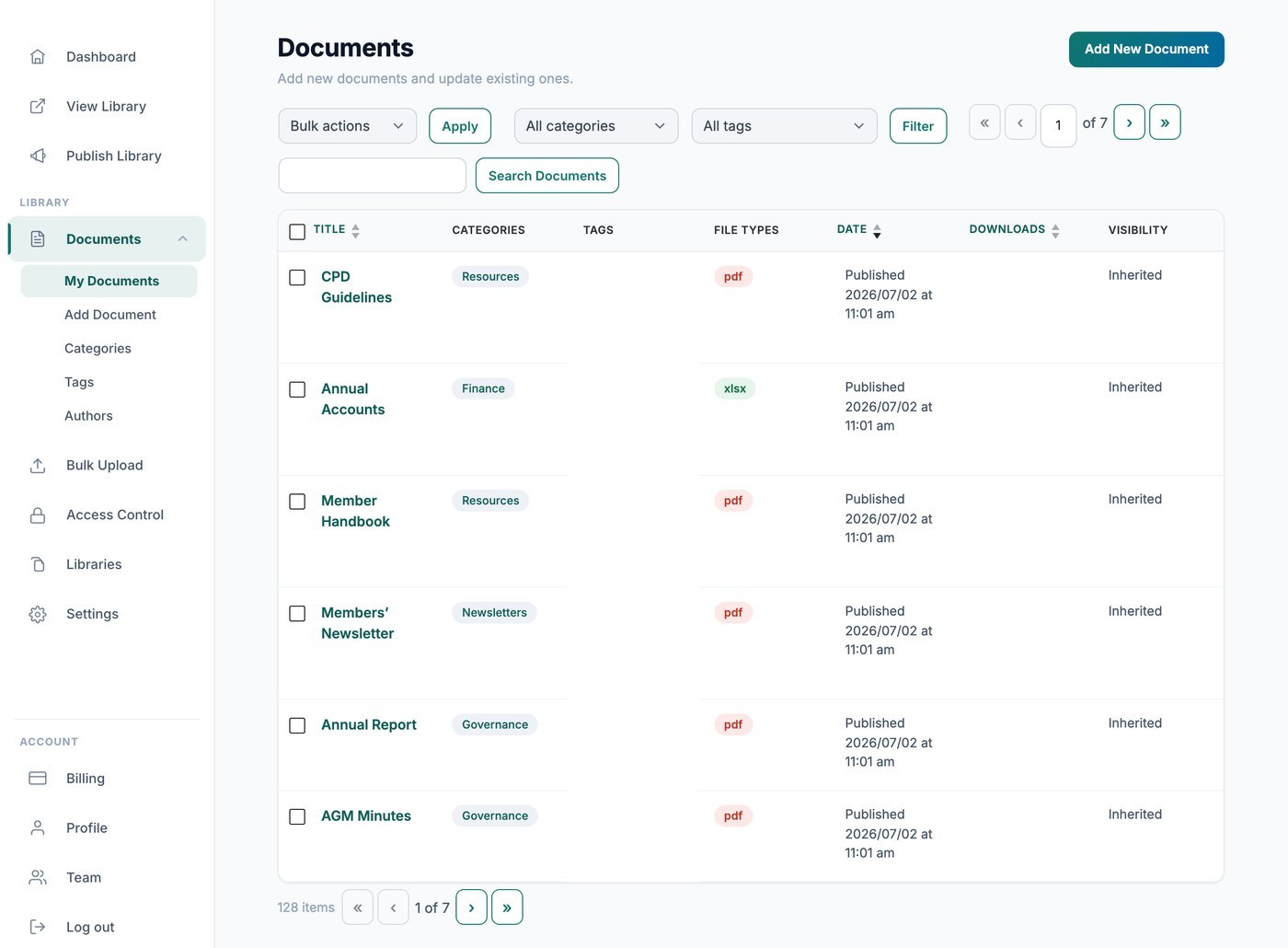
Deine gehostete Document Library Pro Bibliothek zählt Downloads automatisch für dich, damit du sehen kannst, wie oft jede Datei heruntergeladen wird. Es gibt zwei Möglichkeiten, diese Zahlen anzusehen: privat in deinem Dashboard oder öffentlich direkt in der Bibliothek.
Zähler in deinem Dashboard ansehen
Gehe zu Dokumente → Meine Dokumente und prüfe in der Spalte Downloads die laufende Gesamtzahl für jede Datei. Diese Zahlen sind nur für dich sichtbar und werden deinen Besuchern nie angezeigt.
Zähler deinen Besuchern anzeigen
Wenn Besucher sehen sollen, wie beliebt ein Dokument ist, füge deiner Bibliothek im Tab Anzeige der Einstellungen die Spalte Download-Anzahl hinzu. Die Spalte zeigt die Gesamtzahl der Downloads direkt neben dem jeweiligen Dokument in der Tabelle oder im Raster.