





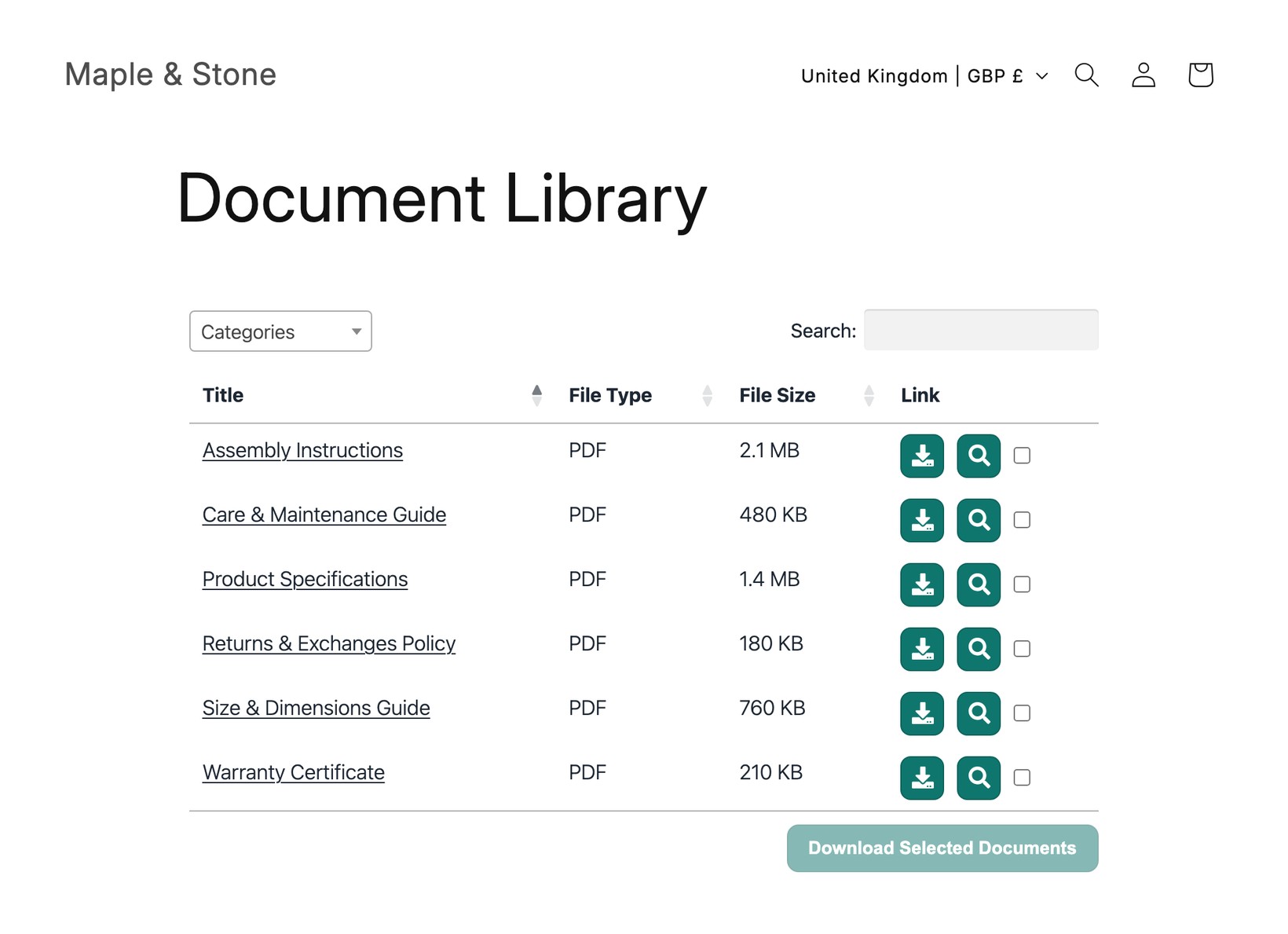
Document Library Pro is available as a Shopify app, so you can add a searchable, filterable library of documents to your store without using embed codes. The app automatically creates a main “Documents” page that lists all your documents, which you can add to your store menu, and it provides an easy way to insert document libraries into other pages and products.
Installing the app
- In the Shopify App Store, search for Document Library Pro and open its listing.
- Klik Add app, en daarna Install, and approve the permissions it asks for.
- Choose a plan to start your 14-day free trial. Your subscription is billed securely through Shopify, and you can change plan at any time. If you cancel before the end of the trial then you will not be charged.
Where you manage your library
Your documents and libraries live on the Document Library Pro platform at documentlibrary.app, and that is where you manage them. The Shopify app’s job is to connect those libraries to your store and make it easy to display them.
You do not need a separate login. Open Document Library Pro from the Apps section of your Shopify admin, and you are taken straight into your Document Library Pro account, already signed in. From there you can:
- Add and edit documents, and sort them into categories, tags and authors.
- Create extra libraries that list a specific set of documents, for example the documents for one product.
- Change your library’s appearance and settings, such as its columns, search and filters.
So whenever you need to change your documents or your library, open the app from the Apps menu and make your changes on the platform. For a full walkthrough, see Managing your documents en Je bibliotheek opbouwen. To display a library on your store, see How to insert a document library into Shopify.
Using Document Library Pro without the Shopify app
You can use Document Library Pro with Shopify even if you have not installed the Shopify app on your store. If you signed up directly at documentlibrary.pro, you build your library in your Document Library Pro dashboard and add it to your store, or any other website, using the embed code.
To get started this way, see Beginnen, en daarna Add your document library to any platform.