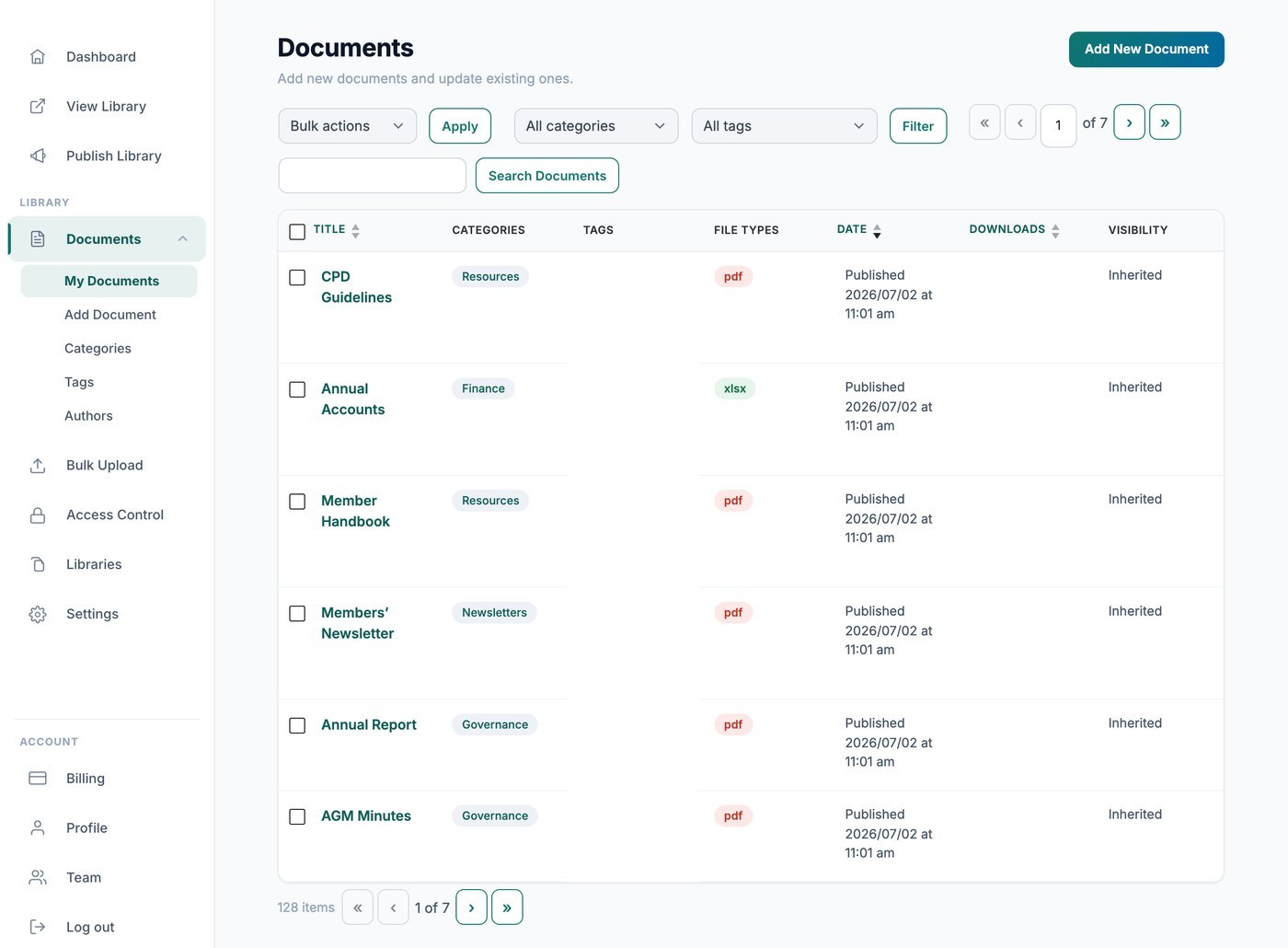
Tu biblioteca de Document Library Pro alojada cuenta las descargas automáticamente, para que puedas ver con qué frecuencia se descarga cada archivo. Hay dos formas de ver esos recuentos: de forma privada desde tu escritorio, o públicamente dentro de la propia biblioteca.
Ver recuentos en tu escritorio
Ve a Documents → My Documents y consulta la columna Downloads para ver el total acumulado de cada archivo. Estas cifras solo las ves tú y nunca se muestran a tus visitantes.
Mostrar recuentos a tus visitantes
Si quieres que los visitantes vean lo popular que es un documento, añade la columna de recuento de descargas a tu biblioteca en la pestaña Display de tus ajustes. La columna muestra el número total de descargas de cada documento junto a él, en la tabla o cuadrícula.