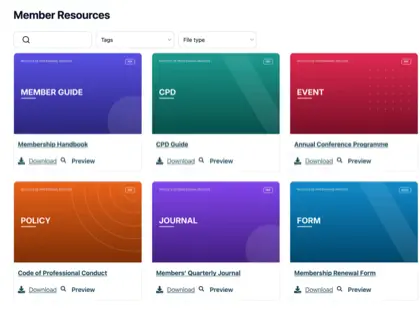
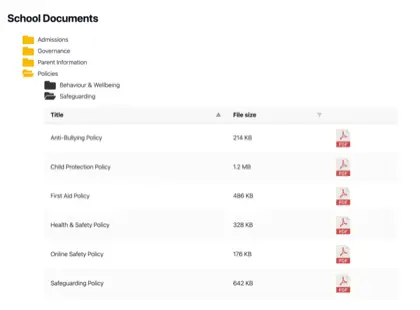
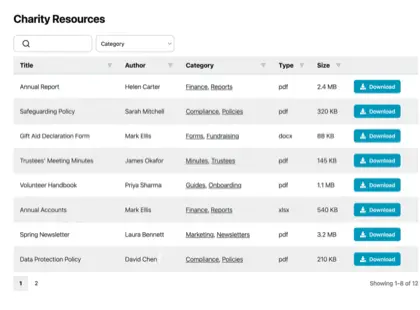
Most organizations have far more documents than their website was ever built to handle, and it creeps up on you. Think of a parish council with years of minutes, planning notices and policies it has a legal duty to publish, or a membership body sitting on a pile of handbooks, forms and training materials.
The files all exist somewhere, but nobody outside the office can find the right one.
A resource library solves that. Instead of a long page of links, you give people a searchable, filterable page where they find and download what they need themselves. I’ll explain when an organization needs one, how to build it, and what separates a resource library people use from one they ignore.
The limits of a plain list of links
For a handful of documents, a plain list of links is fine, and I wouldn’t bother with anything more. Things change once the list grows.
Past a dozen or so files, two problems show up. Visitors can’t spot the document they want without reading the whole list, and someone has to edit the page by hand every time a file is added or replaced. A part-time administrator ends up maintaining a wall of links that people still find hard to use.
You might assume the tools you already pay for would cover this. They don’t, because they were built for a different job. Google Drive, Dropbox and SharePoint store files and share them with people who log in. None of them puts a searchable library on your own public website, which is exactly what most organizations are missing.
When we looked at who uses Document Library Pro, it was mostly the kind of organization you’d expect to hold a lot of documents: nonprofits, universities, membership bodies and local councils. They have no shortage of places to store files. What they lack is a way to publish them so the public, or their members, can find the right one without emailing to ask.
Types of resources organizations publish
El contenido depende de la organización, pero el trabajo es el mismo. Esto es lo que suelen publicar los diferentes sectores.
Las empresas comparten documentación de productos, especificaciones y certificados.
Signs you need a resource library
No necesitas una biblioteca de recursos para unos pocos archivos, donde un par de enlaces son suficientes, y te diría que ahorres dinero. Merece la pena cuando se cumple una de estas condiciones:
Tienes más documentos de los que un visitante puede revisar razonablemente.
La ley te exige publicar ciertos registros, como ocurre con muchos consejos y organismos públicos.
Las personas necesitan filtrar por tema, año o departamento para encontrar el archivo correcto.
Quieres recopilar una dirección de correo electrónico antes de la descarga, convirtiendo la biblioteca en una fuente de clientes potenciales.
Algunos documentos solo deben ser accesibles para miembros o personal.
How to build a resource library
We built Document Library Pro to solve this exact problem: giving organizations a clean way to display and share documents, rather than just store them. It publishes your files as a resource library that people can search, filter by category and sort. They preview a document in the browser, then download it on its own, or tick several and take them as a zip.
It runs on any platform. A WordPress site adds it as a plugin. Anywhere else, a short embed code drops the library into your pages, whether they’re public or behind a members’ login.
Ver el tutorial completo
Configurarla lleva cinco pasos:
Añade tus documentos. Sube los archivos o apunta la biblioteca a los que ya tienes alojados en otro lugar. Cada uno recibe un título, una descripción, una categoría y una imagen de portada opcional.
Agrúpalos en categorías y etiquetas. Organiza los recursos como tu audiencia piensa en ellos, por tema, año o departamento. Estos se convierten en los filtros que usa la gente.
Elige un diseño. Una tabla es adecuada para registros formales, una cuadrícula con imágenes de portada es adecuada para informes y guías, y una vista de carpetas es adecuada para navegar.
Activa la búsqueda y los filtros. Un cuadro de búsqueda y algunos menús desplegables permiten a las personas encontrar un documento en segundos en lugar de desplazarse.
Define quién puede verla. Pubícala abiertamente, restringe las descargas a quienes proporcionen una dirección de correo electrónico, o limita toda la biblioteca a miembros registrados.
Resource library examples
Tres organizaciones muestran cómo puede lucir esto cuando se hace bien.
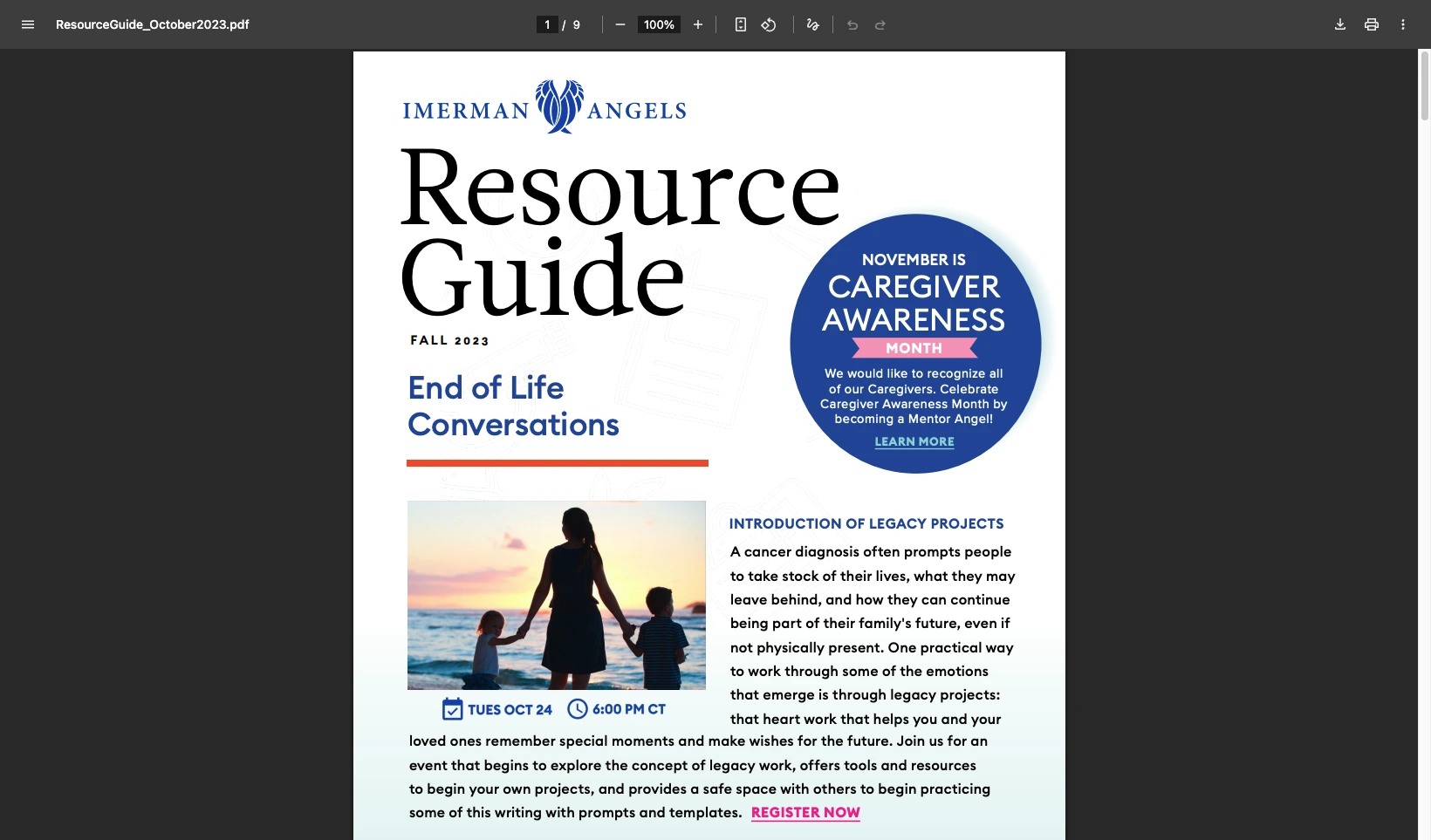
Imerman Angels, una organización benéfica de apoyo al cáncer, comenzó con archivos dispersos en distintos lugares. Los enlaces desactualizados seguían llegando al público y el equipo no tenía forma de ver qué descargaba la gente. Reunieron todo en una biblioteca con diseño de cuadrícula y botones de descarga, y ahora pueden rastrear qué recursos se utilizan.
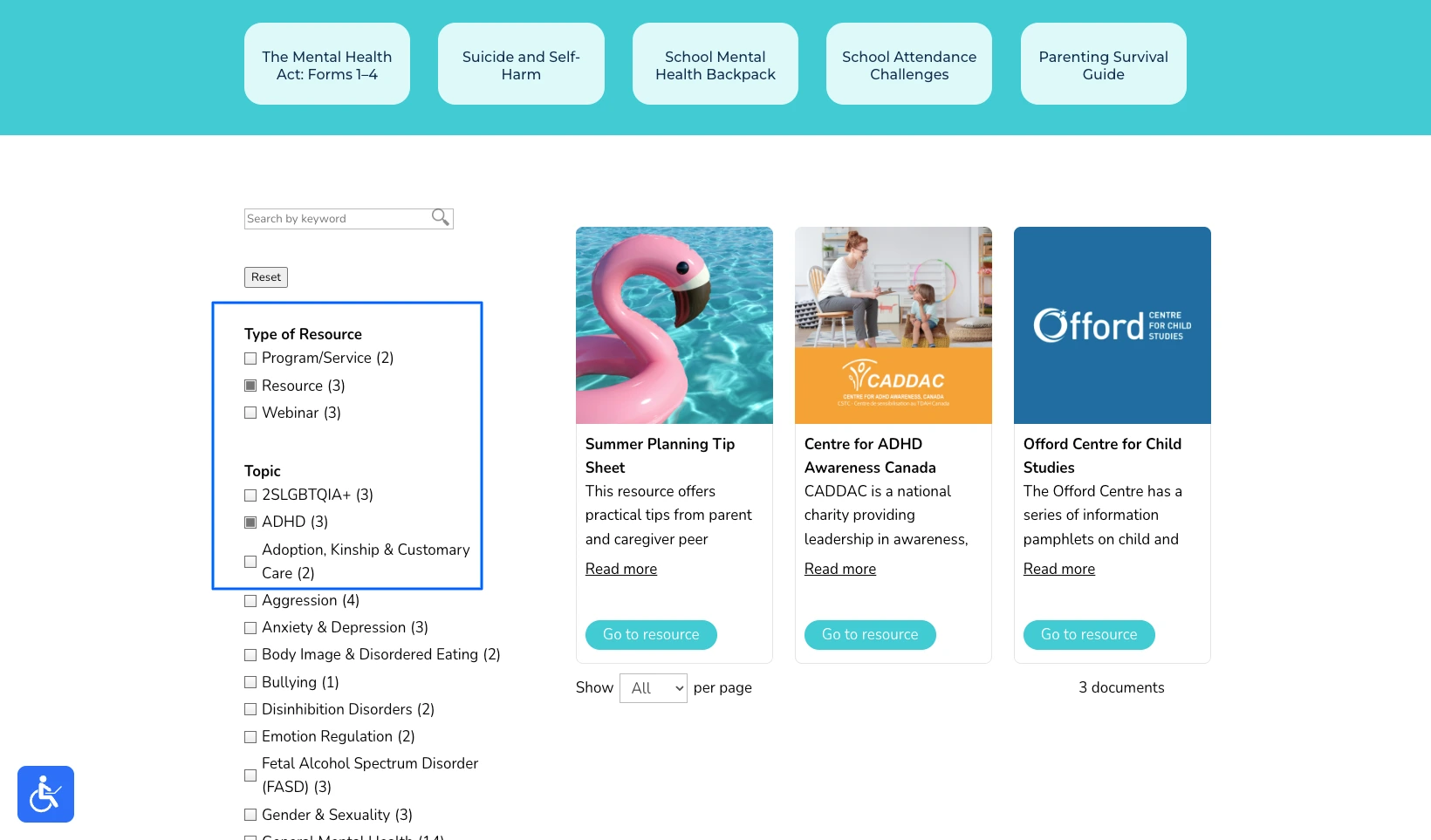
Children’s Mental Health Ontario tenía el problema opuesto. Su página de recursos funcionaba, pero en sus propias palabras era “muy al estilo de una lista de lavandería”, y desplazarse por una larga página desordenada es lo último que necesita un padre estresado. La reconstruyeron como un centro donde las familias filtran por tema y encuentran la ayuda correcta en segundos.
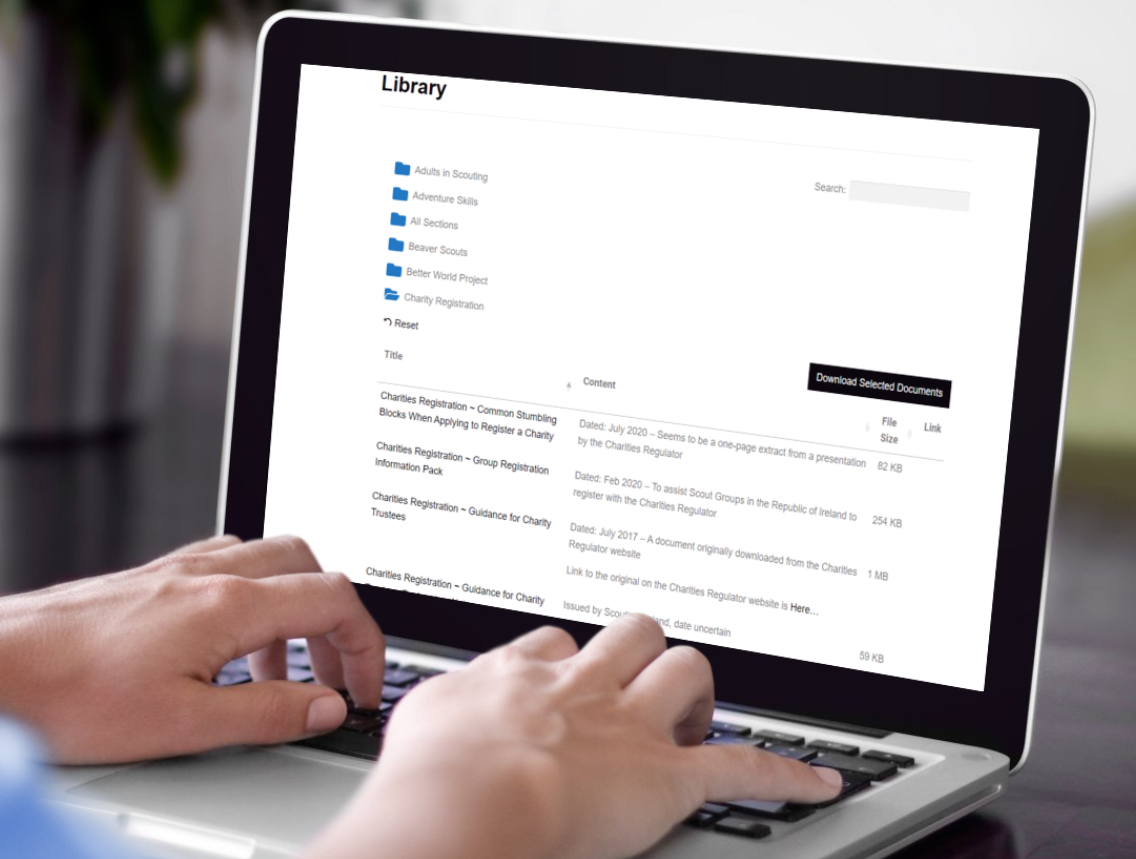
Scouting Ireland simplemente había superado una página de enlaces, con cientos de artículos, políticas y formularios para voluntarios. Organizaron todo en carpetas, de modo que un responsable abre la correcta y descarga un conjunto completo de documentos con un solo clic.
Para seis ejemplos más en diferentes sectores, consulta mi análisis sobre crear una biblioteca de documentos.
Tips for a resource library people use
The software is the easy part. What turns a resource library into one people rely on is a handful of decisions you make along the way.
The most common mistake I see is organizing the library the way the files are stored internally, by department or by the year a document was filed. Visitors don’t think that way. They think “I need the membership form” or “where’s the latest annual report”, so build your categories around those questions instead.
Be selective with lead capture. Asking for an email before download can turn a library into a steady source of leads, but only when the resource earns it. Gating a genuinely useful report or toolkit is fair. Gating a meeting agenda or a routine form just irritates people and pushes them to phone instead.
Decide who owns it. A resource library is only as good as it’s kept, so a clerk or a communications person needs a simple routine for adding new documents and retiring old ones. Most tools make that a developer’s job, and the whole point of a proper library is that a non-technical person can keep it current.
Finally, watch what gets downloaded. Those numbers tell you which resources matter and which are dead weight, and the organizations that get the most from a library use them to decide what to publish next.
Preguntas frecuentes
What is a resource library?
Una biblioteca de recursos es una colección de recursos descargables en la que se puede buscar, como guías, informes y formularios, publicada en un sitio web para que los visitantes puedan encontrarlos y descargarlos sin ayuda.
Can I build an online resource library without WordPress?
Sí. Document Library Pro funciona como plugin de WordPress, pero también se puede integrar en Shopify, Squarespace, Wix, Webflow, un sitio personalizado o una intranet. Una biblioteca de recursos en línea funciona en cualquier plataforma que ya utilice.
Can a resource library capture email addresses?
Sí. Document Library Pro puede requerir una dirección de correo electrónico antes de que alguien descargue algo, lo que convierte la biblioteca en una herramienta de generación de leads mientras comparte su contenido.
A resource library that earns its place
If your collection is small and only a few people need it, a couple of links will always be the simplest answer. However, the moment people have to find documents for themselves, a resource library pays for itself in the time it saves everyone, and in how much more capable the organization looks.
You can build your own with Document Library Pro y probarla gratis durante 14 días.
Sobre el autor
Katie Keith
Katie Keith es la fundadora y CEO de Barn2, el equipo detrás de Document Library Pro. Lleva más de una década ayudando a organizaciones a publicar, gestionar y compartir documentos en línea, y escribe sobre cómo hacerlo bien en cualquier sitio web o plataforma.
Cuéntanos sobre tus documentos y crearemos al instante una maqueta que puedes personalizar y compartir con tus compañeros. Cuando estés listo, la usaremos para crear tu biblioteca final por ti.
Gratis. Sin spam.
Antes de irte...
¿Quieres una maqueta instantánea y gratuita de cómo se verá tu biblioteca de documentos?
Cuéntanos sobre tus documentos y crearemos al instante una maqueta que puedes personalizar y compartir con tus compañeros. Cuando estés listo, la usaremos para crear tu biblioteca final por ti.







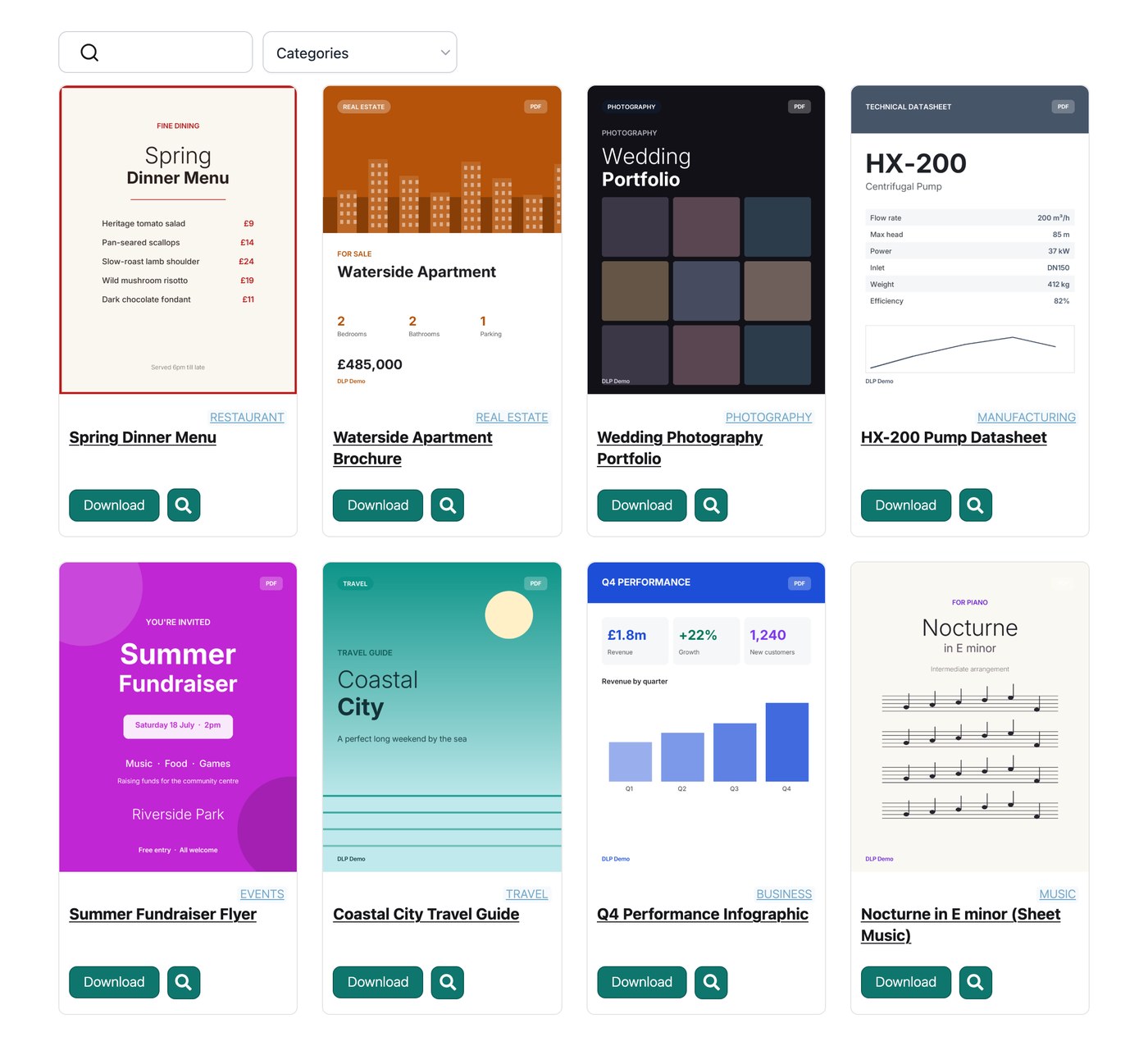
 Children’s Mental Health Ontario tenía el problema opuesto. Su página de recursos funcionaba, pero en sus propias palabras era “muy al estilo de una lista de lavandería”, y desplazarse por una larga página desordenada es lo último que necesita un padre estresado. La reconstruyeron como un centro donde las familias filtran por tema y encuentran la ayuda correcta en segundos.
 Scouting Ireland simplemente había superado una página de enlaces, con cientos de artículos, políticas y formularios para voluntarios. Organizaron todo en carpetas, de modo que un responsable abre la correcta y descarga un conjunto completo de documentos con un solo clic.
 Para seis ejemplos más en diferentes sectores, consulta mi análisis sobre crear una biblioteca de documentos.