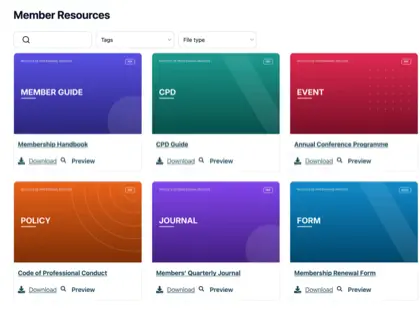
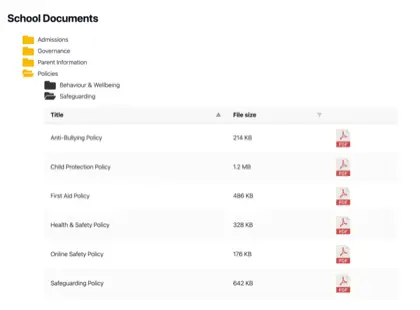
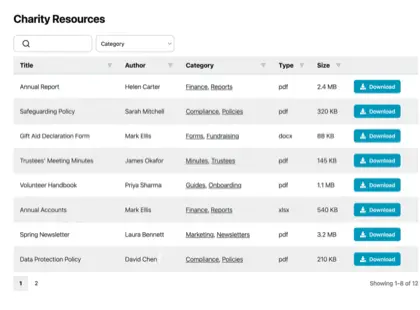
Aggiungi una libreria di documenti a Shopify
Dai agli acquirenti i documenti di cui hanno bisogno per acquistare con fiducia. Aggiungi schede tecniche prodotto, manuali, guide alle taglie e certificati al tuo negozio Shopify in una libreria ricercabile e filtrabile.

Perché aggiungere una libreria di documenti al tuo store?
Documenti che favoriscono l'acquisto
Gli acquirenti spesso vogliono più di una foto del prodotto prima di acquistare. Metti a portata di clic i documenti che rispondono alle loro domande - ricercabili, in linea con il brand e facili da scaricare.
Schede tecniche
Dimensioni, materiali e dettagli tecnici completi per ogni prodotto.
Manuali & guide
Guide di configurazione e istruzioni che riducono le domande pre-vendita.
Guide alle taglie
Aiuta gli acquirenti a scegliere la taglia giusta e a prendersi cura dell'articolo.
Certificati
Mantieni aggiornati garanzie, file di sicurezza e documenti di conformità.
Come funziona
Una libreria di documenti su Shopify, in tre passaggi
Installa l'app Shopify per librerie di documenti e fa la parte difficile per te. Niente codici embed, niente modifiche al tema.
Installa l'app
Aggiungi Document Library Pro dallo Shopify App Store con un clic. La fatturazione passa dal tuo account Shopify, e c’è un piano gratuito per iniziare.
Crea la tua libreria
L'app apre il tuo account Document Library, dove carichi i documenti (o li importi in blocco) e li ordini in categorie. Puoi anche sincronizzare una cartella Google Drive o Dropbox, così i documenti si creano da soli.
Aggiungila al tuo store
Di nuovo in Shopify, l'app crea una pagina Documents per te e aggiunge un pulsante “Inserisci libreria di documenti” alle tue pagine prodotto. Non serve codice.
Una libreria o una per prodotto
Due modi per mostrare i tuoi documenti su Shopify
Gli acquirenti cercano, filtrano, vedono l'anteprima e scaricano senza lasciare il tuo negozio. Usa il modo più adatto - o entrambi.
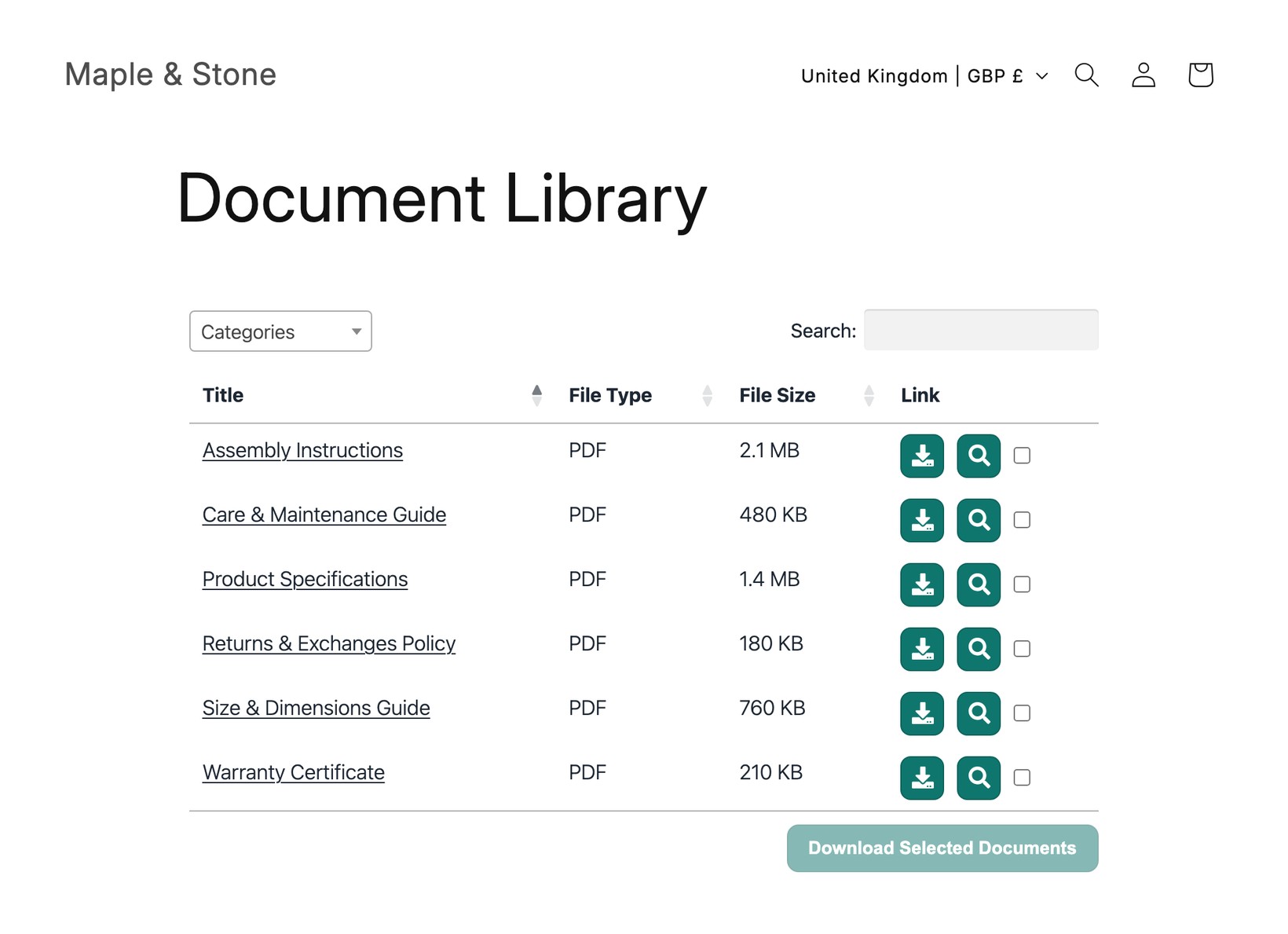
Una libreria centrale
Un unico hub ricercabile che elenca ogni documento nel tuo negozio, collegato dal tuo menu. Ideale per policy, cataloghi e download per tutto il negozio.
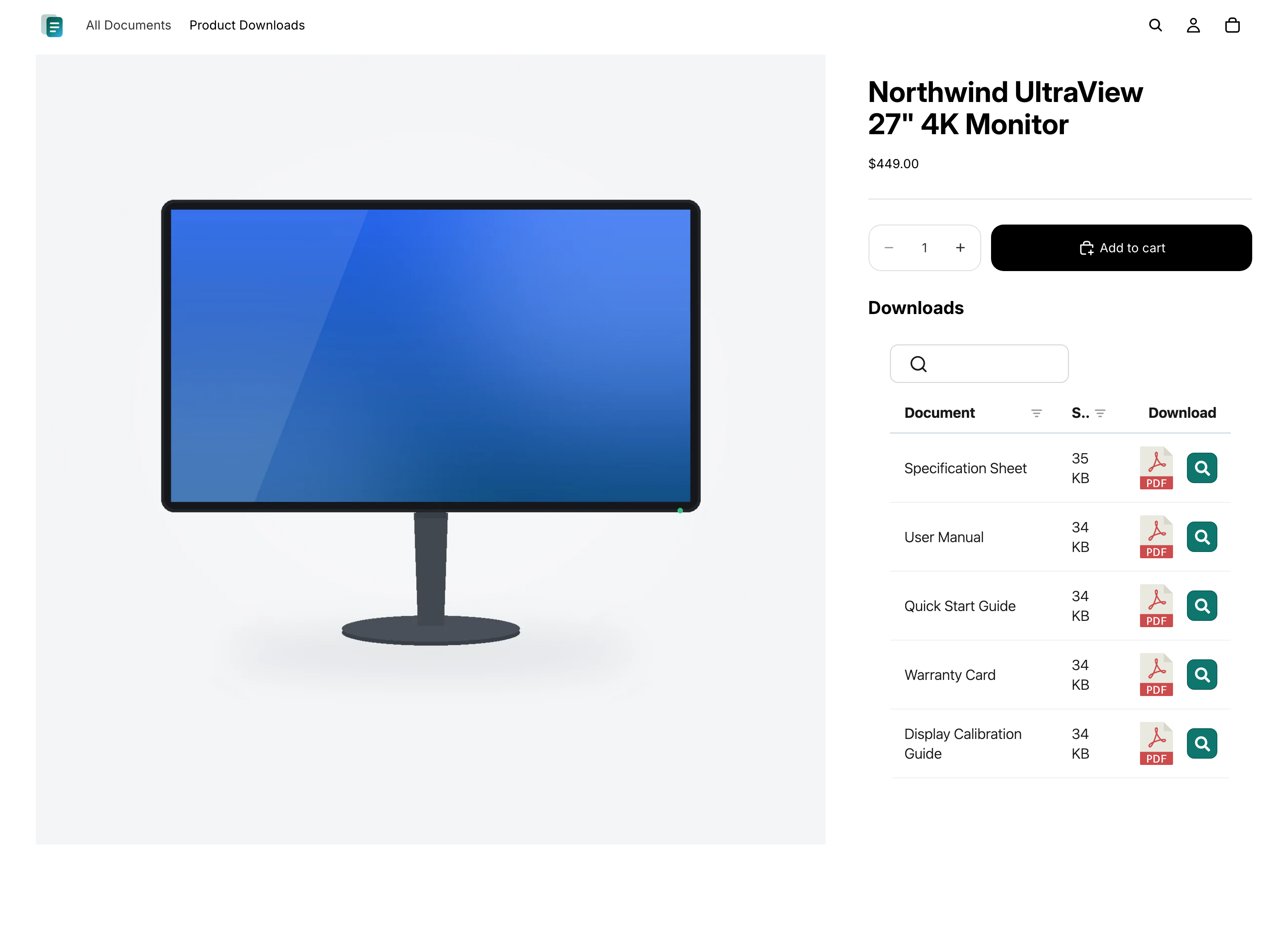
Documenti su ogni prodotto
Mostra le schede tecniche, i manuali e i certificati giusti direttamente nella pagina prodotto, così gli acquirenti vedono esattamente cosa si applica all’articolo che stanno visualizzando.
Domande
Domande frequenti
Document Library Pro può ridurre le email che chiedono dove trovare un documento?
Sì, se quelle email arrivano da clienti che non riescono a trovare il file giusto. Document Library Pro offre loro una libreria ricercabile e filtrabile in una pagina centrale o nella pagina prodotto pertinente. Così l'assistenza può indirizzare le persone verso un punto sempre uguale invece di allegare ogni volta lo stesso PDF.
Come faccio a impedire ai clienti di scaricare una versione non aggiornata?
Con il piano Advanced, il controllo delle versioni e i documenti con scadenza automatica aiutano in questo. Il controllo delle versioni ti permette di sostituire un documento in un unico punto, così le librerie mostrano il file aggiornato. Con i documenti con scadenza automatica puoi impostare una data per documenti sensibili al tempo, come i certificati, così vengono rimossi invece di restare disponibili dopo la scadenza.
Posso mostrare una cartella Google Drive o Dropbox nel mio negozio Shopify?
Sì. Collega una cartella condivisa di Google Drive o Dropbox a una categoria della tua libreria di documenti: ogni file appare nella libreria del tuo negozio Shopify come documento ricercabile e scaricabile. La libreria resta sincronizzata automaticamente con la cartella e non servono chiavi API.
Devo prendere Document Library Pro qui o sullo Shopify App Store?
Entrambe le opzioni usano la stessa libreria di documenti, quindi ottieni le stesse funzionalita in entrambi i casi. Se vendi su Shopify, ti consigliamo di installare la app Shopify per librerie di documenti - aggiunge le tue librerie al negozio nel modo più semplice, senza codice, e la fatturazione passa dal tuo account Shopify. Registrati qui sul nostro sito web invece se vuoi incorporare la stessa libreria in qualcosa oltre Shopify (per esempio il tuo sito web, un centro assistenza o un'altra piattaforma).
Devo modificare codice o tema?
No. L'app Shopify crea una pagina Documents per te e aggiunge un pulsante “Inserisci libreria di documenti” alle tue pagine prodotto. Se invece ti registri qui sul nostro sito web, l’operazione consiste nell'incollare un breve codice embed nella vista HTML di una pagina Shopify o della descrizione di un prodotto - sempre senza modificare il tema.
C'è un piano gratuito?
Sì. L'app Shopify gratuita per librerie di documenti ti dà una libreria con fino a 10 documenti. I piani a pagamento aggiungono documenti illimitati, più librerie, importazione di massa, librerie protette da password, controllo versioni e altro.
Aggiungi una libreria di documenti al tuo negozio Shopify
Condividi specifiche prodotto, manuali e guide in un'unica libreria ricercabile che i tuoi clienti possono sfogliare e scaricare. Installala gratis dallo Shopify App Store.