A standard Wix page is fine when you only have a few documents to share. You can add buttons to PDFs, paste file links into page content, or embed one PDF directly on the page.
However, that setup starts to break down once the file list grows. A policy page becomes a wall of links, a resource page mixes old forms with current ones, and visitors have no clear way to search, filter, or browse by folder.
That is the problem the new document library for Wix solves. Visitors can find the right file themselves, which means fewer emails asking you to send a form, policy, brochure, or report.
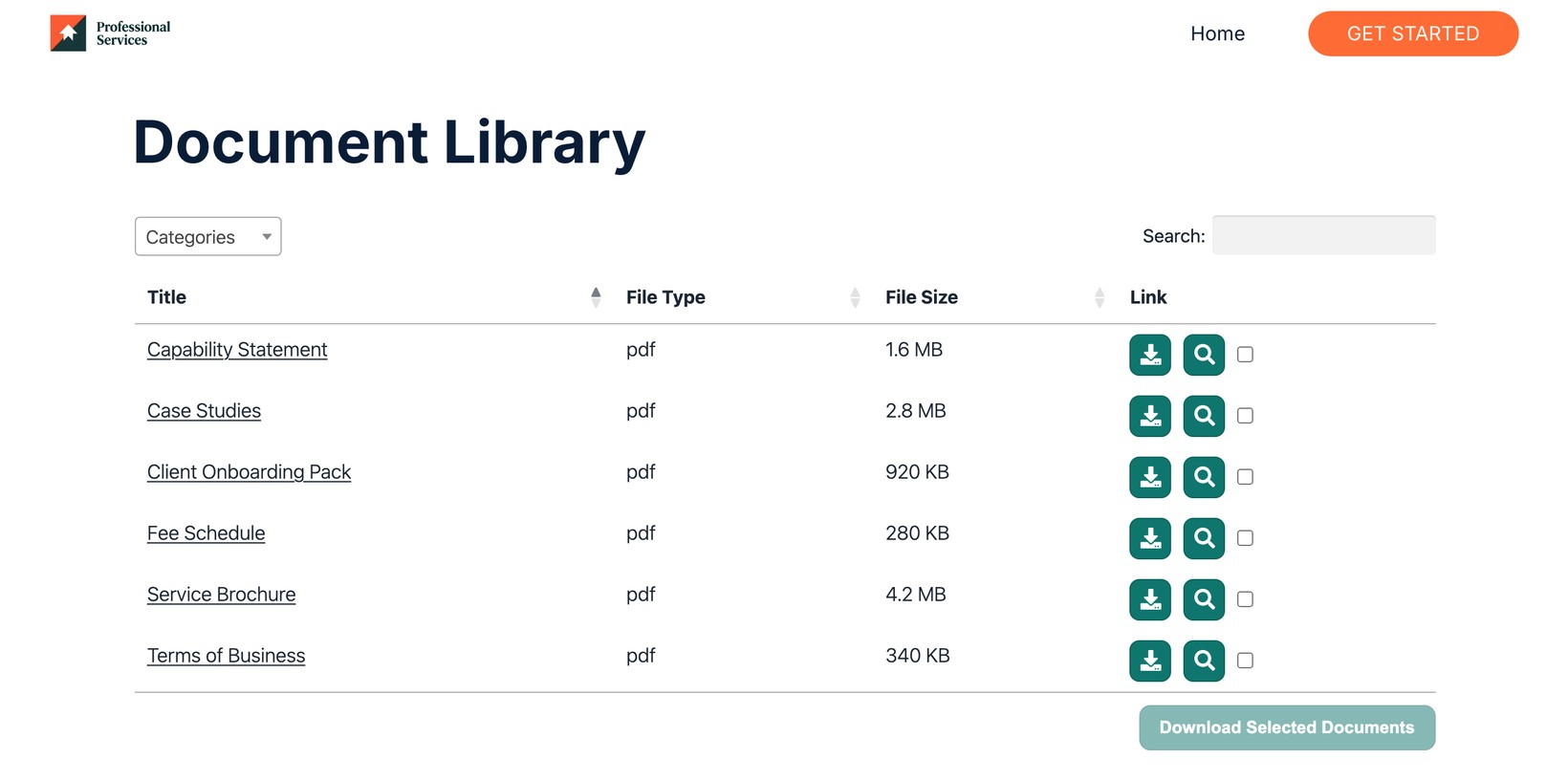
The fix: A searchable document library your visitors use themselves
Document Library Pro for Wix is now live on the Wix App Market as a native Wix widget. It runs on the hosted Document Library Pro platform, so you do not need WordPress to use it.
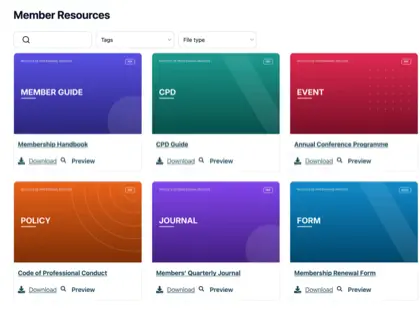
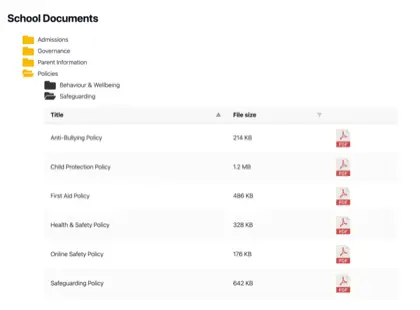
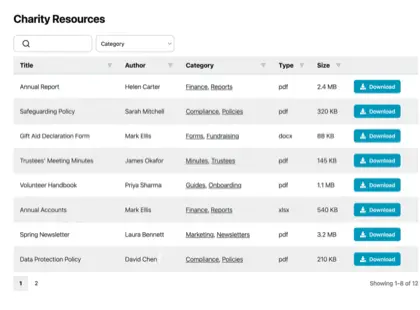
The app adds a searchable, filterable document library to any Wix page. Visitors can search by keyword, narrow the list with filters, open folders, browse in a grid, or scan documents in a table layout.
Document previews make a big difference when several files look similar. For example, someone can check policies from different years or compare several versions of a member form before downloading the right one.
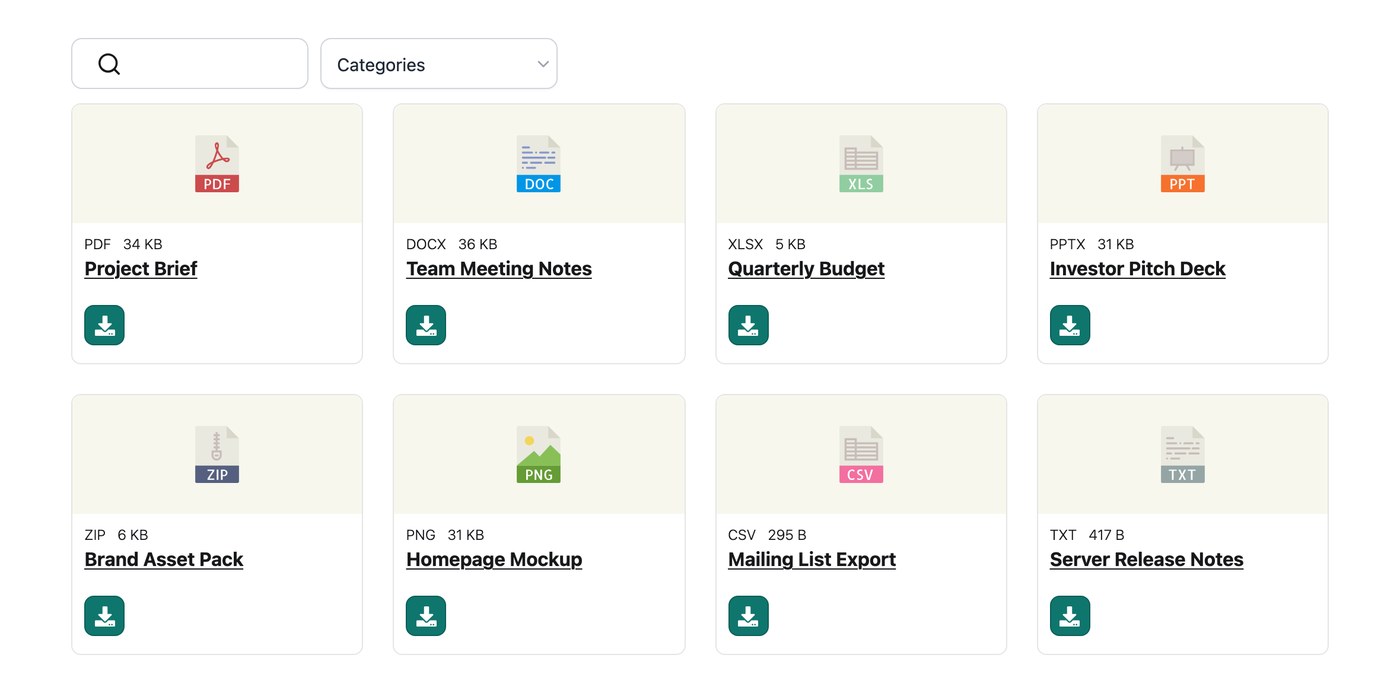
It handles PDFs, Office files, images, and video. The same library can hold annual reports, Word forms, Excel price lists, PowerPoint decks, image assets, and training videos.
You can add extra controls where they are needed. Document Library Pro can password-protect a library, capture a lead before download, bulk-import documents, keep version history, and show download counts.
Hay una plan gratuito to start, plus a demo en vivo if you want to try the library before adding it to your own site. It is the same document library software already running more than 13,000 sites, now available for Wix.
Who needs a Wix document library?
A Wix document library is especially useful for organizations that publish files rather than sell a large catalog. Those files may be public, private, or somewhere in between, but the common need is the same: Visitors need a clear way to find the right download.
ONG y organizaciones benficas
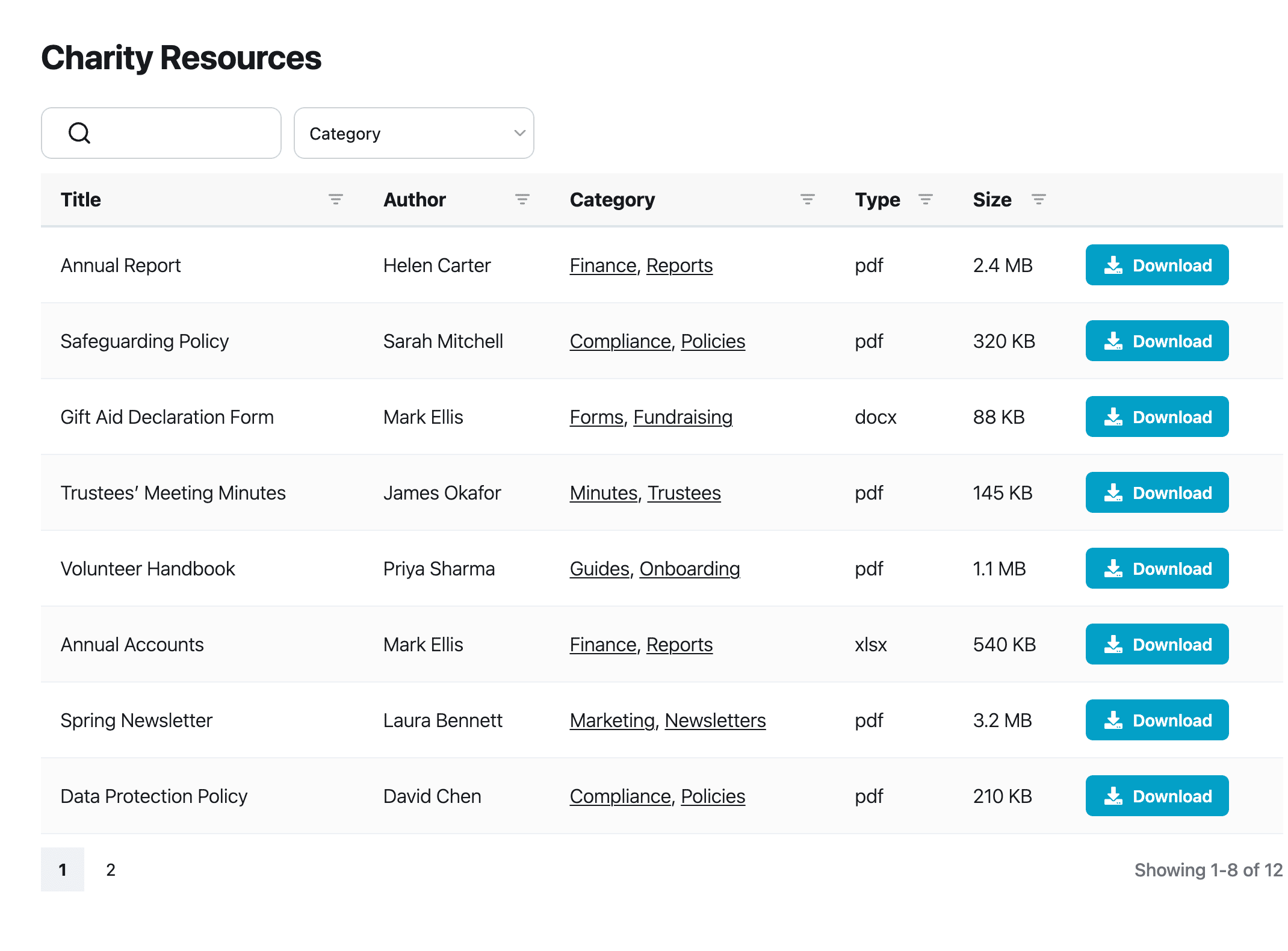
ONG often need to publish files that build trust and keep supporters informed. That might include annual reports, policies, trustee minutes, newsletters, grant forms, and membership forms.
A document library gives those files a proper home. Supporters can filter by category and download the current version without digging through old blog posts or emailing the team.
Membership associations and clubs
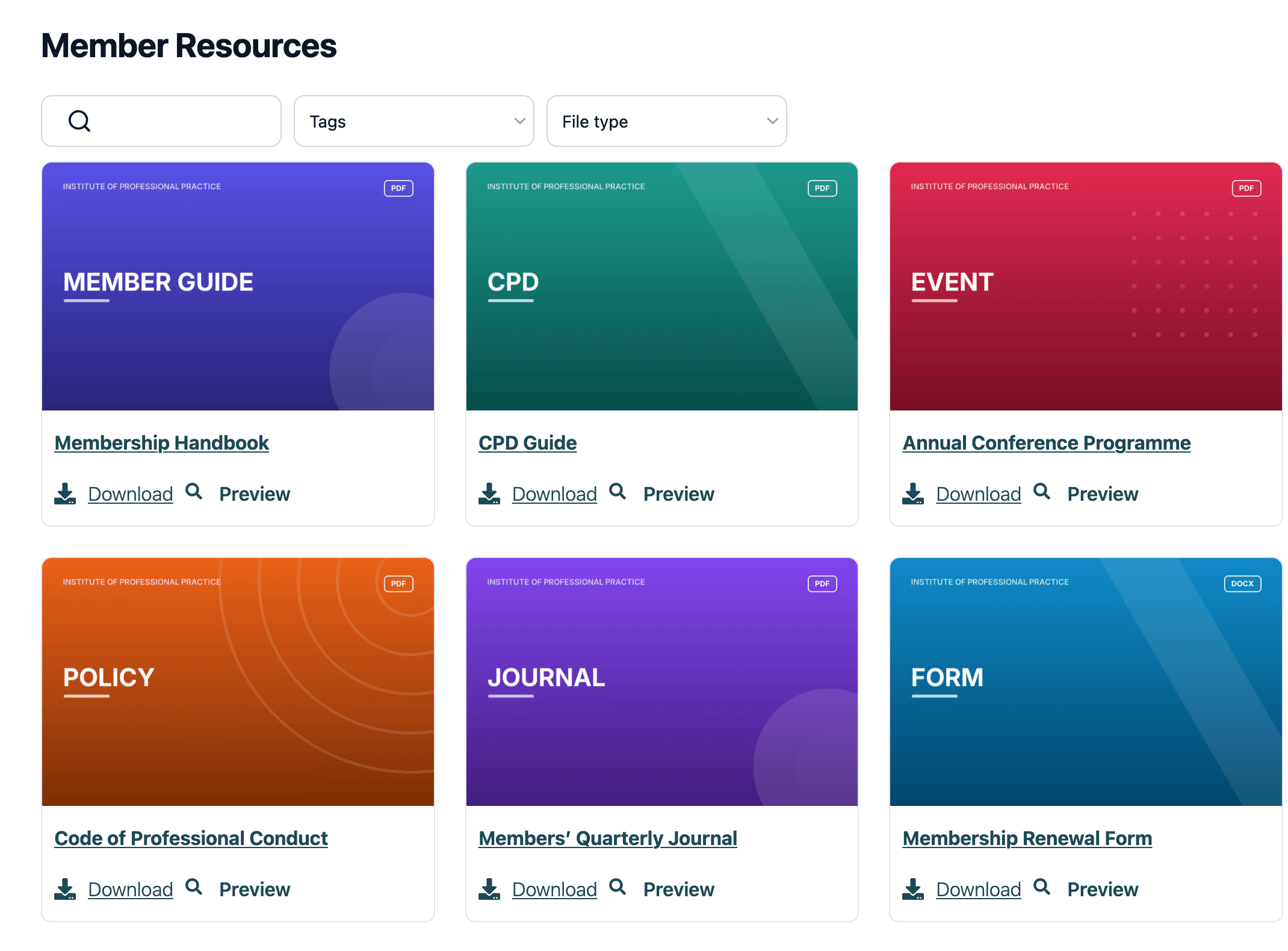
Associations and clubs collect files over time. Member handbooks, meeting minutes, resources, price lists, and downloadable forms can end up spread across several pages.
You can collect those files in one library and organize them by category. Document Library Pro can password-protect a member-only library and keep public downloads separate.
Schools, councils and public-sector sites
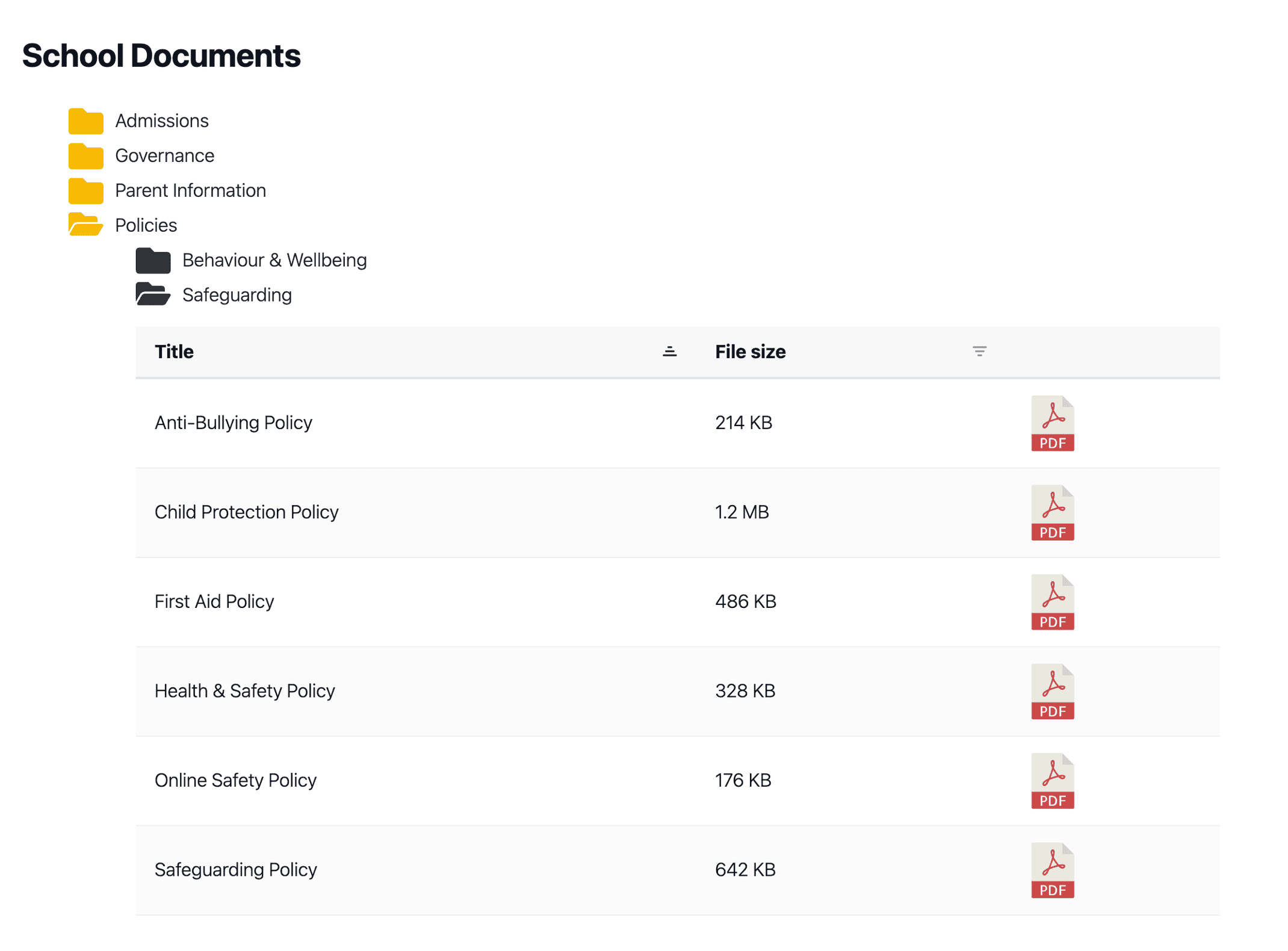
Los visitantes de colegios, ayuntamientos, and public-sector sites usually want one specific file. They may be looking for a prospectus, an official form, a current policy, or a publication.
A searchable document library works better than a long downloads page. Visitors can search by keyword and narrow the results, and you can maintain the library more easily when documents change each term, committee cycle, or publication year.
Small businesses, service providers and portfolio sites
Small businesses often share useful documents before someone becomes a customer. Guides, manuals, spec sheets, catalogs, and price lists can all help people make a decision.
Putting those files in a Wix document library keeps the page organized and on brand. The result feels like a useful resource area rather than a generic downloads page.
How to add a document library to your Wix site
Paso 1: Install Document Library Pro from the Wix App Market in one click. The app works as a native Wix widget, so you do not need embed codes or WordPress, although the universal embed code is still available if you prefer that route.
Paso 2: Build the library once in the hosted Document Library dashboard. You upload documents, sort them into categories, and choose how visitors browse them. You can also connect a Google Drive or Dropbox folder, so the library builds itself from files you already have.
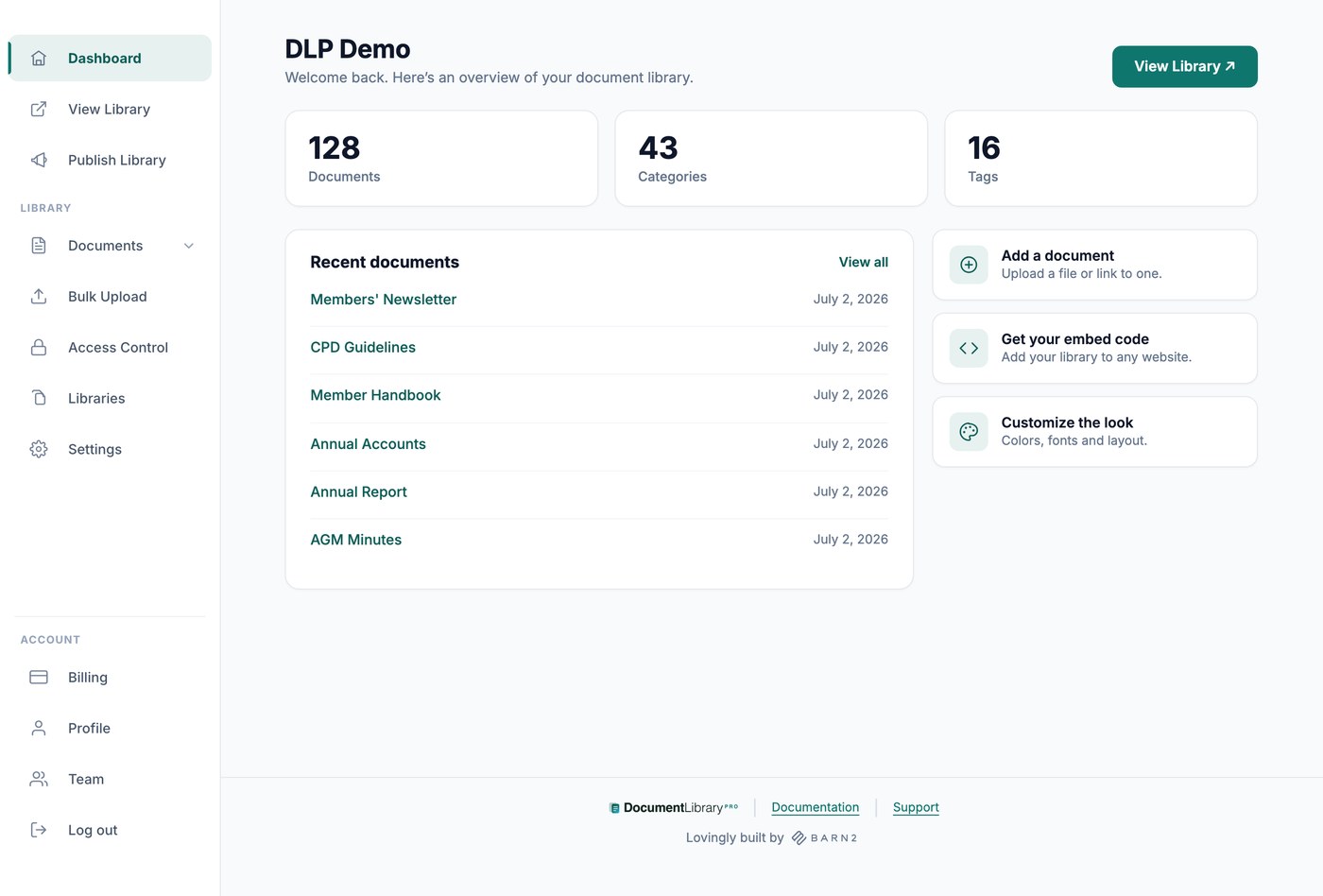
Paso 3: Add the library to a Wix page using the Wix setup documentation. You might create one main downloads page, a private member resource area, or a focused library on a specific service page. I would base the categories on how visitors look for files, rather than on how your internal folders happen to be arranged.
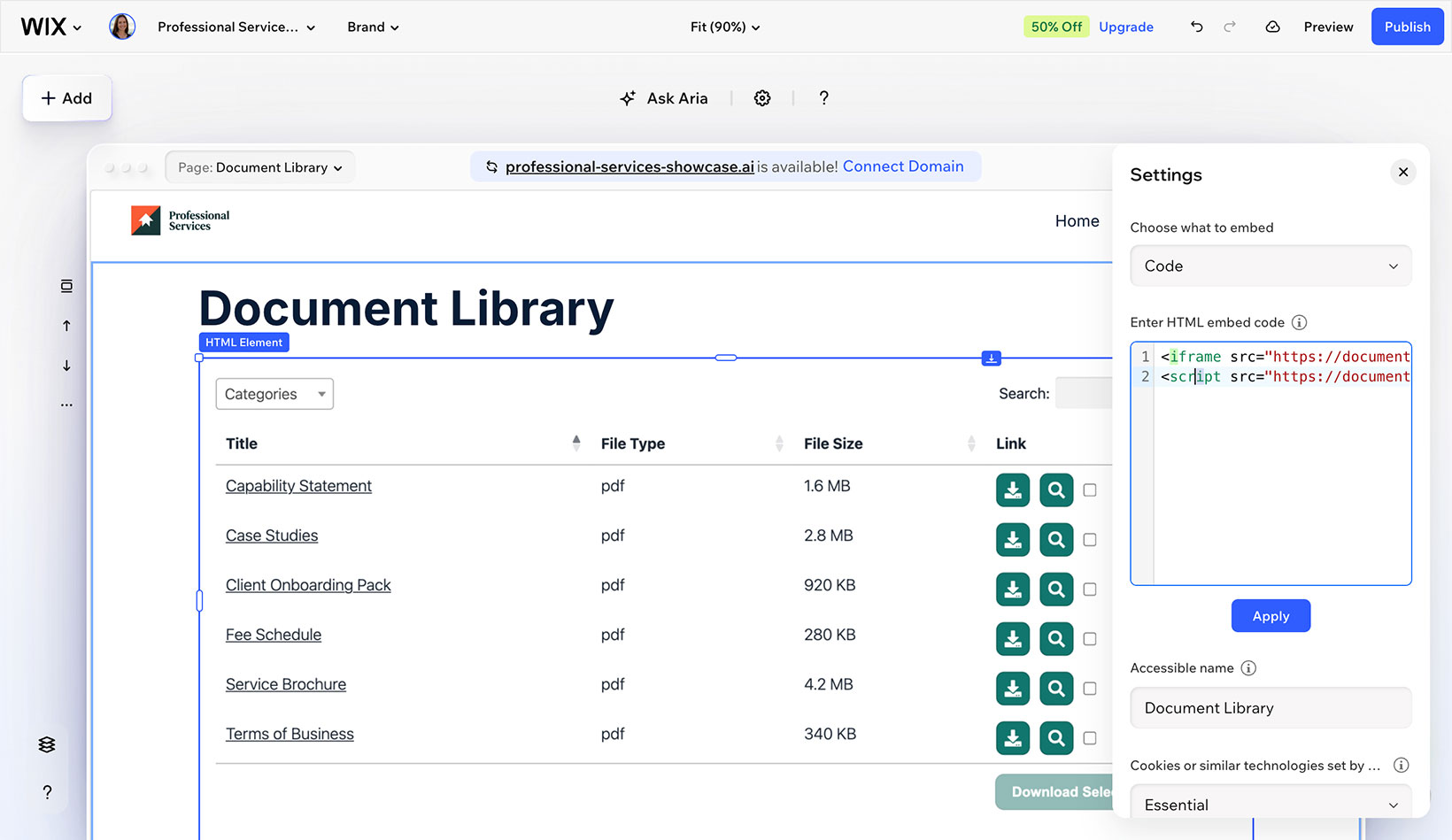
On the front end, visitors get a searchable table, a folder view, or a grid. They can preview files before downloading, so the page behaves like a document hub instead of a static list of links.
Use each layout for a different kind of library:
- Use a table when visitors compare files by title, category, date, and type.
- Use folders when documents already sit in clear groups such as policies, minutes, and forms.
- Use a grid when files are more visual, for example brochures, images, and videos.
Bulk import tools save manual work when you already have hundreds of files. Version history tracks changes, and download counts show which documents get used most.
Building the library takes a little setup time in the dashboard. Once you have built it, you can drop the same library onto any Wix page where visitors need access to those files.
The difference a self-serve Wix document library makes
A self-serve Wix document library changes how visitors use your site. They can search, filter, preview, and download the file they came for instead of scanning disconnected links.
It changes the work for the site owner as well. You should get fewer emails asking for forms, old minutes, current policies, brochures, or price lists, because the site already answers those questions.
For Wix site owners, Document Library Pro publishes documents in a format that looks organized and stays useful as the library grows. You get an on-brand library instead of a wall of links.
The same hosted platform now powers document libraries on WordPress, Shopify, Wix, and sites that need Salesforce document management, so you can choose the platform that fits your site.
You can try the Aplicación Document Library Pro para Wix on the free plan, open the demo en vivo, or install it directly from the Wix App Market. If your Wix site has outgrown a basic downloads page, this is the cleanest way to turn those files into a library your visitors can use themselves.