Añade una biblioteca de documentos a Shopify
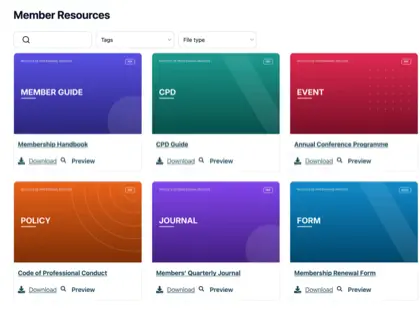
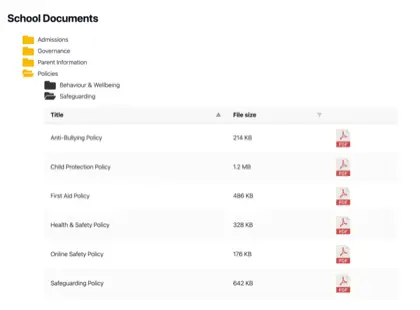
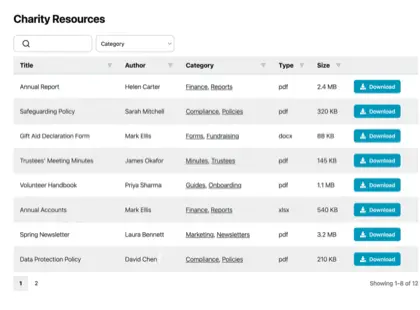
Da a los compradores los documentos que necesitan para comprar con confianza. Añade fichas técnicas, manuales, guías de tallas y certificados de productos a tu tienda Shopify en una biblioteca de documentos con búsqueda y filtros.

¿Por qué agregar una biblioteca de documentos a tu tienda?
Documentos que impulsan la compra
Los compradores suelen querer más que una foto del producto antes de comprar. Pon los documentos que responden a sus preguntas a un clic de distancia - buscables, con tu imagen de marca y fáciles de descargar.
Fichas técnicas
Tallas, materiales y detalles técnicos completos de cada producto.
Manuales & guías
Guías de instalación y uso que reducen las preguntas previas a la venta.
Guías de tallas
Ayuda a los compradores a elegir la talla correcta y cuidar su producto.
Certificados
Mantén al día las garantías, los archivos de seguridad y los documentos de cumplimiento.
Cómo funciona
Una biblioteca de documentos en Shopify, en tres pasos
Instala la app de biblioteca de documentos para Shopify y hará la parte difícil por ti. Sin códigos de inserción ni edición de temas.
Instala la app
Añade Document Library Pro desde Shopify App Store en un clic. Se factura a través de tu cuenta de Shopify, y hay un plan gratuito para empezar.
Crea tu biblioteca
La app abre tu cuenta de Document Library, donde subes documentos (o los importas en bloque) y los organizas en categorías. También puedes sincronizar una carpeta de Google Drive o Dropbox para que tus documentos se creen solos.
Añádela a tu tienda
De vuelta en Shopify, la app crea una página Documents para ti y añade un botón “Insertar biblioteca de documentos” a tus páginas de producto. Sin código.
Una biblioteca de documentos o una por producto
Dos formas de mostrar tus documentos en Shopify
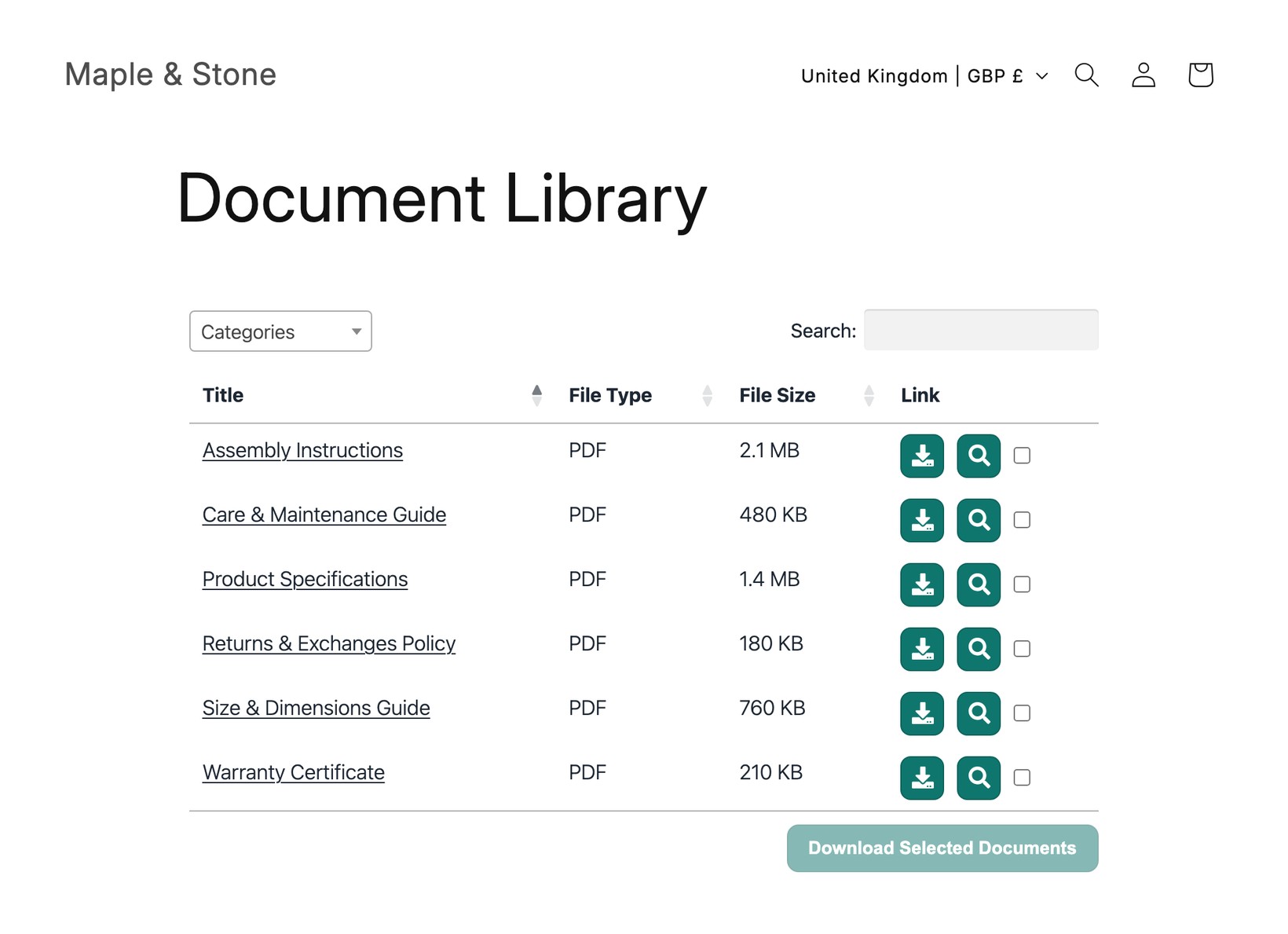
Los compradores buscan, filtran, previsualizan y descargan sin salir de tu tienda. Usa la opción que encaje - o ambas.
Una biblioteca central
Un único centro con búsqueda que lista todos los documentos de tu tienda, enlazado desde tu menú. Ideal para políticas, catálogos y descargas de toda la tienda.
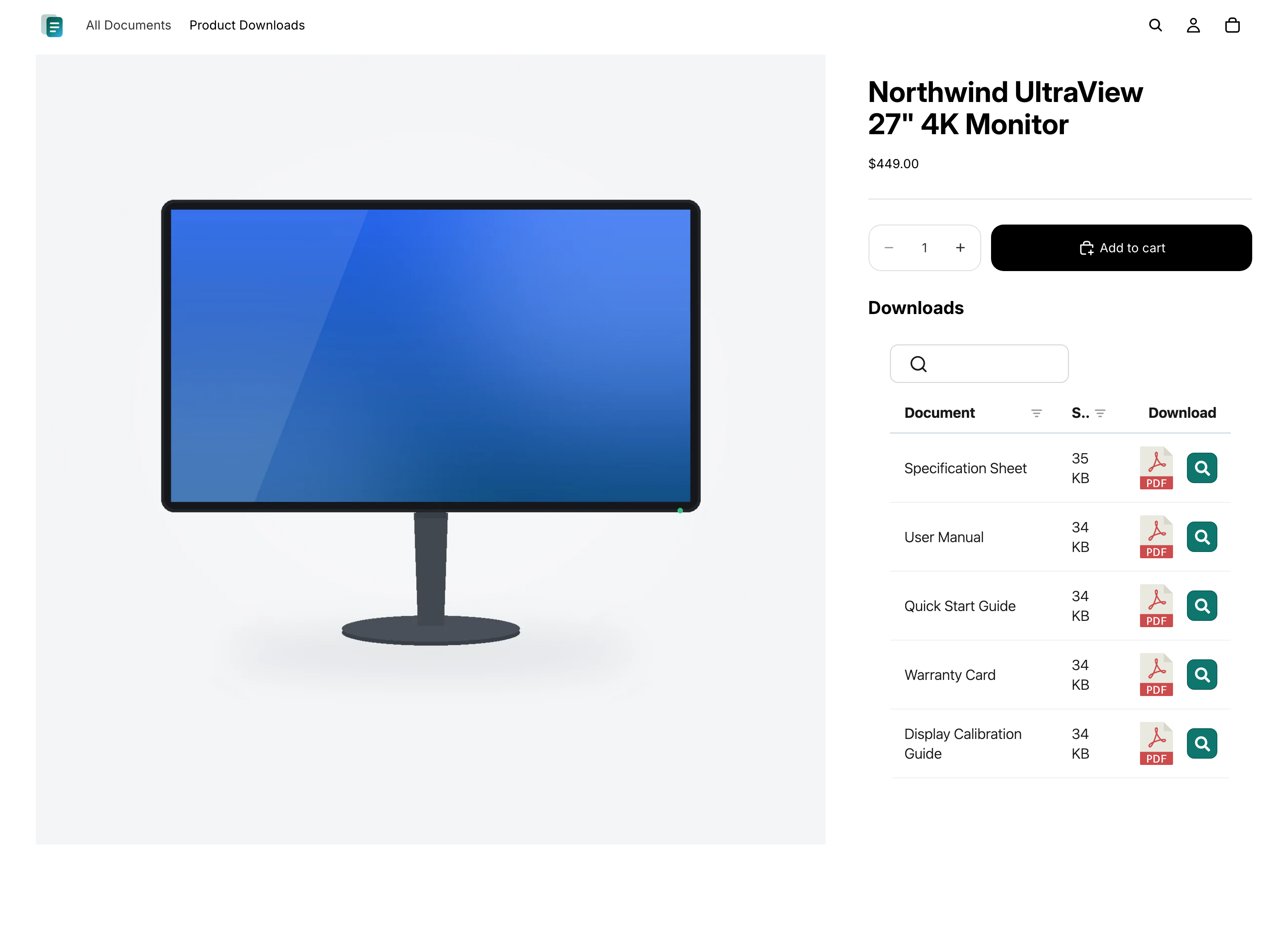
Documentos en cada producto
Muestra las fichas técnicas, manuales y certificados adecuados directamente en la página del producto, para que los compradores vean exactamente qué corresponde al artículo que están viendo.
Preguntas
Preguntas frecuentes
¿Puede Document Library Pro reducir los correos que preguntan dónde encontrar un documento?
Sí, si esos correos vienen de clientes que no encuentran el archivo correcto. Document Library Pro les ofrece una biblioteca con búsqueda y filtros en una página central o en la página de producto correspondiente. Así, el equipo de soporte puede dirigir a la gente a un lugar coherente en vez de adjuntar una y otra vez el mismo PDF.
¿Cómo evito que los clientes descarguen una versión desactualizada?
En el plan Advanced, el control de versiones y los documentos con caducidad automática ayudan con esto. El control de versiones te permite sustituir un documento en un solo lugar para que las bibliotecas muestren el archivo actual. Los documentos con caducidad automática te permiten fijar una fecha para documentos sensibles al tiempo, como certificados, para que se retiren en lugar de seguir disponibles después de caducar.
¿Puedo mostrar una carpeta de Google Drive o Dropbox en mi tienda de Shopify?
Sí. Conecta una carpeta compartida de Google Drive o Dropbox a una categoría de tu biblioteca de documentos, y cada archivo aparece en la biblioteca de tu tienda de Shopify como un documento con búsqueda y descarga. La biblioteca se mantiene sincronizada con la carpeta automáticamente, y no hacen falta claves API.
¿Debería obtener Document Library Pro aquí o en Shopify App Store?
Ambas opciones usan la misma biblioteca de documentos, así que tienes las mismas funciones en cualquier caso. Si vendes en Shopify, recomendamos instalar la app de biblioteca de documentos para Shopify - añade tus bibliotecas de documentos a tu tienda de la forma más sencilla, sin código, y se factura a través de tu cuenta de Shopify. Regístrate aquí en nuestro sitio web si quieres insertar la misma biblioteca de documentos en más sitios además de Shopify (por ejemplo, tu sitio web, un centro de ayuda u otra plataforma).
¿Necesito editar código o mi tema?
No. La app de Shopify crea una página Documents para ti y añade un botón “Insertar biblioteca de documentos” a tus páginas de producto. Si te registras aquí en nuestro sitio web, pegarás un código de inserción corto en la vista HTML de una página de Shopify o en la descripción de un producto - sin editar el tema.
¿Hay un plan gratuito?
Sí. La app gratuita de biblioteca de documentos para Shopify te da una biblioteca de documentos con hasta 10 documentos. Los planes de pago añaden documentos ilimitados, varias bibliotecas de documentos, importación en lote, bibliotecas de documentos protegidas con contraseña, control de versiones y más.
Añade una biblioteca de documentos a tu tienda Shopify
Comparte especificaciones de producto, manuales y guías en una biblioteca de documentos con búsqueda que tus clientes puedan explorar y descargar. Instálala gratis desde Shopify App Store.